
Loading...
Loading...
Use BeatMV's AI Character Generator to create consistent character sheets for music videos, storyboards, avatars, and visual campaigns.
Fixed layout: Close-up + Full body + Side + Back
Build character references that are easier to reuse across scenes.
BeatMV creates a fixed character-sheet layout with close-up, full-body, side, and back views. This helps you keep outfits, hair, face shape, and shoes aligned before using the character in music video scenes or storyboards.
Start from a written prompt, uploaded reference images, or both. BeatMV checks each model's reference-image support before generation, so you know when a model supports text only, one reference, or multiple references.
Choose from SeedDream, Z-Image, Nano Banana, FLUX, and GPT-4o image models. Each model shows its credit cost clearly, letting you balance speed, detail, and reference-image support before you generate.
Generate faster 1K drafts or sharper 2K character references. The output mode keeps the same character-sheet format, so you can test ideas quickly and then create a higher-detail version when the design is ready.
BeatMV's AI Character Generator is designed for creators who need reusable performers, dancers, artists, and story characters. Save the result as a character and bring it into your AI music video workflow.
Anyone can open the AI Character Generator page and explore the controls. When you click Generate, BeatMV asks you to sign in first so credits, saved characters, and generated results stay attached to your account.
Use BeatMV to shape reusable characters before production starts.
Create a lead performer, dancer, band member, or story character before building a full AI music video. The character sheet gives you reusable visual anchors for prompts, scenes, costumes, and camera references.
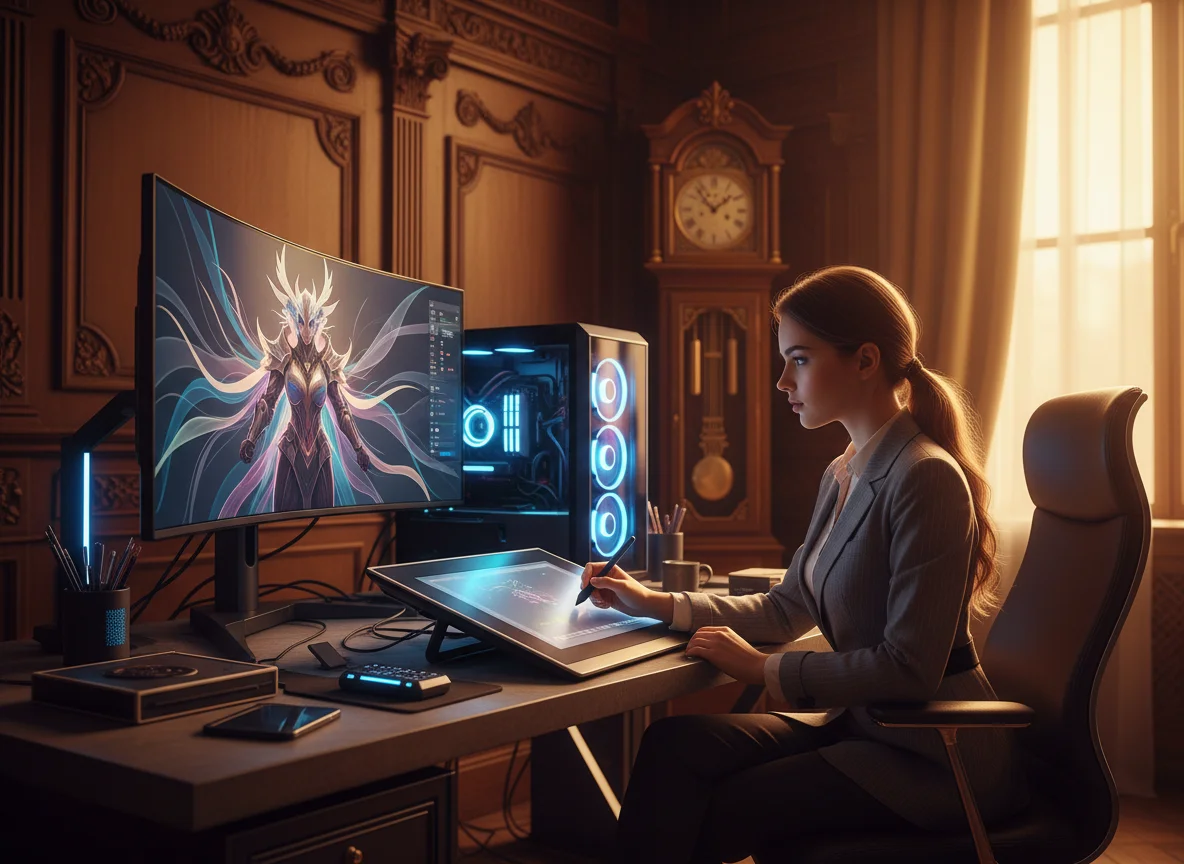
Turn a rough idea into a clear reference sheet with close-up, full-body, side, and back views. Directors and creators can use the sheet to keep future images and video prompts consistent.
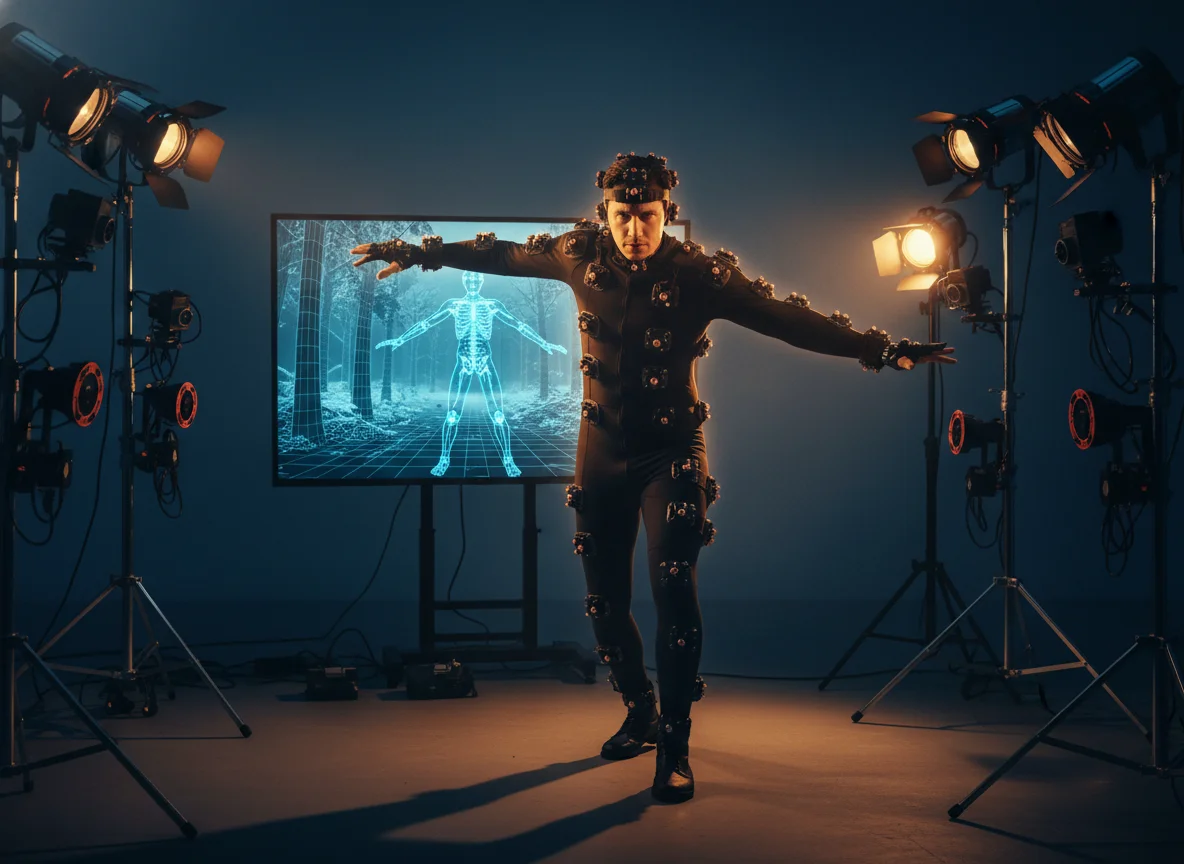
Design a fictional artist, virtual singer, mascot, or avatar with a defined outfit and visual identity. BeatMV helps you move from a written persona to a shareable character concept.
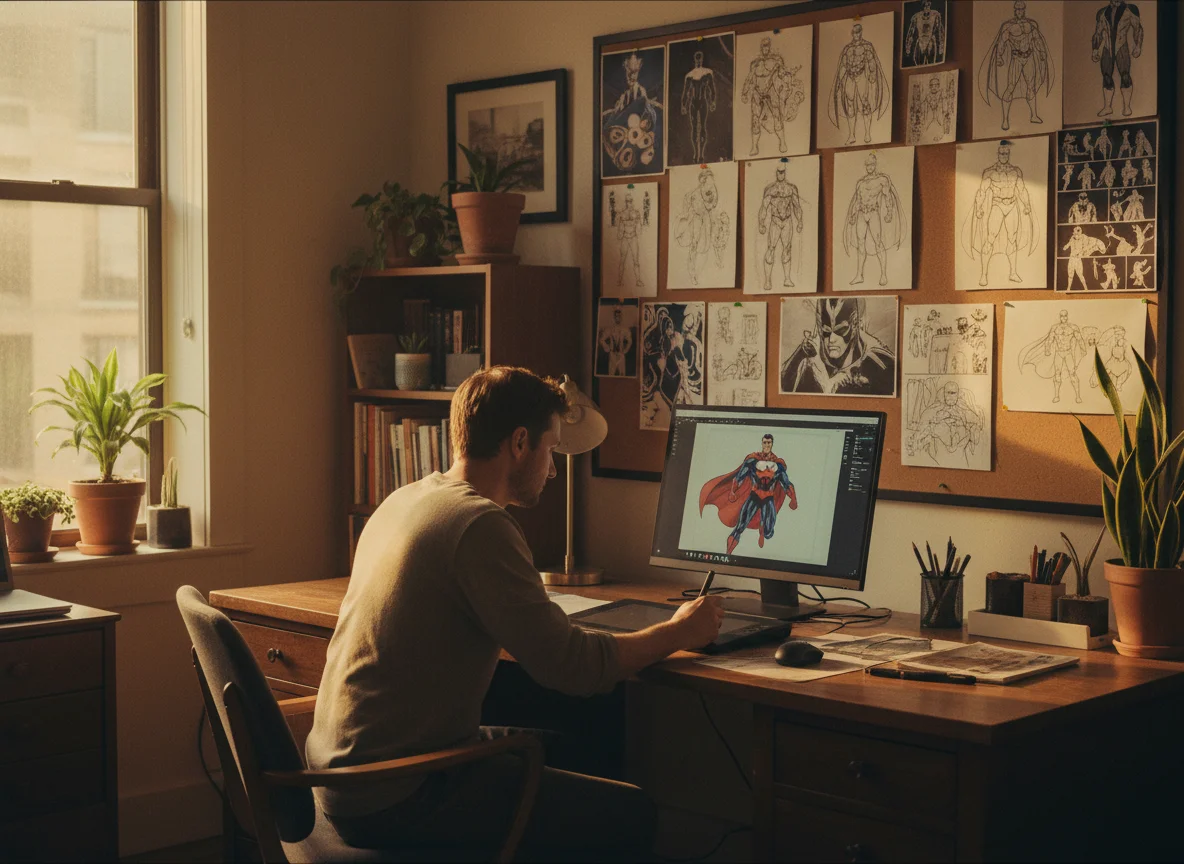
Use character sheets to align cover art, short-form clips, lyric videos, and promotional scenes around one memorable figure. This keeps a release campaign visually recognizable across channels.
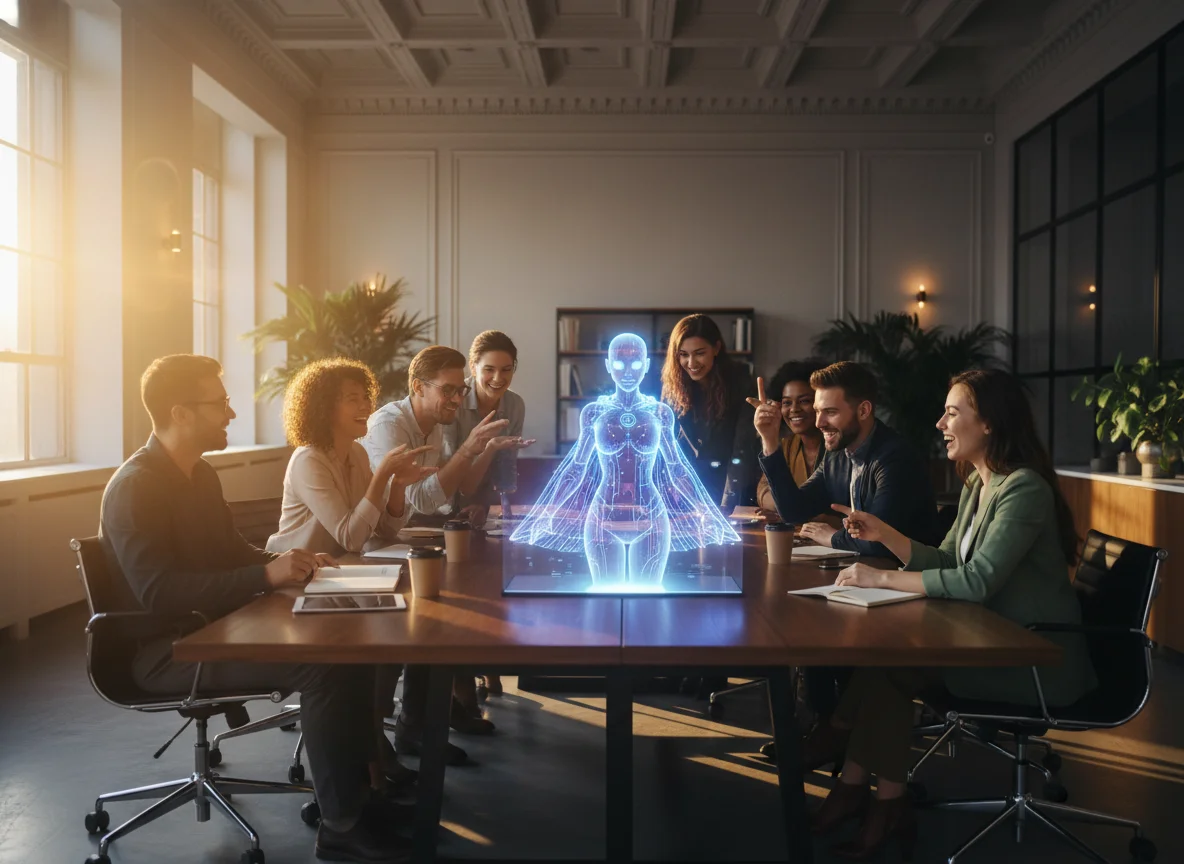
Create characters that fit music-first visual workflows.
Describe the character in plain English and let BeatMV handle the visual draft. You can start with a simple idea, then refine details like outfit, mood, hair, and shoes.
Upload existing inspiration images when the selected model supports references. BeatMV keeps the process clear by disabling model options that cannot handle your current reference setup.
The character generator connects naturally with BeatMV's music video tools. Save a generated sheet as a character, then reuse it when planning performers and visual scenes.
Generation requires sign-in so credits, saved characters, and project assets stay tied to your account. You can browse the page first, then sign in only when you are ready to generate.
Creators use BeatMV to plan characters before video production.
I used BeatMV to create a character sheet before writing scene prompts. Having the close-up, side, and back views helped me describe the same dancer across multiple shots without losing the outfit details.
Maya Collins
Music Video Director
My release needed a fictional frontman for cover art and video clips. BeatMV turned a rough prompt into a usable AI character sheet that made the whole campaign feel more connected.

Ethan Parker
Independent Artist
Before BeatMV, our team kept debating abstract character descriptions. Now we generate a sheet, review the views together, and decide what to change before spending credits on full video scenes.

Rachel Nguyen
Creative Producer
Create a reusable character sheet in three simple steps.
Add reference images if you already have a face, outfit, or style direction. If not, start from text only and let BeatMV build the first visual concept.
Write a clear prompt with age, style, clothing, hair, mood, and shoes. Choose an image model and output resolution that match your reference needs.
Click Generate, sign in if needed, and wait for the sheet. When the result looks right, save it as a character for future music video work.
Answers about BeatMV character generation, references, credits, and rights.
Open BeatMV AI Character Generator, shape a reusable character sheet, and sign in when you are ready to generate.
Try AI Character Generator Now