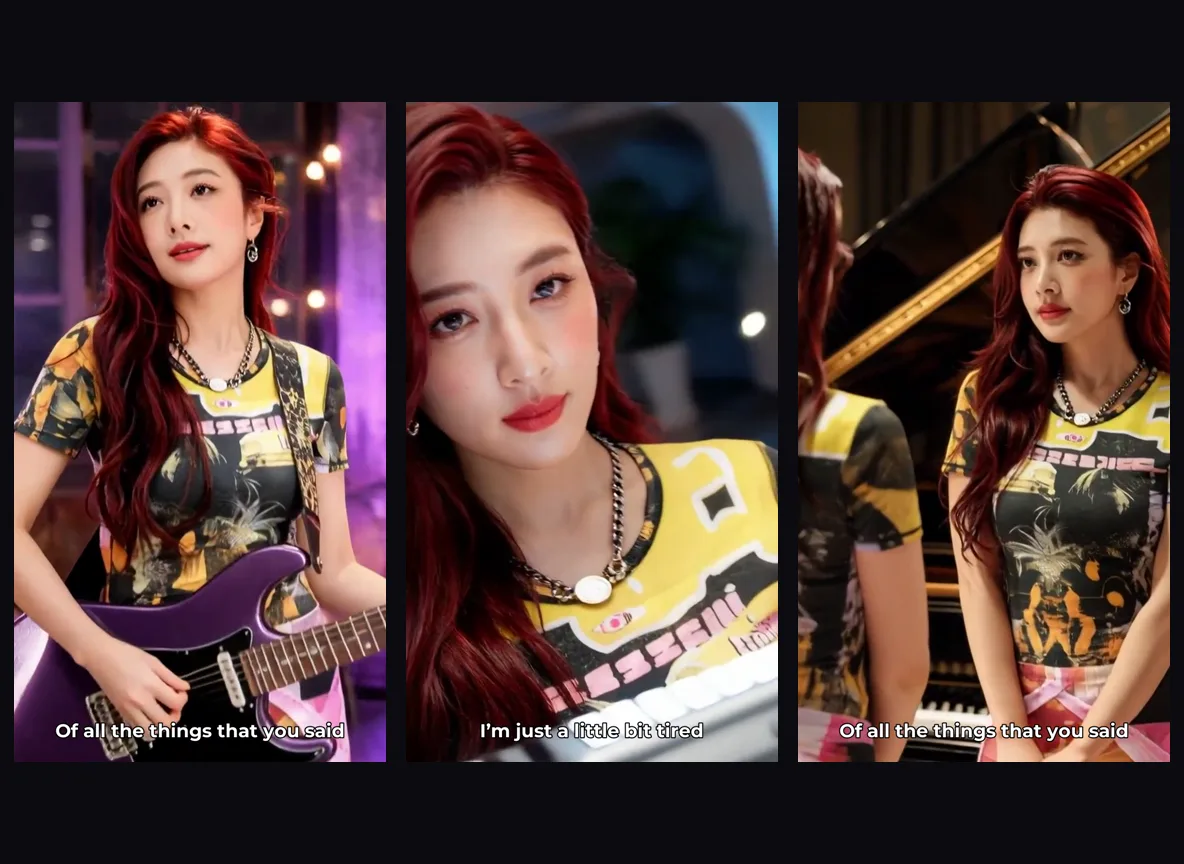
Loading...
Loading...
Drop in your song and get a lyric video where every word lands on the beat and AI scenes match the mood. Comes preset for singing mode. Export an MP4 ready for YouTube, Reels, or TikTok.
Recommended song length: around 1 minute.
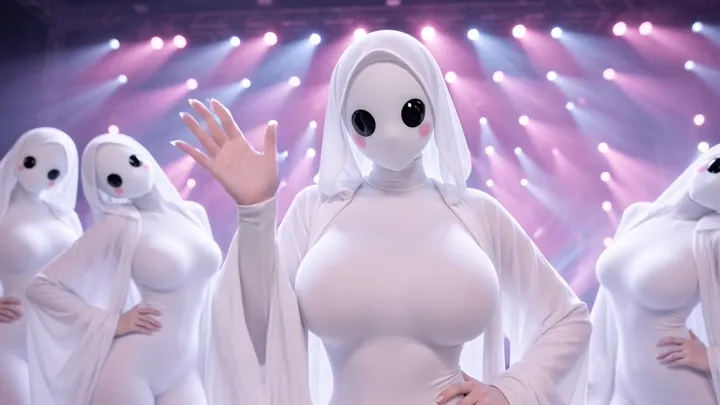 02:22
k-pop, dance, night rooftop, concert stage
 00:59
cinematic, romantic
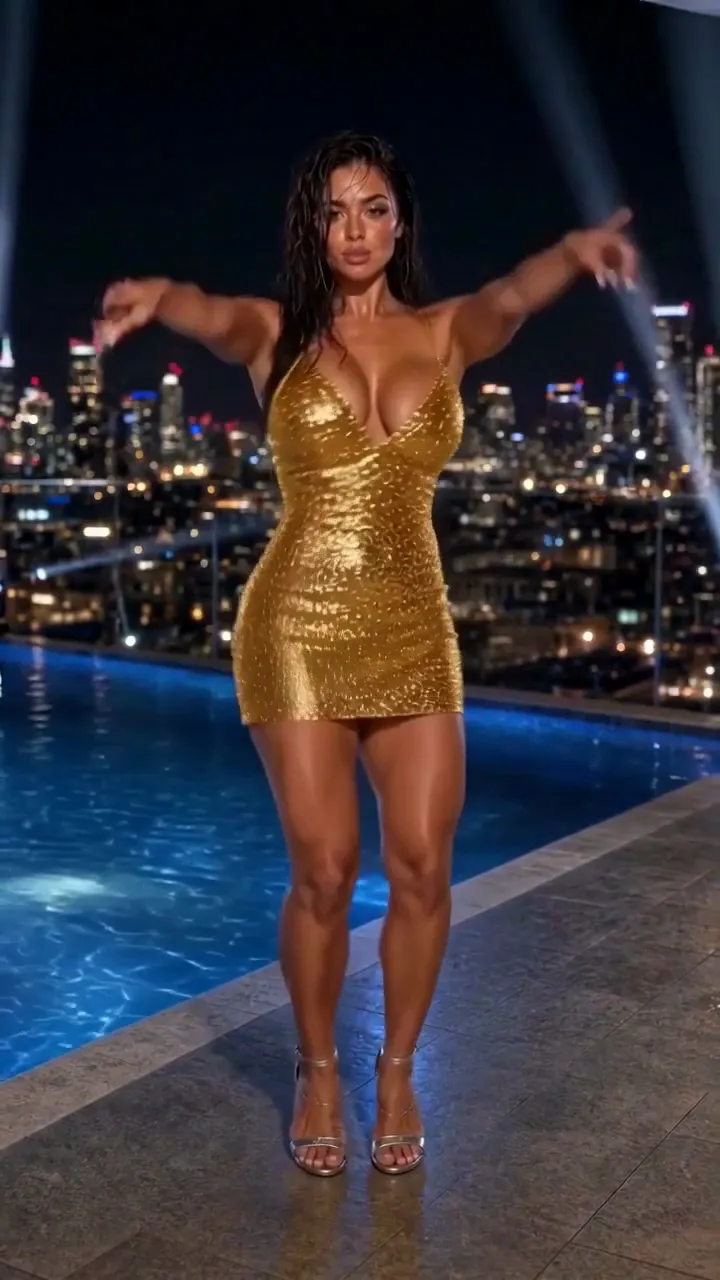 01:00
beat-synced dance, rooftop pool, stage spotlights
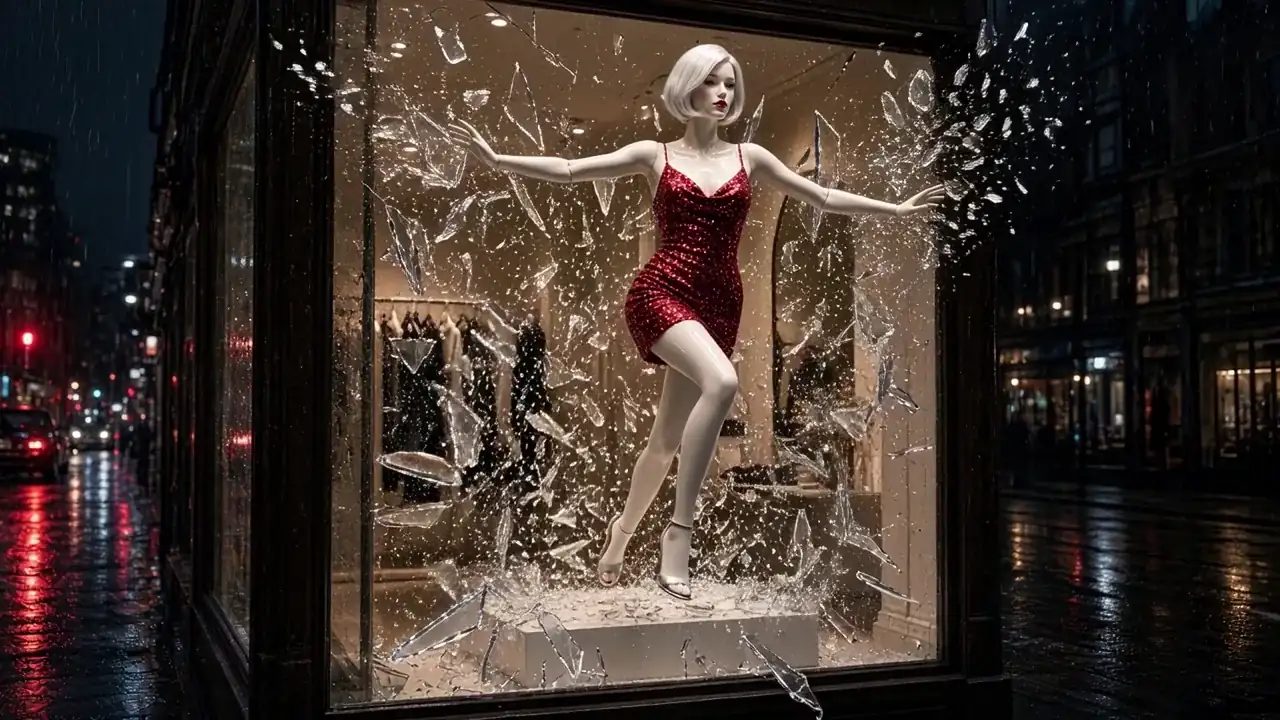 01:00
mannequin, shop window, rainy night
 02:01
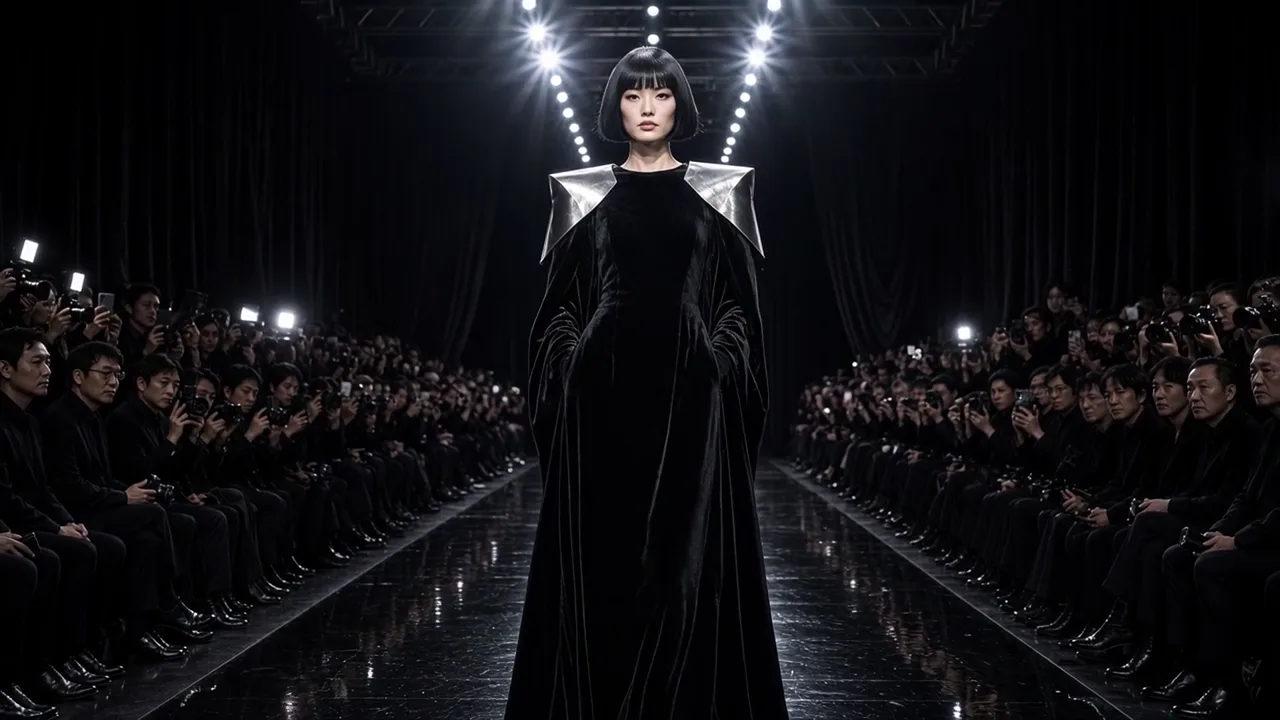
Fashion show, black velvet runway, avant-garde couture
 00:18
pet dance, ballroom, disco
 01:08
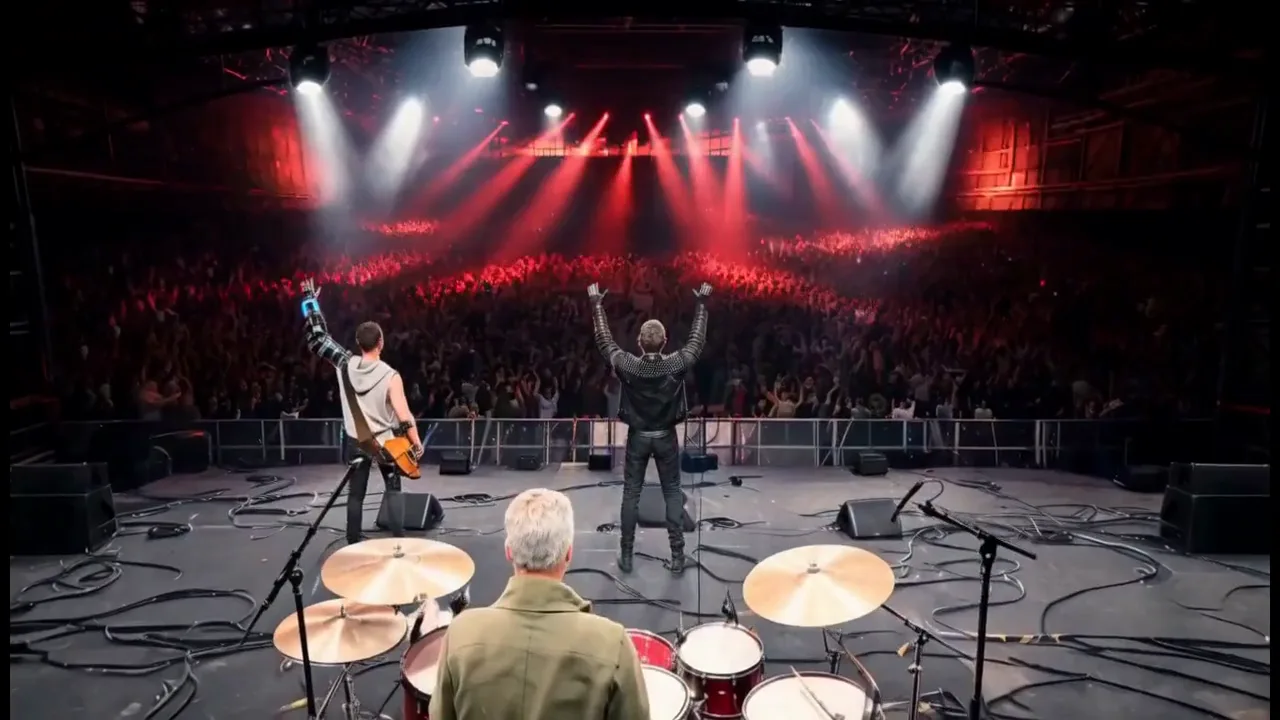
rock, live concert, industrial stage
 00:42
cinematic, Hong Kong, Christmas
 00:59
cinematic, shot-by-shot, filmic
 00:58
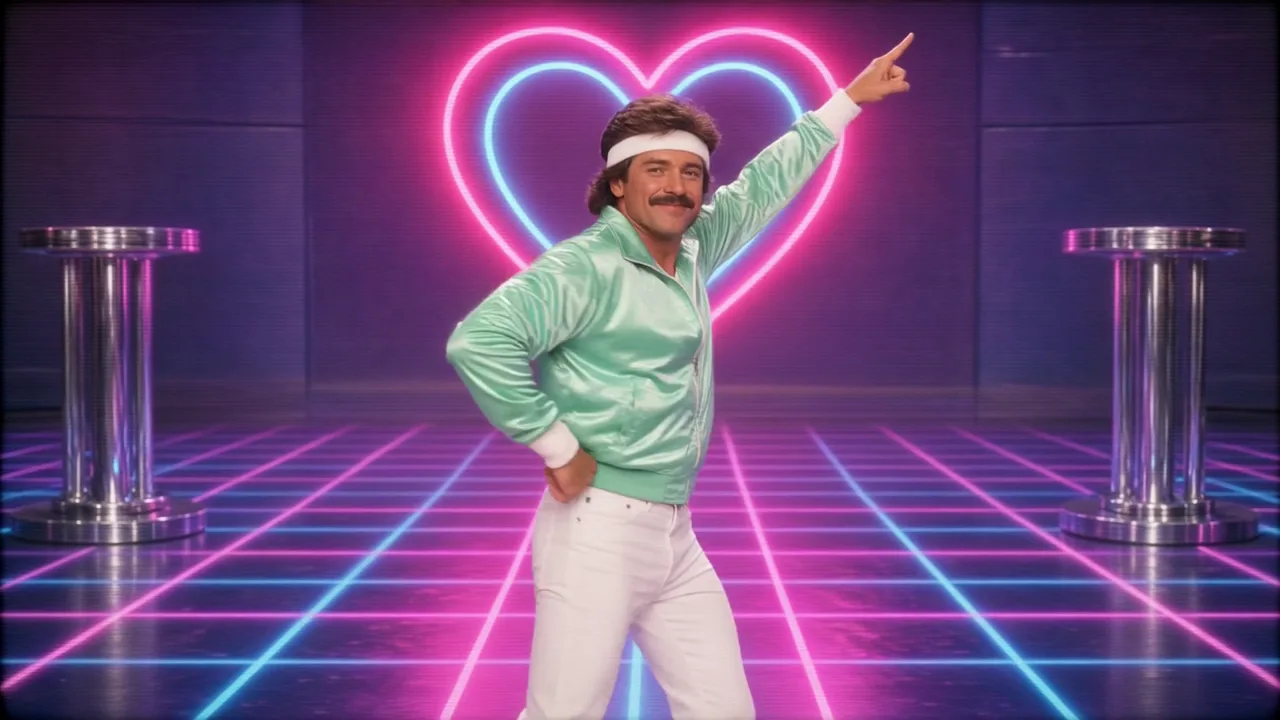
1980s VHS infomercial, retro, neon
 02:21
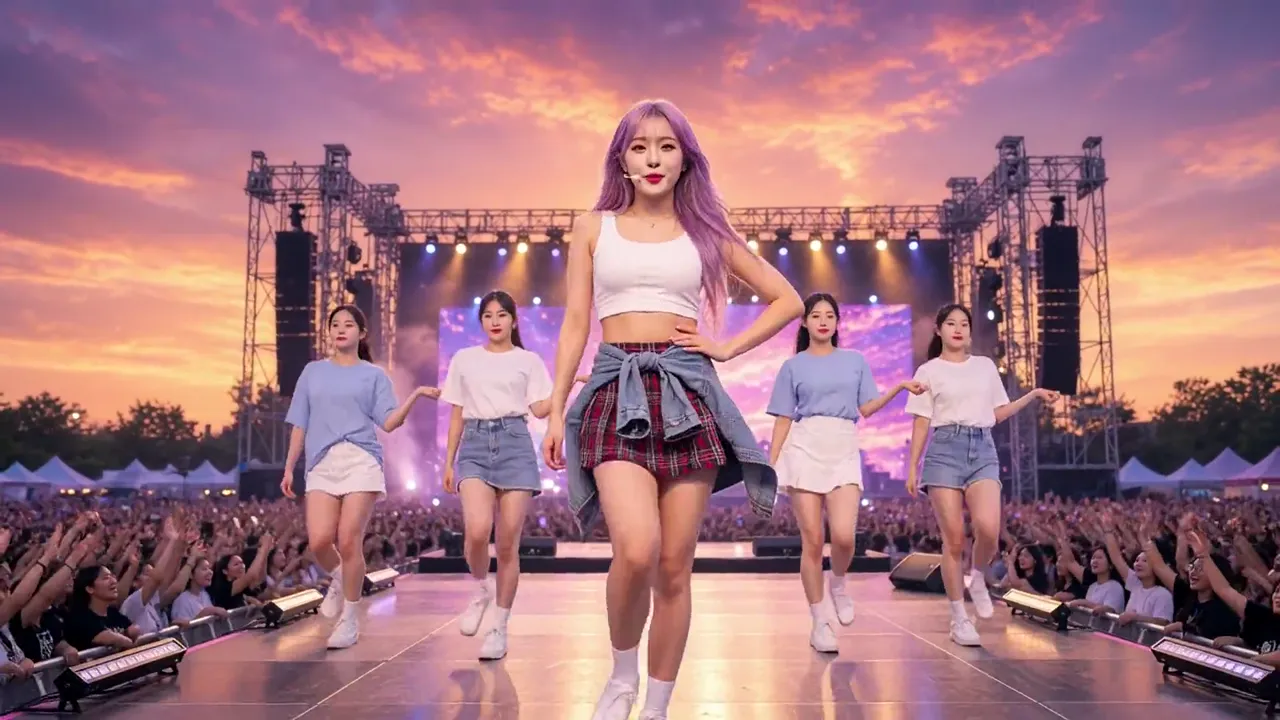
K-pop, sunset festival, road trip story
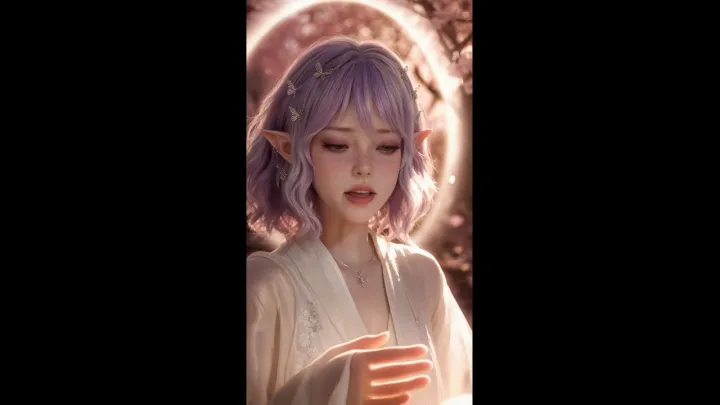 00:59
cinematic, sakura, dreamy
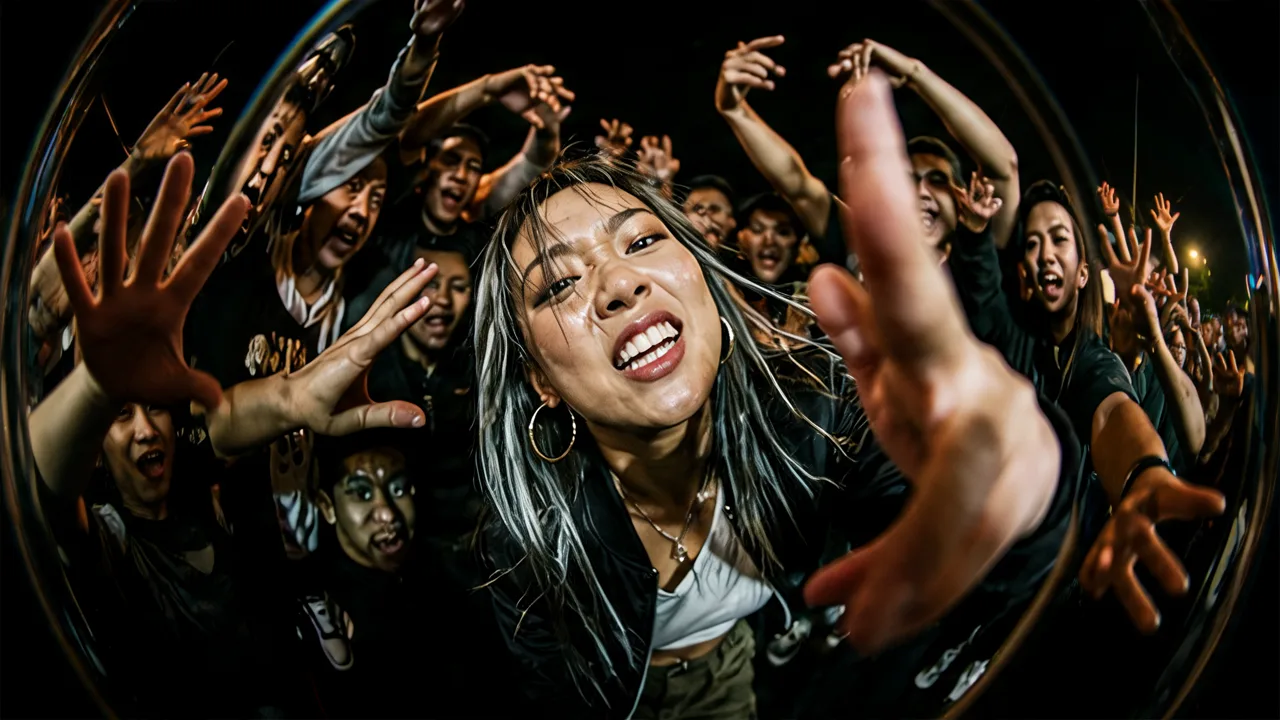 00:30
hip-hop, street dance, fisheye
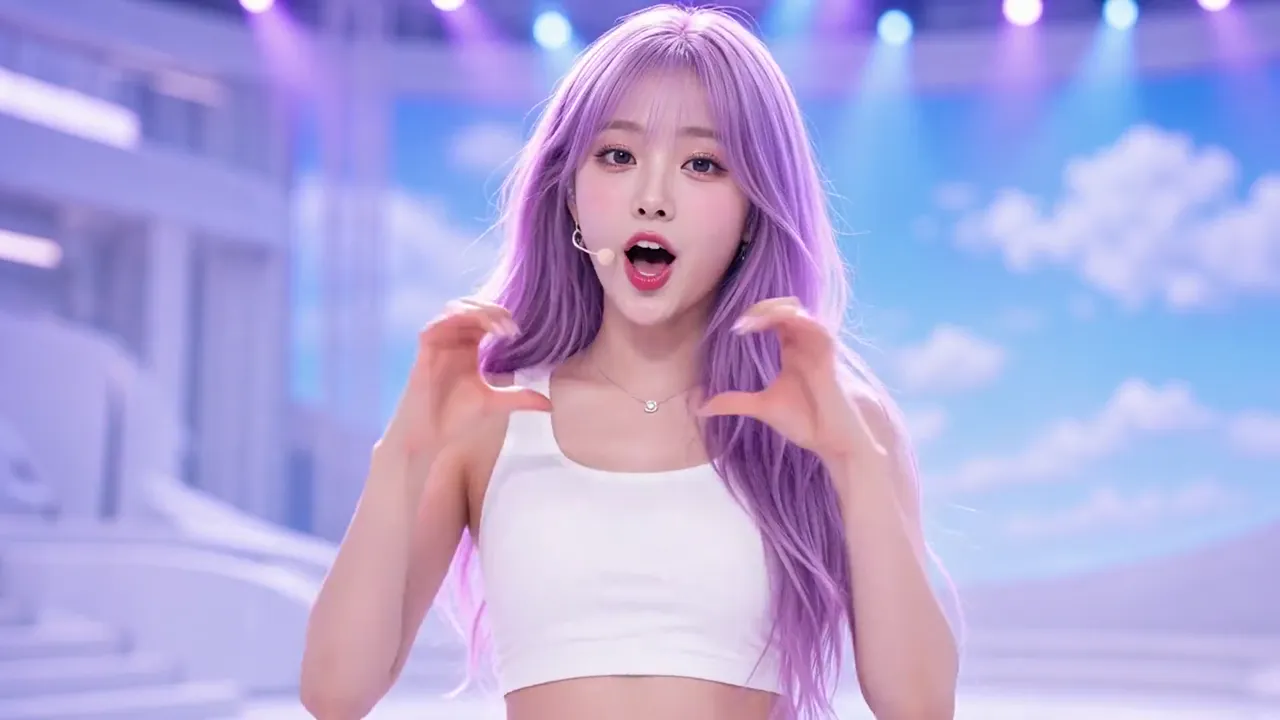 02:22
K-pop, live stage, seaside travel story
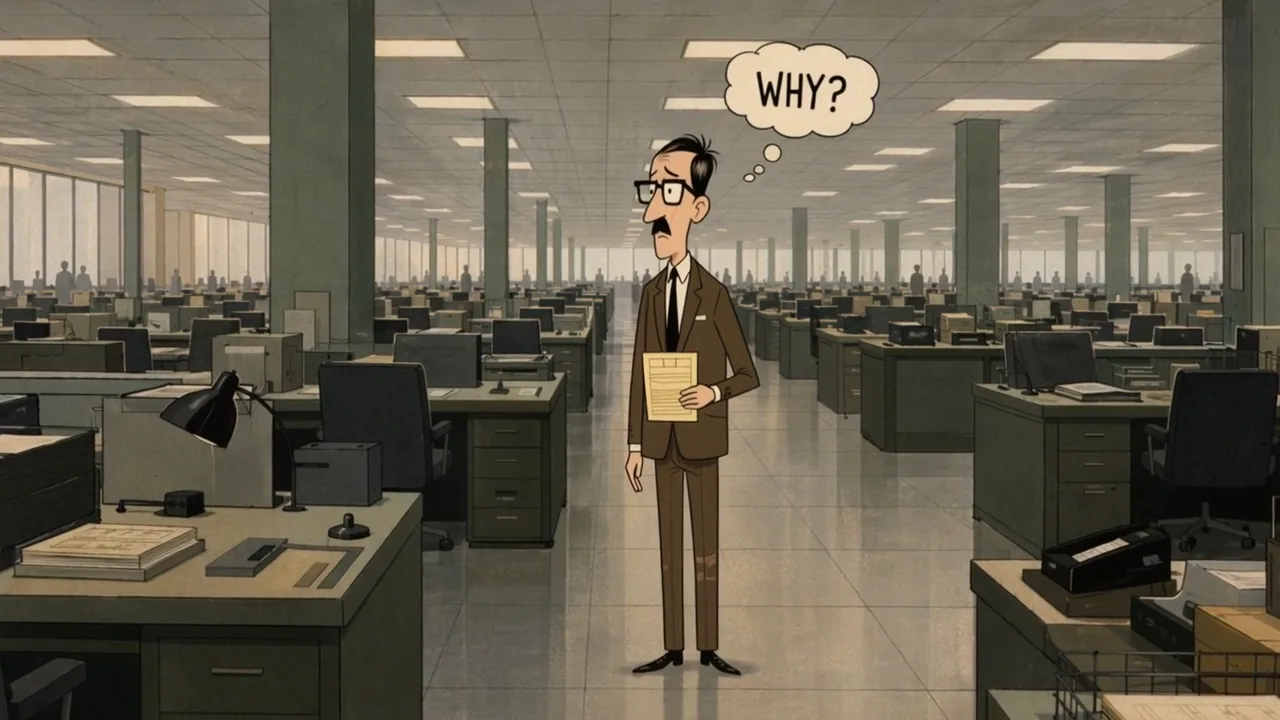 00:45
retro cartoon, satire, office SFX
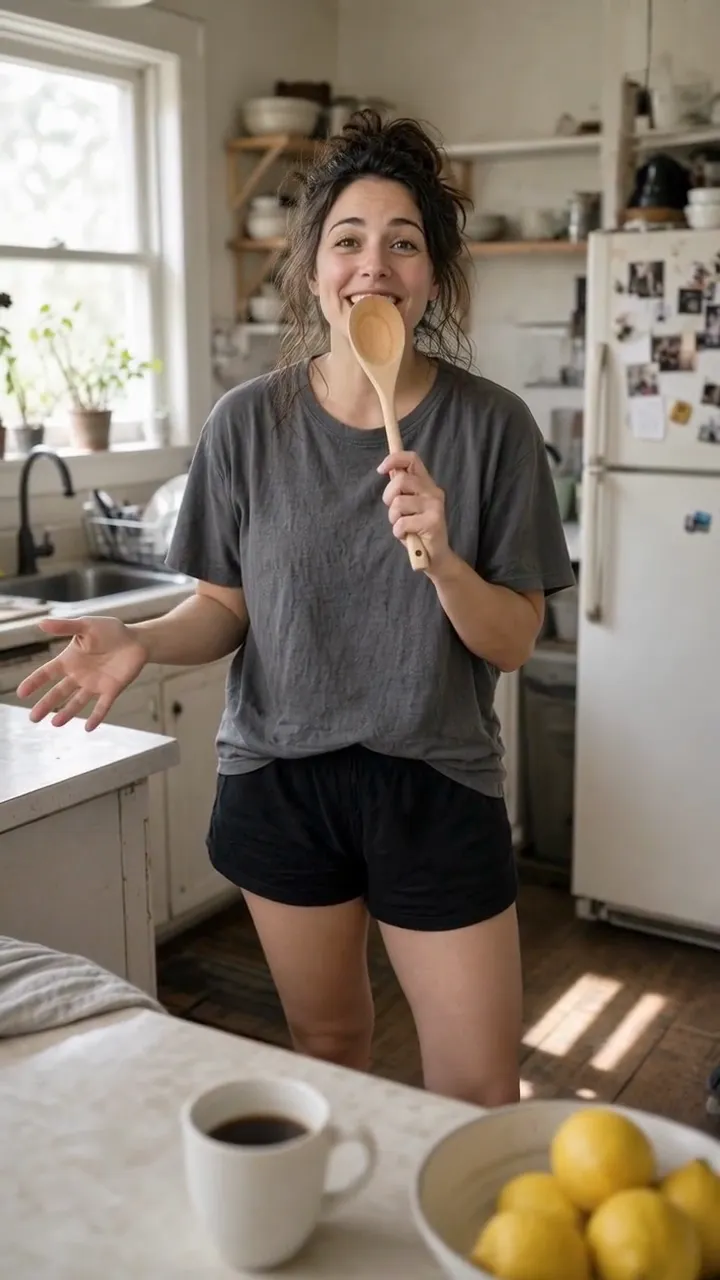 00:30
home dance, handheld phone, natural light
 01:03
cinematic, warm, café
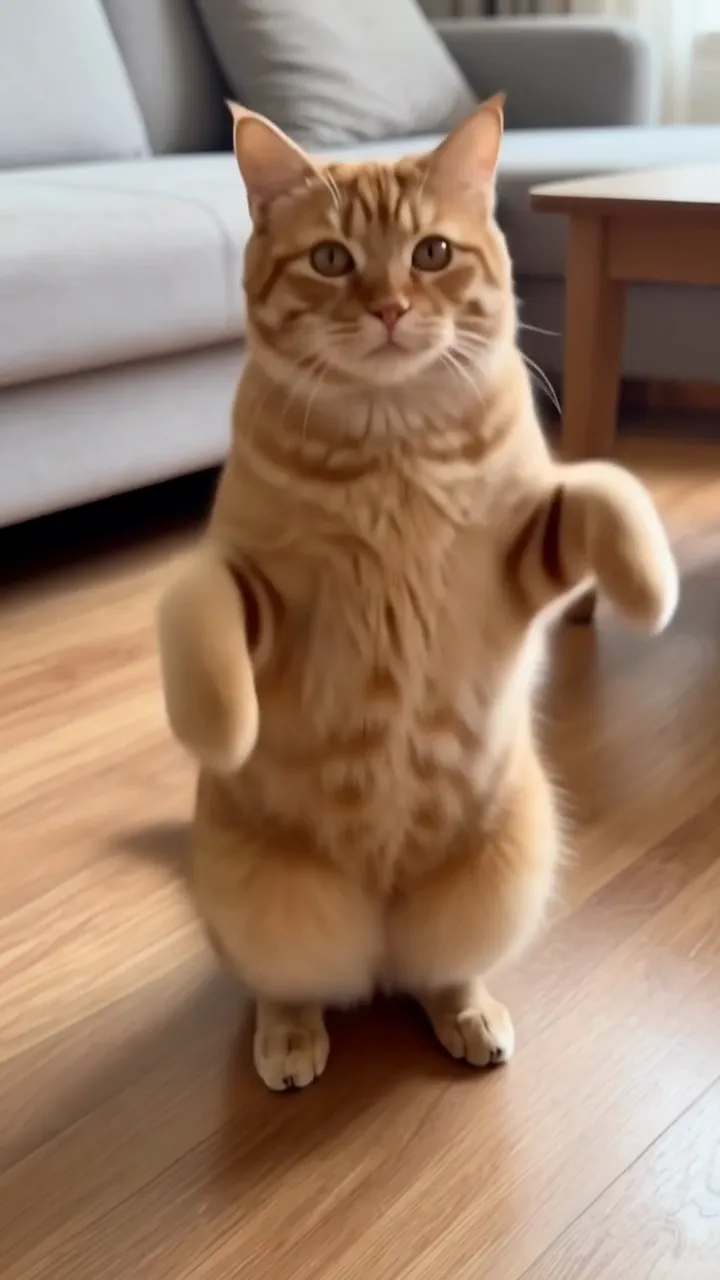 00:16
photo to dance, pet, living room
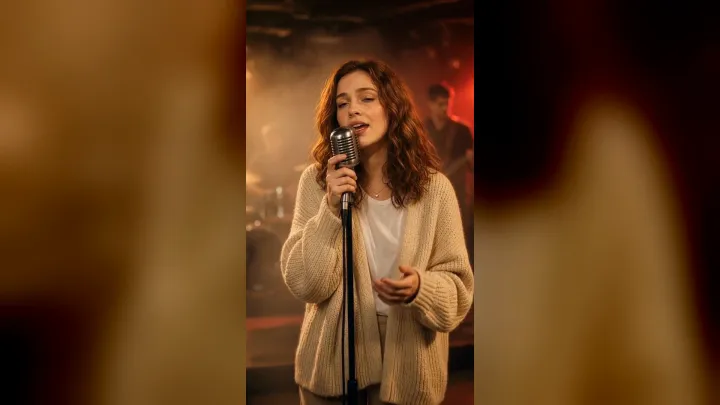 00:40
concert, livehouse, warm amber
 01:00
Brazilian funk, backyard barbecue, handheld phone
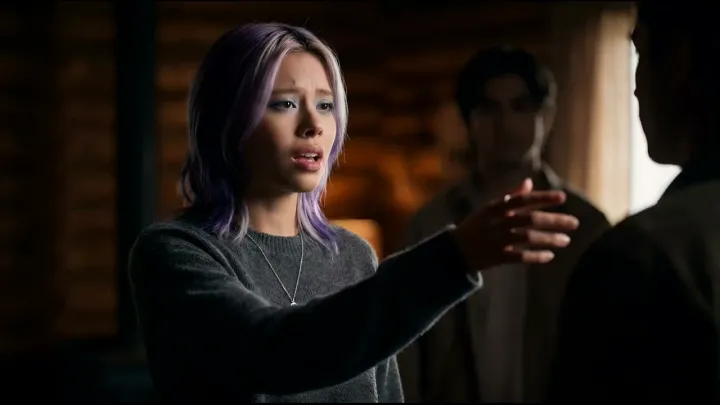 00:59
cinematic, rainy, romantic
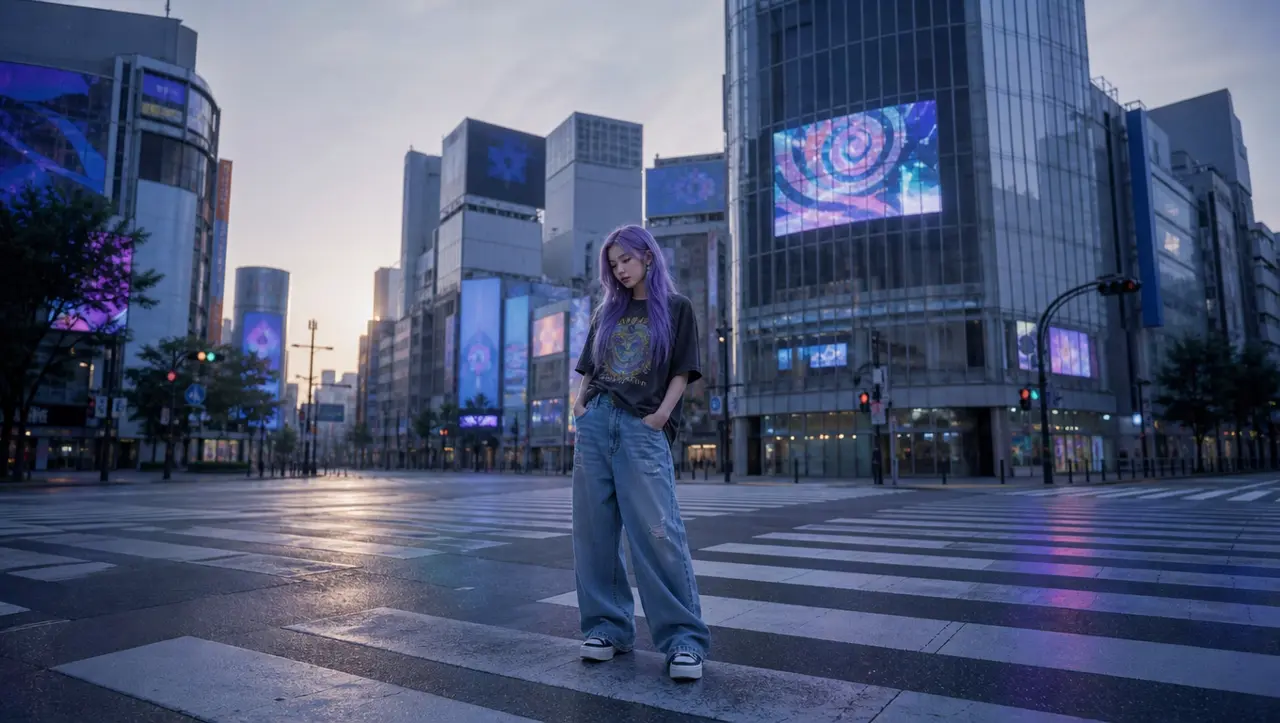 00:59
y2k, psychedelic
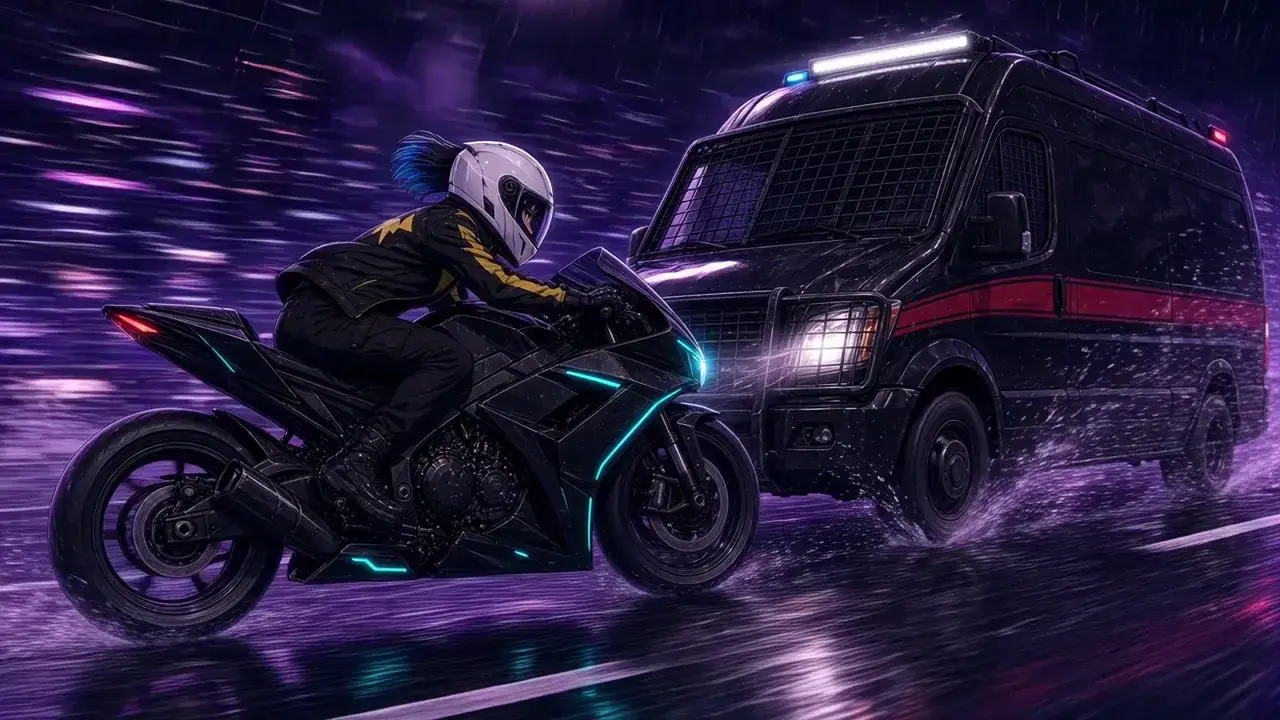 01:37
anime, motorcycle chase, neon storm
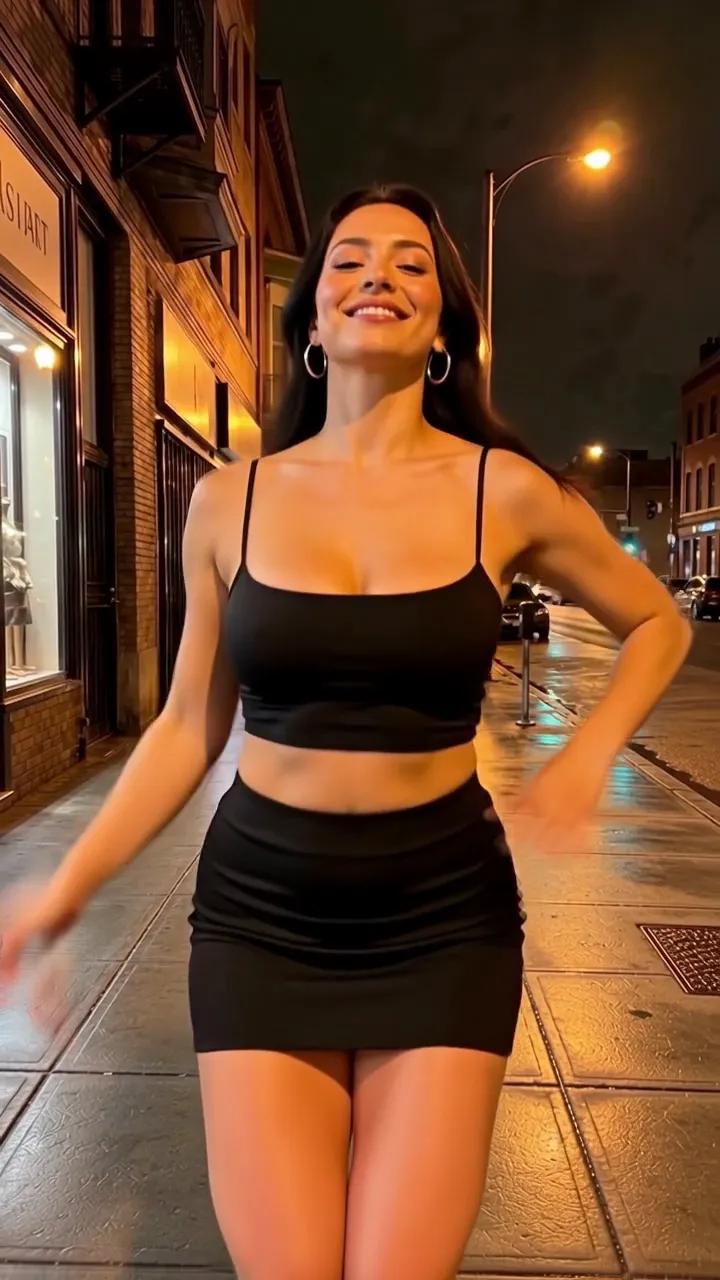 00:30
dance, night street, handheld
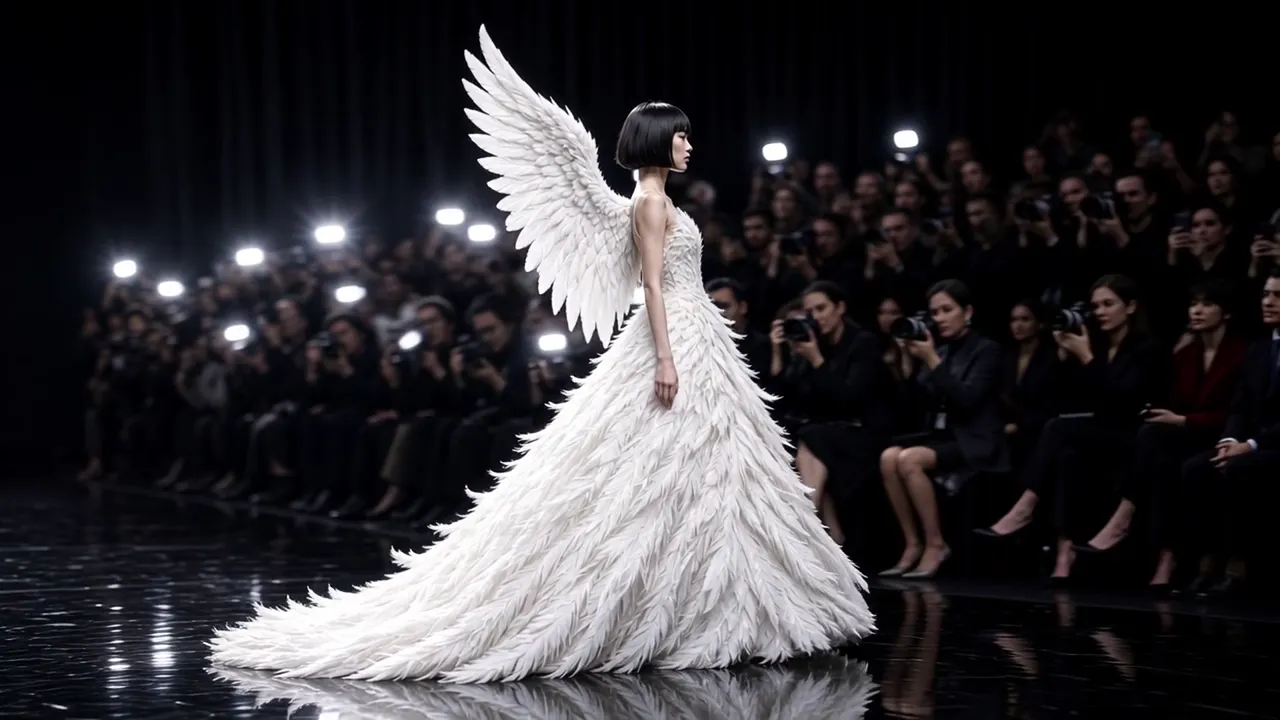 03:12
Fashion show, white couture collection, runway
 01:18
cinematic, rainy night train, reunion
Discover the standout features of BeatMV's AI tool.
Pick the style, mood, and animation feel for your lyric video, scene by scene. BeatMV lets you adjust visuals until they match your song, so no two lyric videos ever look the same.
Make lyric videos in English, Spanish, Japanese, Chinese, and many more languages. BeatMV reads your song's lyrics and times each line to the beat, so global fans can follow along in their own language.
BeatMV fits into the tools you already use. Import songs from Suno or Udio, upload MP3 or WAV files, and export MP4 videos sized for YouTube, TikTok, and Instagram without extra converters.
Animated text moves with your music instead of just sitting on screen. BeatMV syncs every lyric line to the beat and adds scene effects that match the energy, from calm ballads to heavy drops.
No editing software to learn. Upload your song, answer a few simple prompts, and the AI lyrics video generator builds the whole video for you. Most creators finish their first lyric video in one short session.
BeatMV analyzes your song in seconds and renders lyric scenes in parallel. A complete lyric video is usually ready in minutes, so you can publish while your track is still fresh and trending.
Exploring diverse scenarios with our tool.
Lyric videos keep viewers watching longer, and watch time drives revenue. Use BeatMV to turn every song into a monetizable YouTube upload with synced text and engaging scenes. Channels that post lyric videos regularly grow faster because fans replay and share the words they love.

Promote a new release with a lyric video instead of a static cover. BeatMV matches animated text and visuals to your song's hook, giving fans something to share on every platform. One track becomes a teaser, a full video, and a set of clips for ads.
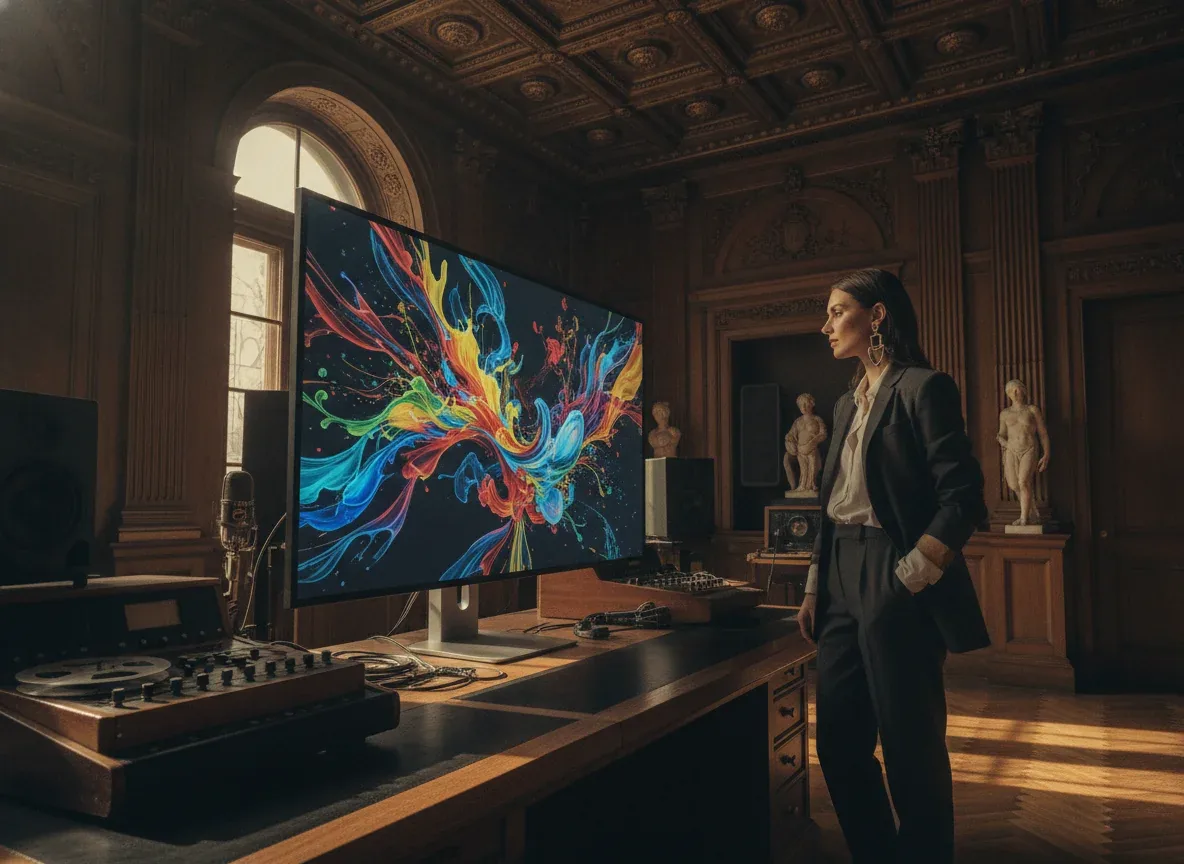
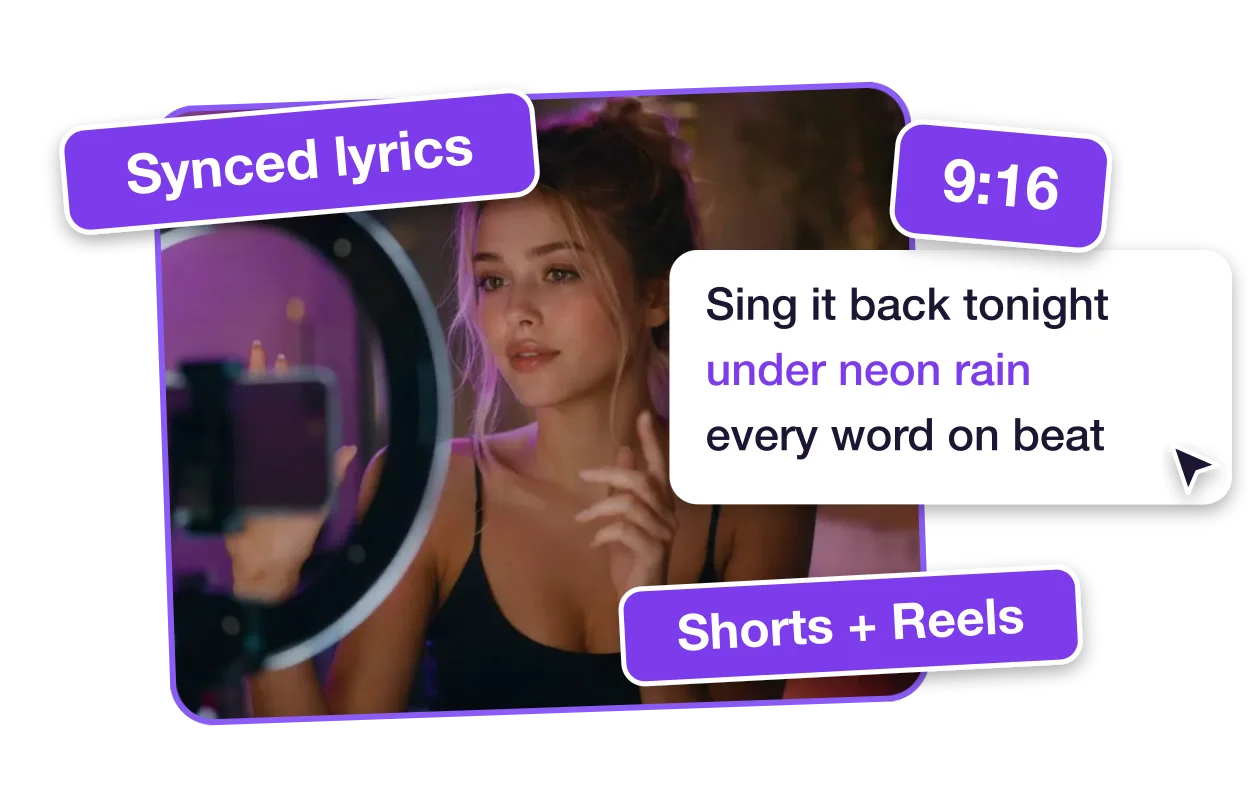
Songs with on-screen lyrics perform better on TikTok, Reels, and Shorts because viewers watch with the sound low and still follow along. BeatMV exports vertical lyric videos sized for each platform, so your music stops the scroll and your words do the talking.
Teachers and language learners use lyric videos to make words stick. Turn a study song into a video where each line appears right on beat, helping students read, sing, and remember. BeatMV makes the whole process quick enough to build one for every lesson.
Discover the benefits of using BeatMV.
Try the AI lyrics video generator without paying first. Free credits let you build a full lyric video, test animation styles, and judge the quality yourself. No card is required to sign up, so you only pay once BeatMV has proven it fits your workflow.
Your songs and lyrics stay yours. BeatMV stores uploads securely in your account, never shares or sells them, and lets you delete projects anytime. Unreleased tracks stay private until you decide to publish, which matters when you are working ahead of a release date.
Lyric videos export in sharp high resolution with smooth animation and film-style color. Text stays readable on a phone screen and crisp on a TV. If any scene misses the mark, regenerate just that scene until the whole video meets your standard.
Everything runs in one simple flow: upload the song, choose a direction, and generate. No timelines, keyframes, or plugins. If you can type a song title, you can finish a complete lyric video with BeatMV on your very first try.
See how BeatMV transformed their projects.
Using BeatMV's deep customization feature, I transformed my music videos effortlessly. Before, I struggled with complex editing tools. Now, my videos are unique and engaging, enhancing my music's appeal.

John Smith
Music Producer
BeatMV's multi-language support allowed me to reach a wider audience. I used to create videos in one language. Now, my content is accessible globally, and my followers have increased significantly.

Emily Johnson
Content Creator
With BeatMV's unique animation effects, my videos stand out on social media. I used to worry about content engagement. Now, my posts are more attractive, and engagement has doubled.

Michael Brown
Social Media Influencer
Keep creating with related BeatMV tools for music, lyrics, vocals, visuals, and full music video production.
Turn the same song into a complete AI music video with an editable storyboard, narrative scenes, character references, and shot-by-shot control.
Follow these simple steps to get started.
Upload your song as an MP3 or WAV file, or import a track from Suno or Udio. BeatMV reads the lyrics, mood, and structure to prepare your lyric video scenes.
Choose a visual style and mood, then pick how the lyrics should appear. BeatMV builds a scene-by-scene storyboard with synced text, and you can adjust any scene before the final render.
Generate the video, preview every lyric scene, and regenerate any shot you want to improve. Then download your lyric video as MP4, sized for YouTube, TikTok, or Instagram in high resolution.
Answers to common questions about BeatMV.
You can open the page and upload a song without paying. Generating needs a free account, and new accounts get at least 10 free credits. Free accounts can use up to 60 seconds of audio per video. Images and video clips use credits, and the storyboard shows an estimated credit total before auto-generation starts.
Yes. BeatMV analyzes your song to find the lyric lines and their timing, and you can switch synced lyrics on in the editor so they are burned onto the exported video. If no lyrics are detected, the video exports without subtitles. You can adjust the subtitle style before export.
Yes. Choose 9:16 vertical before you generate for TikTok, Reels and Shorts, or 16:9 for YouTube. Exports default to 720p, which is 720x1280 for vertical and 1280x720 for widescreen. Square video is not supported yet.
BeatMV does not add its own watermark or logo to exported videos. The only text added is your lyric subtitles, and you can turn those off. Credits are charged for the AI images and video clips used to build your video.
Instead of placing words over a template, BeatMV analyzes your song and builds a storyboard of AI-generated scenes, then renders them into one video. You can pick the Fast, Script or Lite workflow and review the scenes before exporting. Lyrics can then be added as synced subtitles.
Upload MP3 or WAV files (MP4 and MOV also work) up to 100MB. You can also import a Suno or Udio link, or a YouTube or SoundCloud link once signed in. Free accounts can use up to 60 seconds of audio per video, and paid plans allow up to 10 minutes.
Fast takes your music and automatically builds the storyboard, images and videos. Lite is a one-click version where AI writes the story, plans shots on the beat and renders storyboard images for you to review. Script lets you confirm a script, characters and scenes before the storyboard is made.
Yes. After the storyboard is generated, you can review each scene in the editor and regenerate individual images or clips instead of starting over. Regenerating spends credits again for that scene, so check the estimated credits shown in the editor first.
Paid plans include a Commercial License. Videos made with free sign-up credits are not covered by that license. Make sure you also hold the rights to the song and lyrics you upload.
Yes. Paste a Suno or Udio song link into the music import box and BeatMV fetches the audio for you. YouTube and SoundCloud links also work once you are signed in. You can also upload the exported MP3 or WAV file directly.
Your lyrics deserve to be seen, not just heard. Start free with BeatMV's AI lyrics video generator and publish your first synced lyric video today.
Try Ai Lyrics Video Generator Now