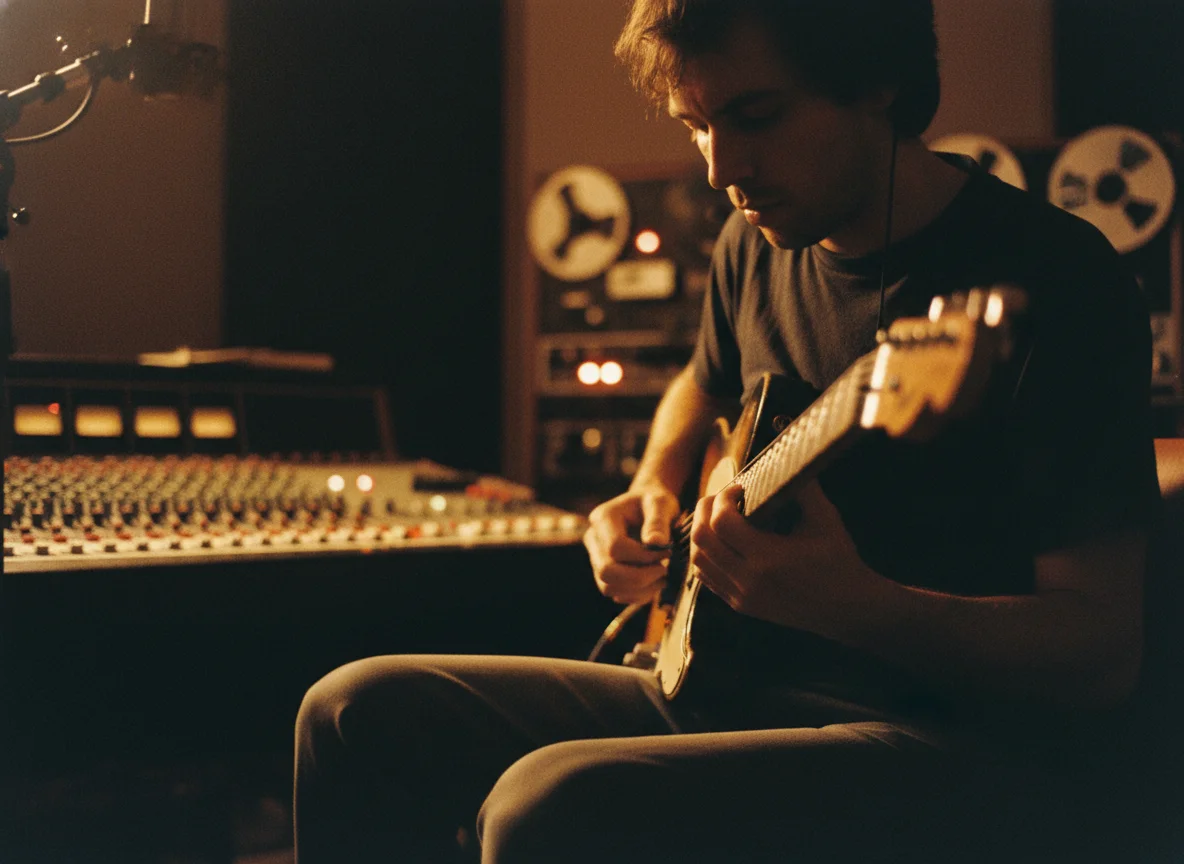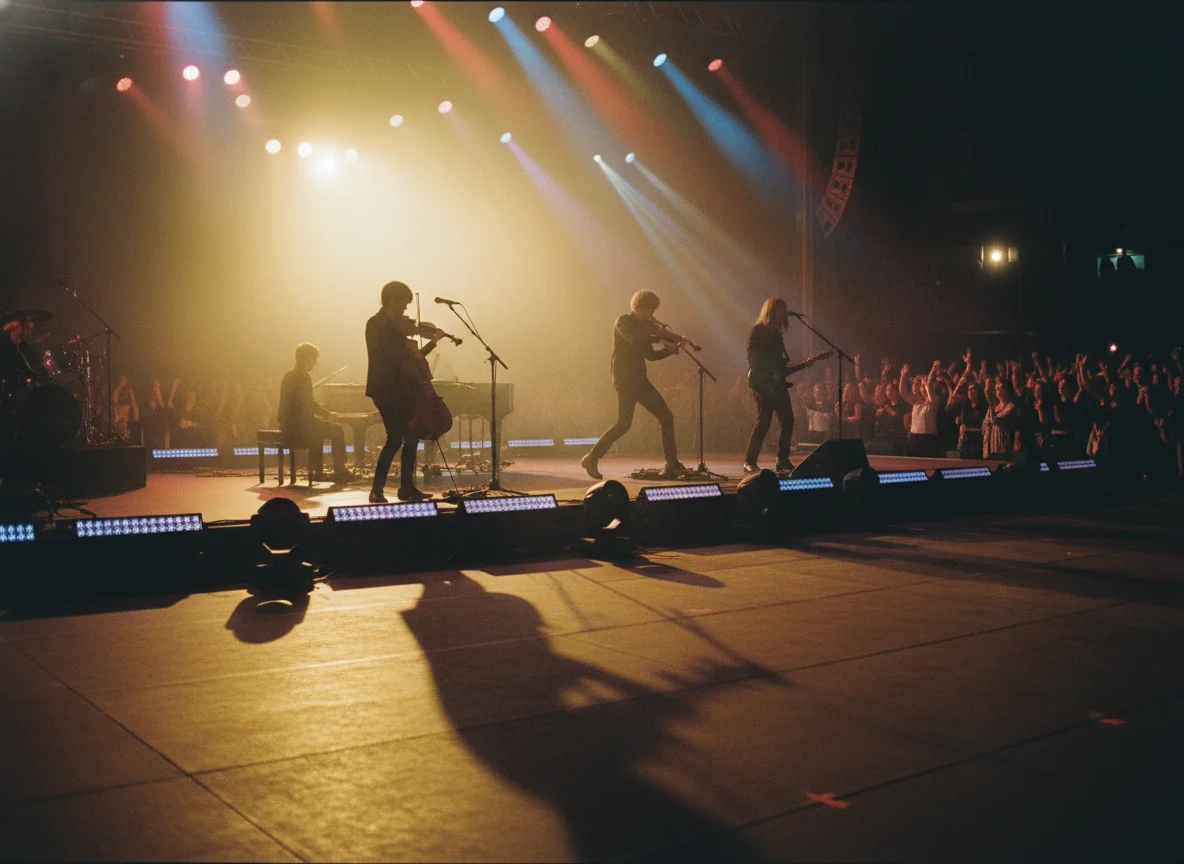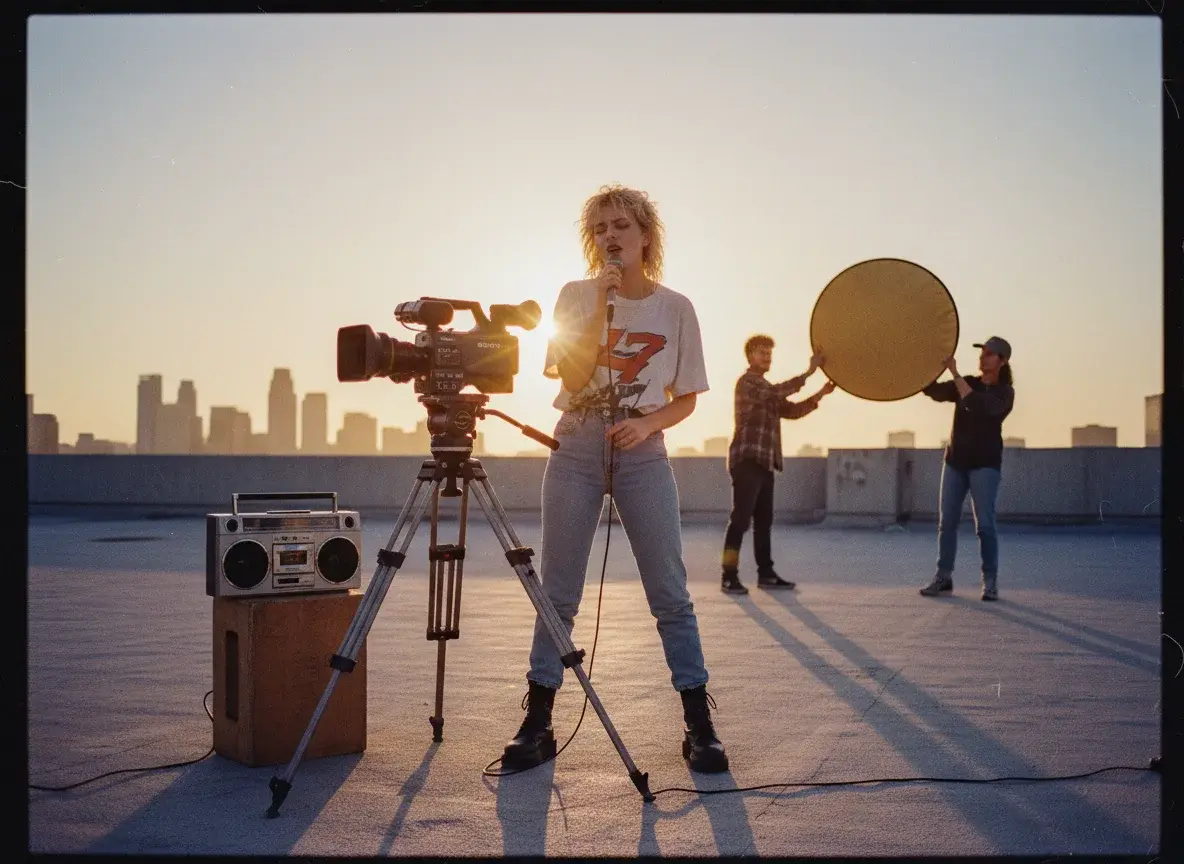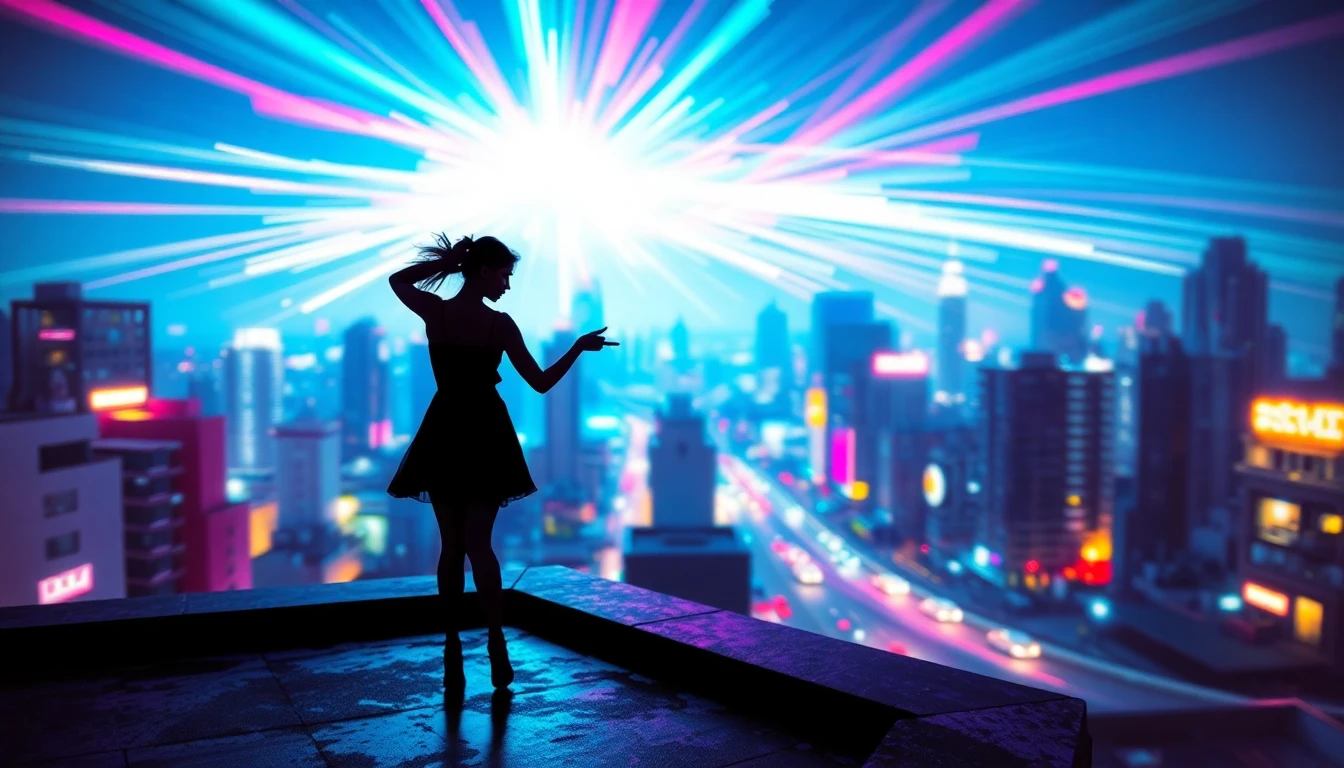


AfterimageAerin Vale
Afterimage
Aerin Vale
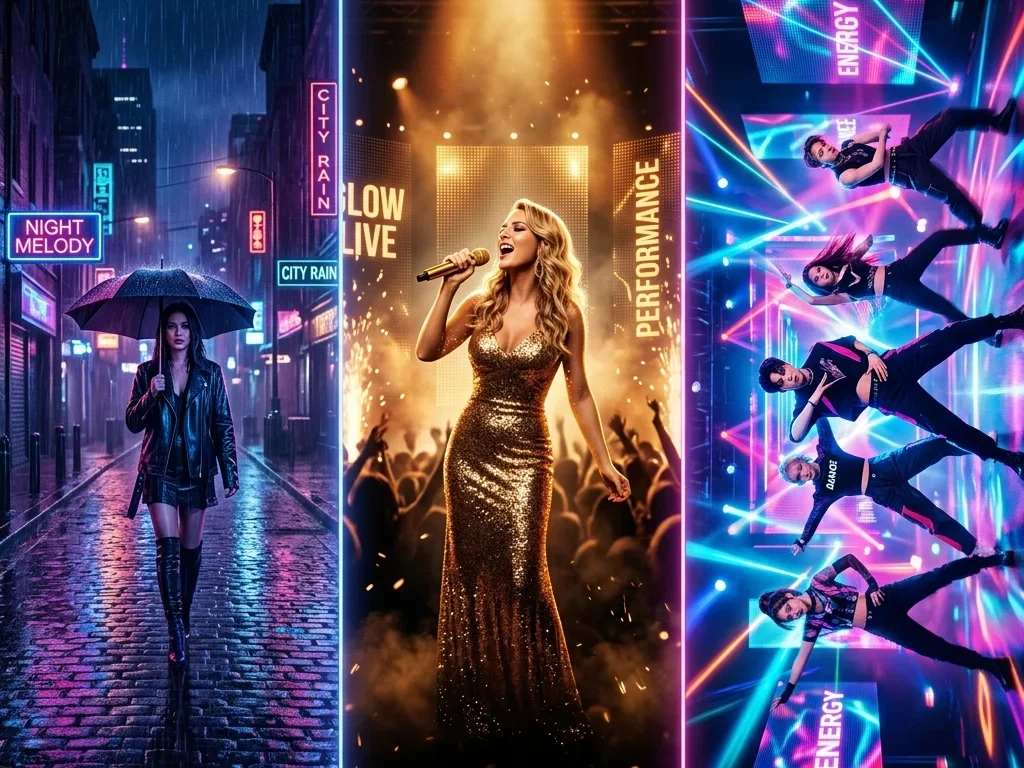
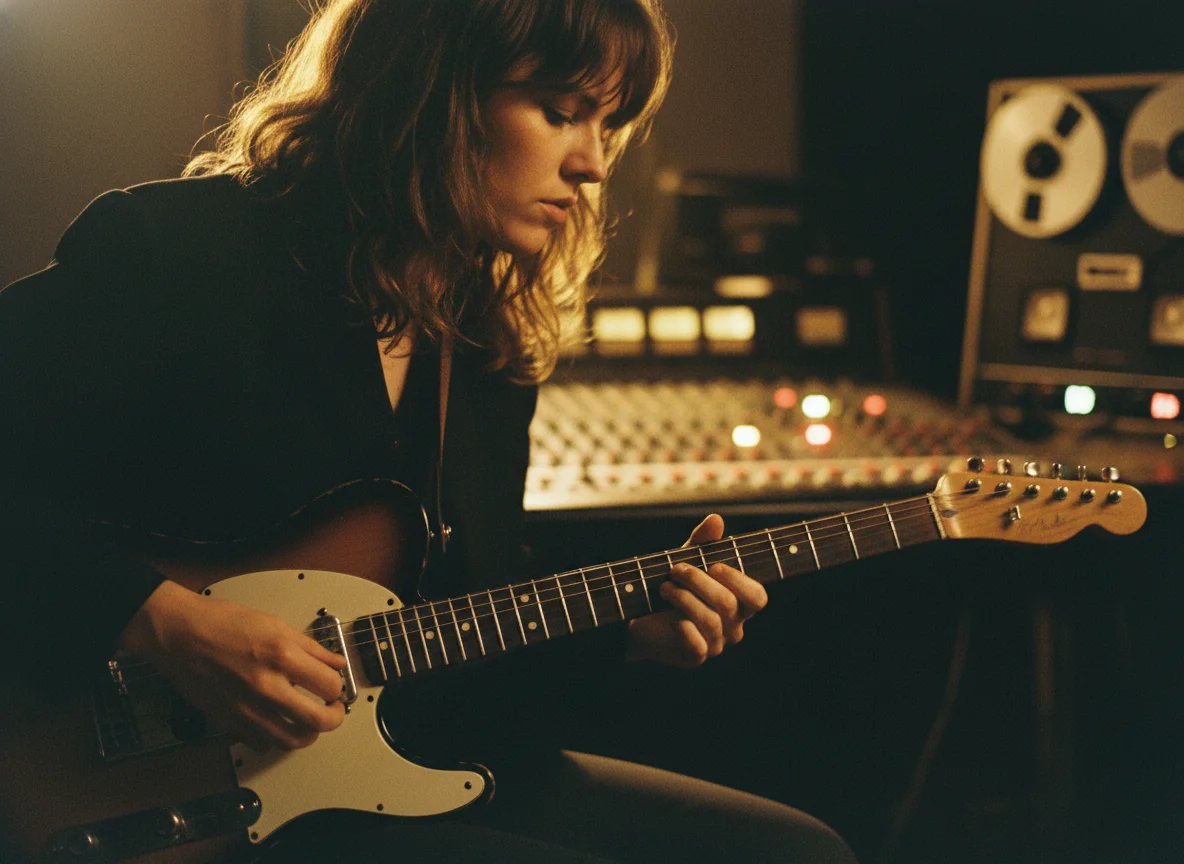
A rain-softened editorial portrait with oxblood shadows, blurred glass, and deliberate upper-left breathing room.
Loading...
Create square release artwork from a written idea or optional song analysis. Choose My Music, upload an MP3 or WAV, or skip audio; then direct the image with a prompt, style, and finish effect before downloading or setting a BeatMV video cover.
20 original directions
Choose a direction, then make it yours.
Aerin Vale
A rain-softened editorial portrait with oxblood shadows, blurred glass, and deliberate upper-left breathing room.

Nia Rowan
A sculptural side-profile portrait where oxblood velvet and fine copper filaments carry the rhythm.

Static Youth
A broken broadcast circle and displaced cyan-red frequency fragments form a sharp textless graphic system.

June Static
Torn vellum, faded snapshots, thread, and hand-cut red forms create a tender tactile collage.

North Arcade
Iridescent acrylic planes collide with a matte black sphere in a precise, luminous graphic composition.

Low Choir
A monumental black monolith, engraved ritual geometry, and a single ember line create severe industrial weight.

Mira Sunday
A cream paper field, one sun-faded film-frame shadow, and a tiny saffron circle create quiet analog warmth.

The Soft Index
Spliced magnetic tape, anonymous contact prints, and faded blue labels form an archival memory collage.

Solenne
A lone chrome mirror floats above mineral dunes in a surreal illustrated landscape with enormous quiet sky.

Luma Field
An original runner crosses a field of oversized petals and cobalt shadows in a kinetic screen-print illustration.

Forma
A transparent folded-glass object creates impossible but coherent geometry over a cold white field.

Mara Voss
A solitary night-bus portrait uses window reflections and sodium light to turn transit into intimate cinema.

Theo Halcyon
A sun-bleached rural photograph is reduced to warm halftone, faded ink, and imperfect vintage registration.

Dead Letters Club
Photocopied hands, torn black paper, white correction marks, and a violent red block create raw zine energy.

Mina Hex
A vermilion line cuts through a grainy midnight photograph with faded silver ink and offset-print tension.

Null Temple
A scorched metallic ring hangs in dense black dust, combining astronomical scale with industrial material detail.

Kairo Sun
Concentric solar discs and offset cobalt arcs turn syncopation into a bold, joyful graphic language.

Imani Gold
A luminous close portrait uses sculptural gold jewelry, indigo shadow, and calm direct gaze as the entire visual hook.

Sable Mono
One black rule, one soft gray circle, and generous uncoated paper space form an austere identity system.

Elio Bloom
Moonlit botanical forms grow through a cobalt landscape in a layered cut-paper illustration with quiet wonder.
Move from optional song context to a controlled square cover, a high-resolution download, and an optional BeatMV video poster in one focused workflow.
The artwork brief can start with optional song analysis. Choose a track from My Music, upload an MP3 or WAV file up to 50 MB, or skip the song step entirely. Analysis helps translate musical context into a visual direction while the final prompt remains editable before generation.
Every generated cover uses a 1:1 release canvas, keeping the composition focused on album artwork instead of social crops. The square format gives portraits, objects, collage, negative space, and type placement a predictable frame for singles, EPs, albums, playlists, and soundtrack releases.
Shape the artwork with an editable prompt, a music-focused style, and one finish effect from a three-level library of 27 options. Categories move from broad treatment to effect family to a precise direction, and choosing another effect replaces the previous selection instead of stacking prompt fragments.
BeatMV asks the image model for artwork without lettering, then places the song title, artist name, optional advisory mark, and typography controls as a deterministic cover layer. This keeps release text readable and editable rather than depending on unreliable text generated inside an image.
The finished design is composited at 3000 × 3000 pixels, combining the generated art with the release text and layout you selected. Use Download to save the square cover for the next step in your publishing workflow after checking the image, spelling, spacing, and advisory choice.
Select Set as Video Cover beside Download, choose a playable video from your own My Library collection, and confirm the change. BeatMV stores the selected image as that video's custom poster while leaving the source video, audio, timing, and frames unchanged.
Use sound, visual references, release typography, and library context to move from a blank idea to a finished square cover.
Start with optional song analysis when the sound should guide the artwork. Choose an existing track from My Music or upload an MP3 or WAV file, let BeatMV form a visual starting point, then edit the resulting direction before generation. You can also skip audio and write the brief yourself. This makes the song a creative input rather than a required gate, so producers with a finished mix and creators still shaping a release can use the same cover workflow.
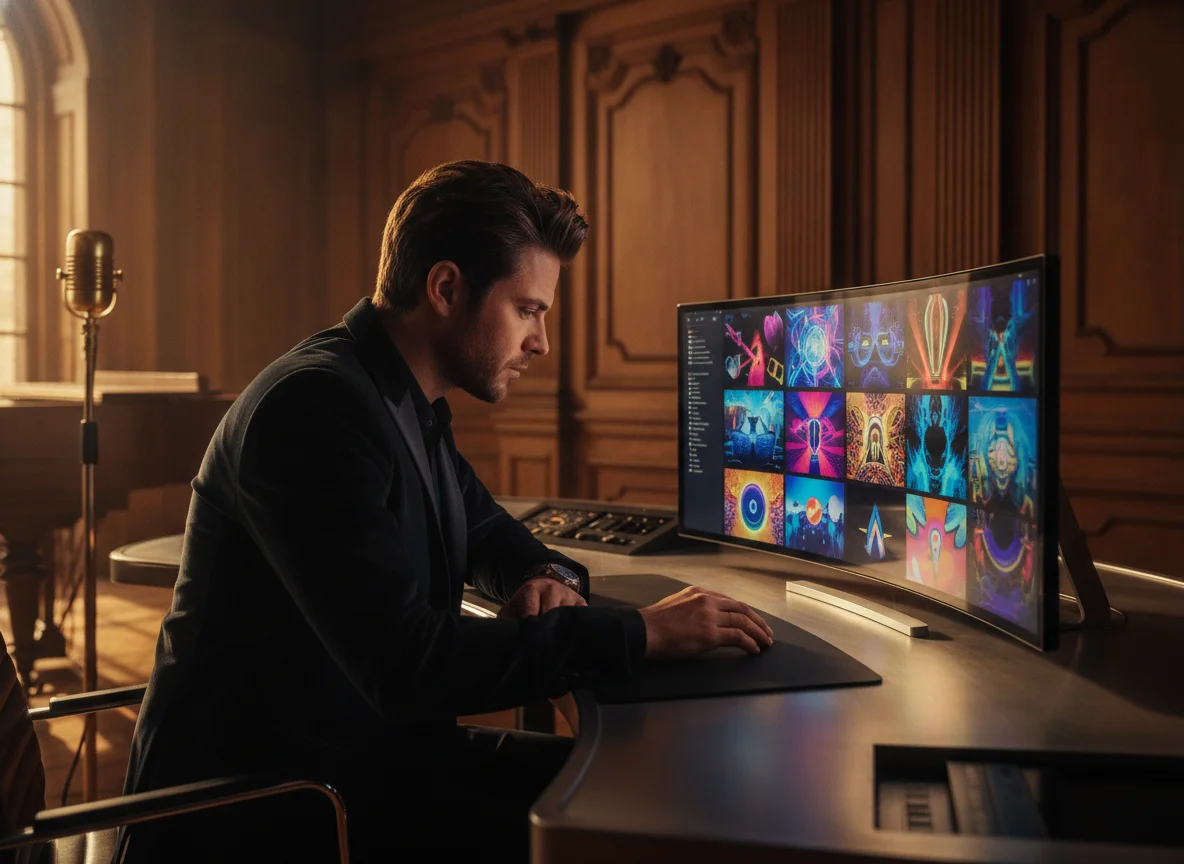
Open the Album Cover Ideas wall when a broad request such as cinematic or electronic still feels too vague. The 20 cases cover portraits, performance, collage, tactile materials, restrained typography, and abstract rhythm. Each detail view keeps one main cover beside three related directions and explains the visual prompt. Choose Use This Prompt or Generate Similar to place the selected direction in the studio, then change the subject, palette, or mood until it belongs to your release.
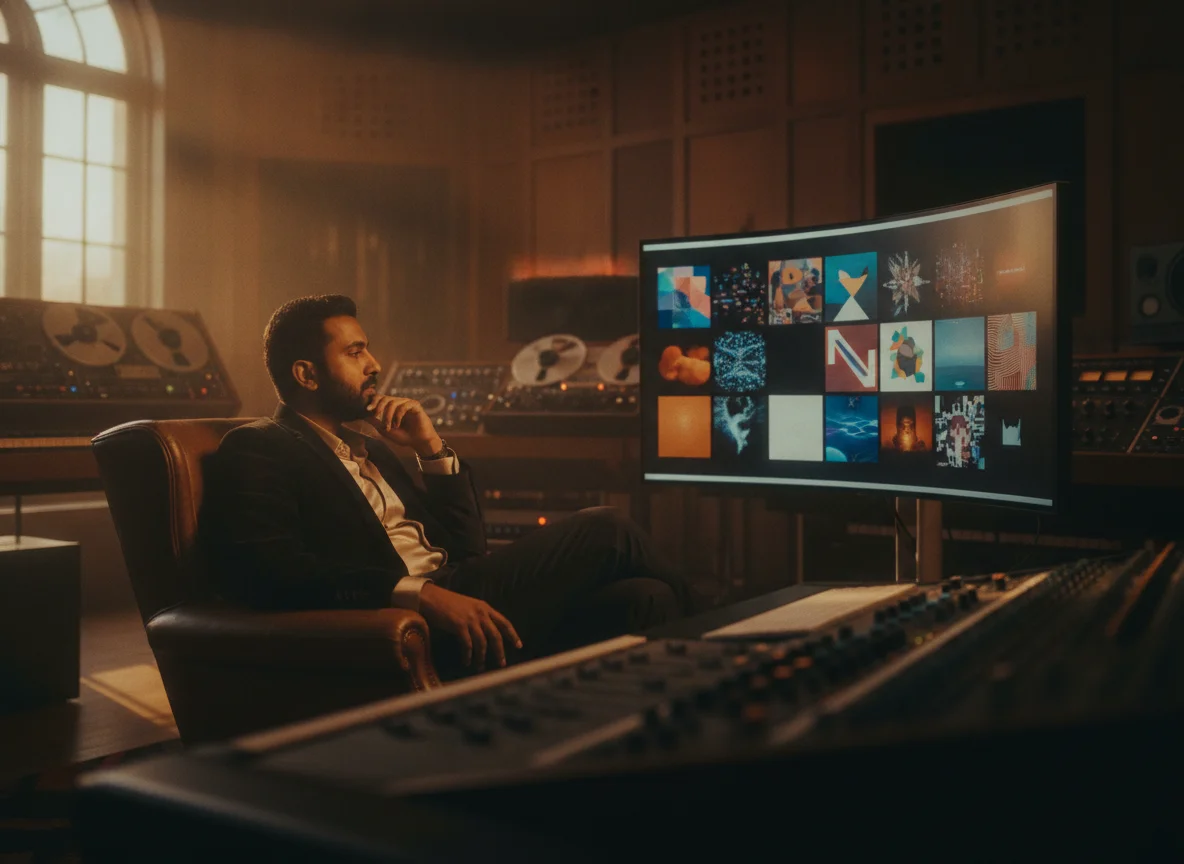
Generate the artwork as a clean square image, then finish the identity with deterministic text instead of hoping the image model spells correctly. Add the song title, artist name, typography treatment, placement, and optional advisory mark in the studio. Choose one of the 27 finish effects when texture, print character, bloom, grain, or distortion supports the music. BeatMV combines those decisions into a 3000 × 3000 cover you can review and download for your release workflow.
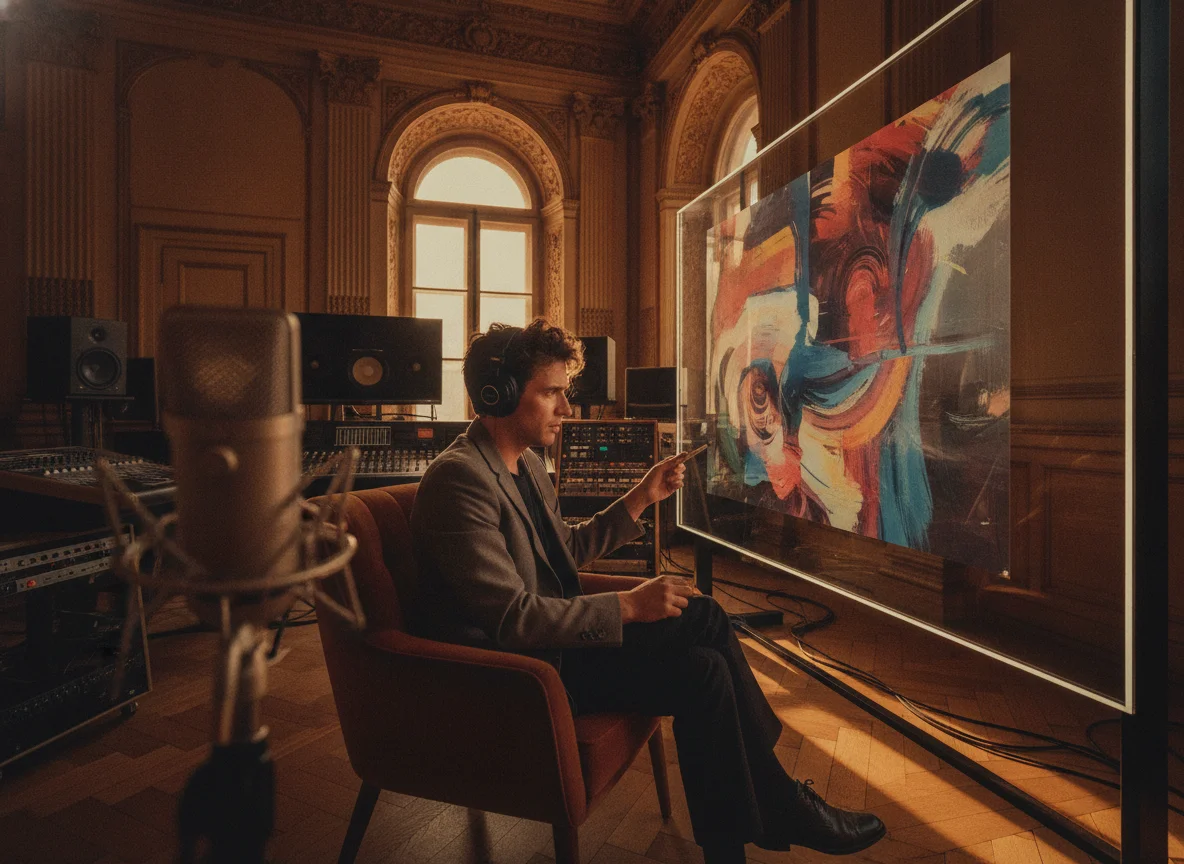
Replace a weak preview frame for a playable My Library video without rendering the video again. Generate artwork that better matches the track, select Set as Video Cover beside the Download action, choose the matching video in the video-first picker, and confirm. BeatMV saves the custom poster separately and displays it before playback. Videos without a cover override continue using their existing preview and playback behavior, and the chosen image is not inserted into any video frame.
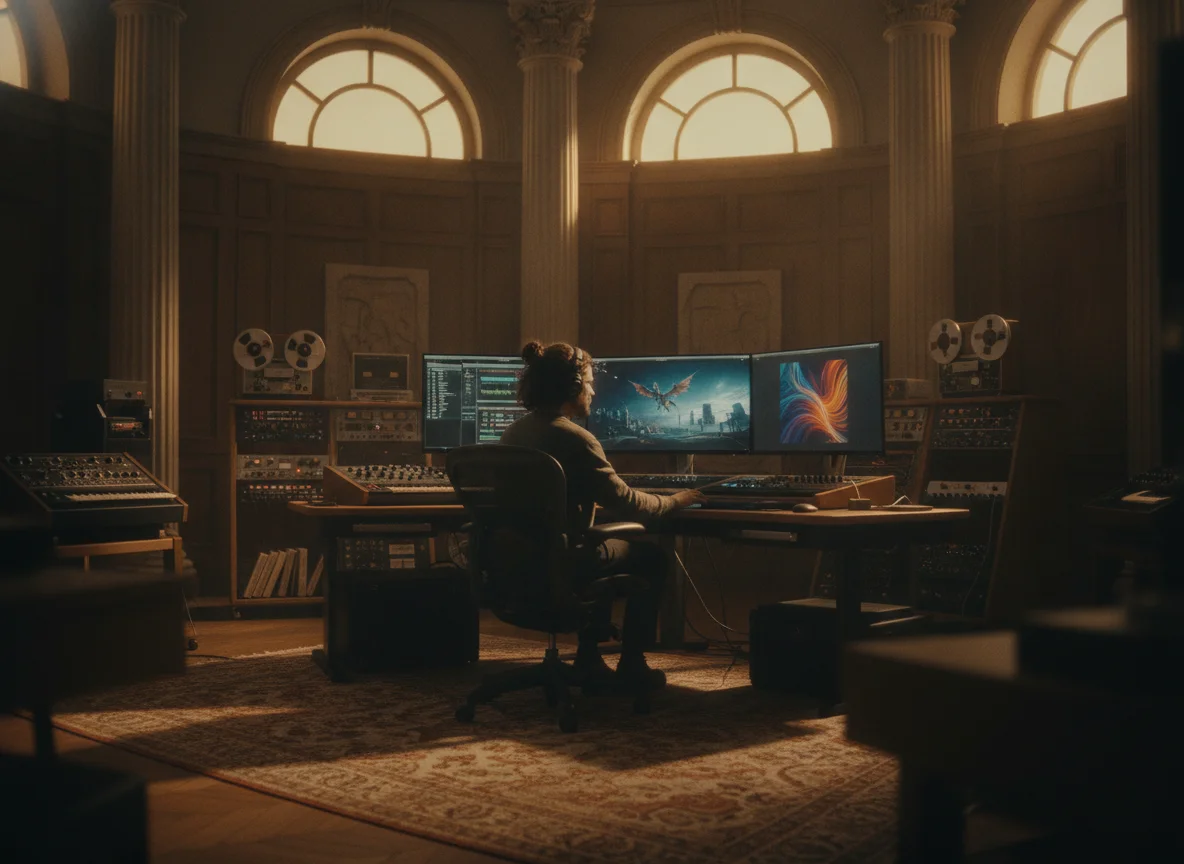
Keep song context, visual research, controlled cover design, download, and optional video poster management connected in one truthful workflow.
Optional song analysis can turn a My Music track or uploaded MP3 or WAV into useful visual context. If the music is unavailable, private, or unfinished, skip that step and work directly from a visual prompt without losing access to the studio.
Twenty cover cases expose complete visual directions, while styles and the three-level library of 27 finish effects make the next decision smaller. A case can fill the editable prompt, and one selected effect is added once rather than duplicated across revisions.
Setting a custom cover changes the poster BeatMV displays for the selected video. It does not burn the artwork into the footage, alter the audio, or create another rendered video. Items without a custom poster keep their existing behavior.
Song title, artist name, typography, placement, and the optional advisory mark remain studio controls instead of uncertain model output. The deterministic cover layer is assembled at 3000 × 3000 pixels, making the final download easier to inspect for spelling and spacing.
These are illustrative scenarios, not customer testimonials, ratings, or performance claims.
A producer selects a finished track from My Music and uses optional song analysis to establish mood and visual energy. They edit the suggested direction, keep the 1:1 composition centered on one recognisable subject, choose a restrained style, and generate clean artwork. Back in the studio, they add the correct song title and artist name before downloading the 3000 × 3000 cover.
Song-aware release workflow
Illustrative creator workflow
An artist opens an Album Cover Ideas case, compares the main cover with three related directions, and sends its prompt into the generator. They replace the subject, narrow the palette, choose a genre style, and select one photocopy finish from the three-level effects control. The next effect selection replaces that finish, so the final prompt stays intentional instead of accumulating repeated treatment instructions.
Case-guided release workflow
Illustrative creator workflow
A producer has a playable video whose preview does not communicate the track's atmosphere. They generate a square cover that better matches the music, click Set as Video Cover beside Download, choose the matching video in the video-first My Library picker, and confirm. My Library displays the custom poster before playback, while the source video stays unchanged and untouched items keep their previous preview behavior.
Library refresh workflow
Illustrative creator workflow
Continue from finished album artwork into BeatMV's music, video, image, and editing workflows.
Choose whether the song should guide the brief, direct the square artwork and release identity, then download or set the finished video cover.
Select a track from My Music, upload an MP3 or WAV file up to 50 MB for optional song analysis, or skip audio entirely. Use the analysis result as an editable starting point rather than a locked answer, then confirm the cover concept you actually want to make.
Write or edit the prompt, choose a music-focused style, and select one finish from the three-level set of 27 effects. Add the exact song title, artist name, typography treatment, placement, and optional advisory mark that BeatMV should composite over the clean generated artwork.
Generate the square artwork, review the final 3000 × 3000 composition, and use Download to save it. To update a BeatMV poster, select Set as Video Cover, choose a playable item in the video-first My Library picker, and confirm without changing the source video's frames.
Understand song analysis, square output, prompts, effects, credits, video poster behavior, and usage considerations before you generate.
Start from your song or a visual idea, shape a square release identity, and finish with a 3000 × 3000 download or a BeatMV video cover.
Open AI Album Cover GeneratorNo finish effect selected.
1:1 · 3000 × 3000 PNG