Loading...
Loading...
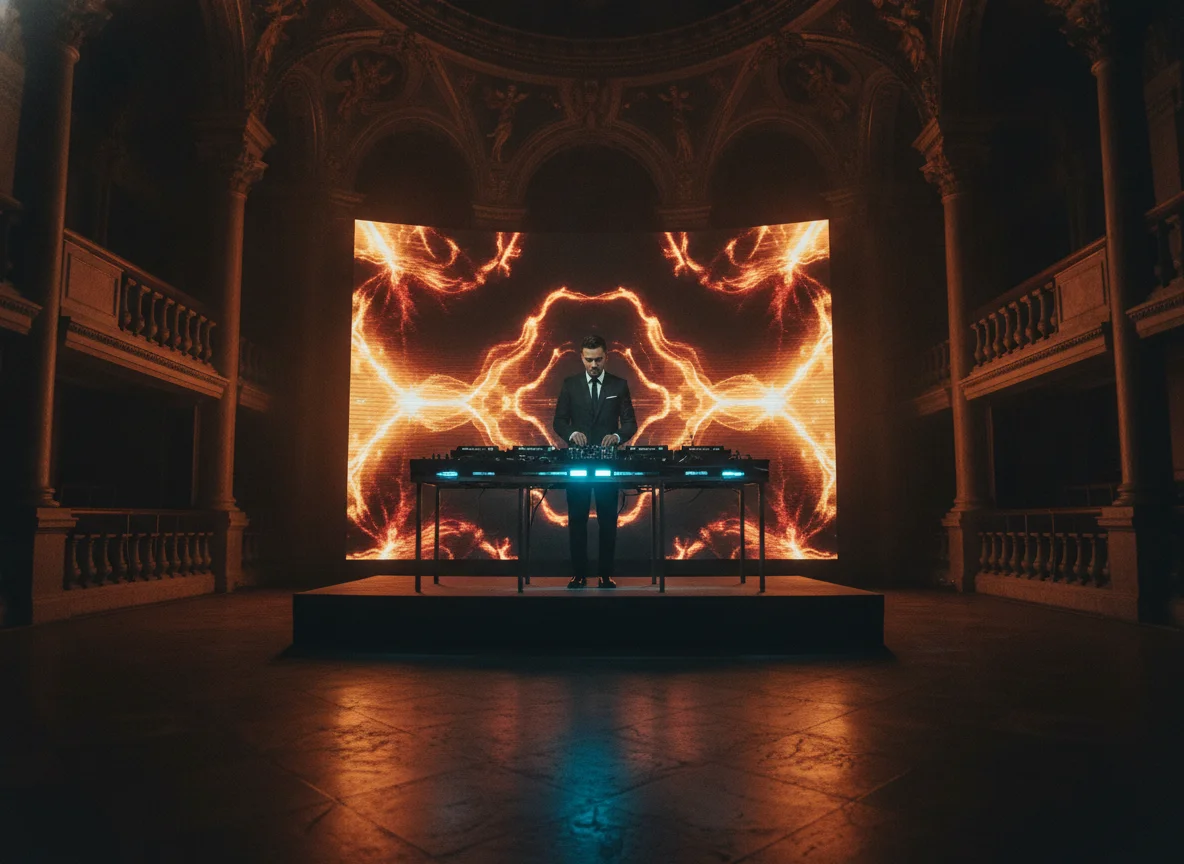
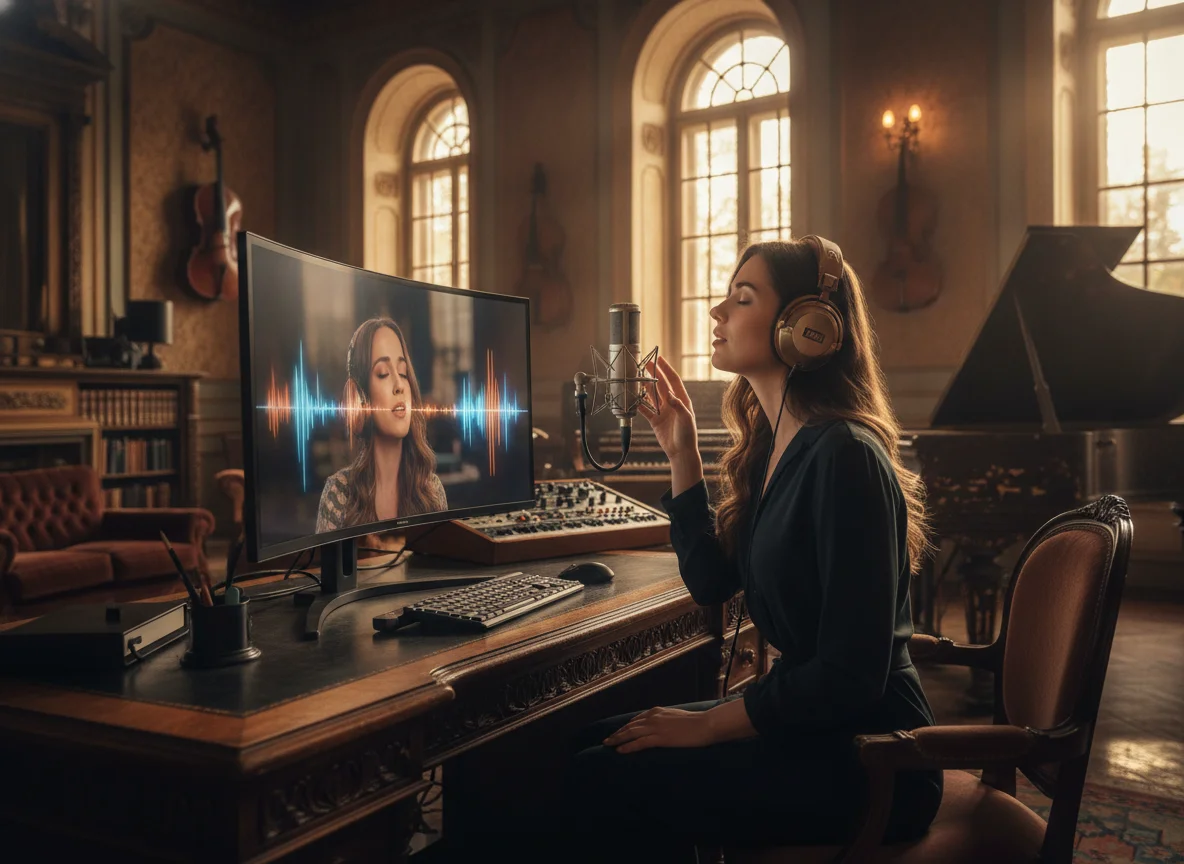
Turn an MP3 into a real AI music video, not a still image loop. Your audio stays intact while AI generates visuals timed to the music. Export an MP4 ready to post anywhere.
Recommended song length: around 1 minute.
Explore top features for seamless conversion.
BeatMV reads your MP3 and plans scenes around the mood and structure of the track, so the MP4 feels like a real music video instead of a static image looping over your audio.
Scenes and transitions are timed to your song's beats, giving the finished MP4 a rhythm that matches the music instead of random, off-beat changes that break the vibe.
Your original MP3 stays embedded in the exported MP4 with no quality loss, so the video you publish sounds exactly like the track you uploaded.
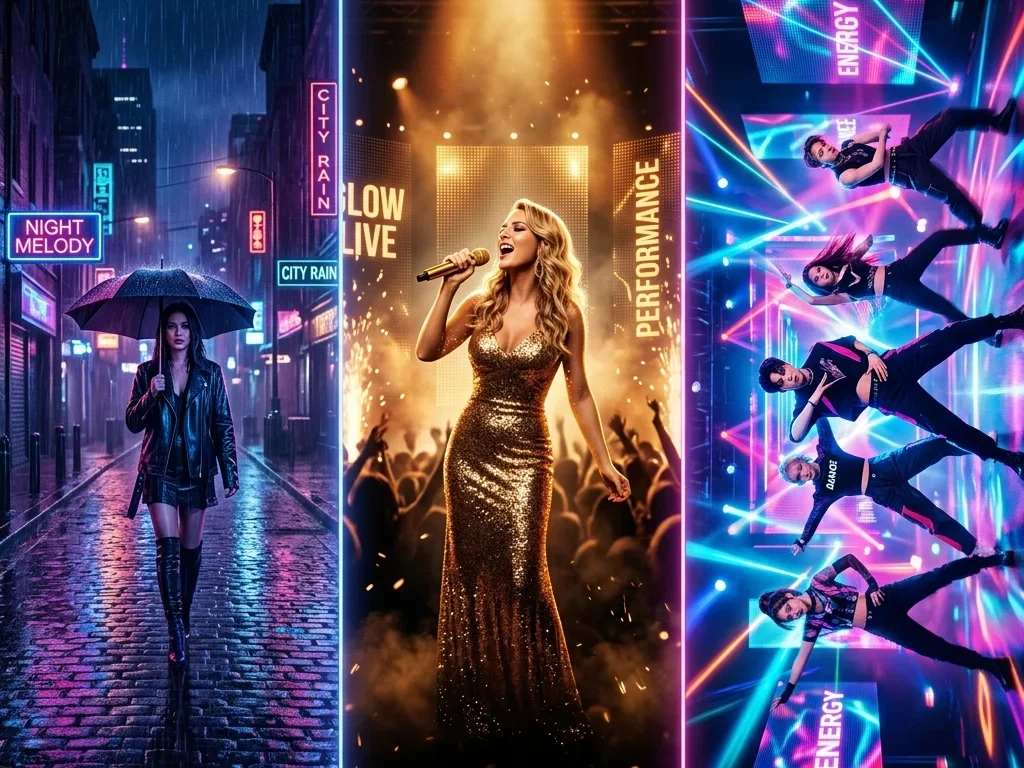
Choose from cinematic, anime, retro, and more. BeatMV applies a consistent look across the whole MP4 so your video matches your sound and brand.
Review and tweak the AI scene plan before rendering. Adjust shots and prompts so the final MP4 lands exactly the way you pictured it instead of burning a render on a near-miss.
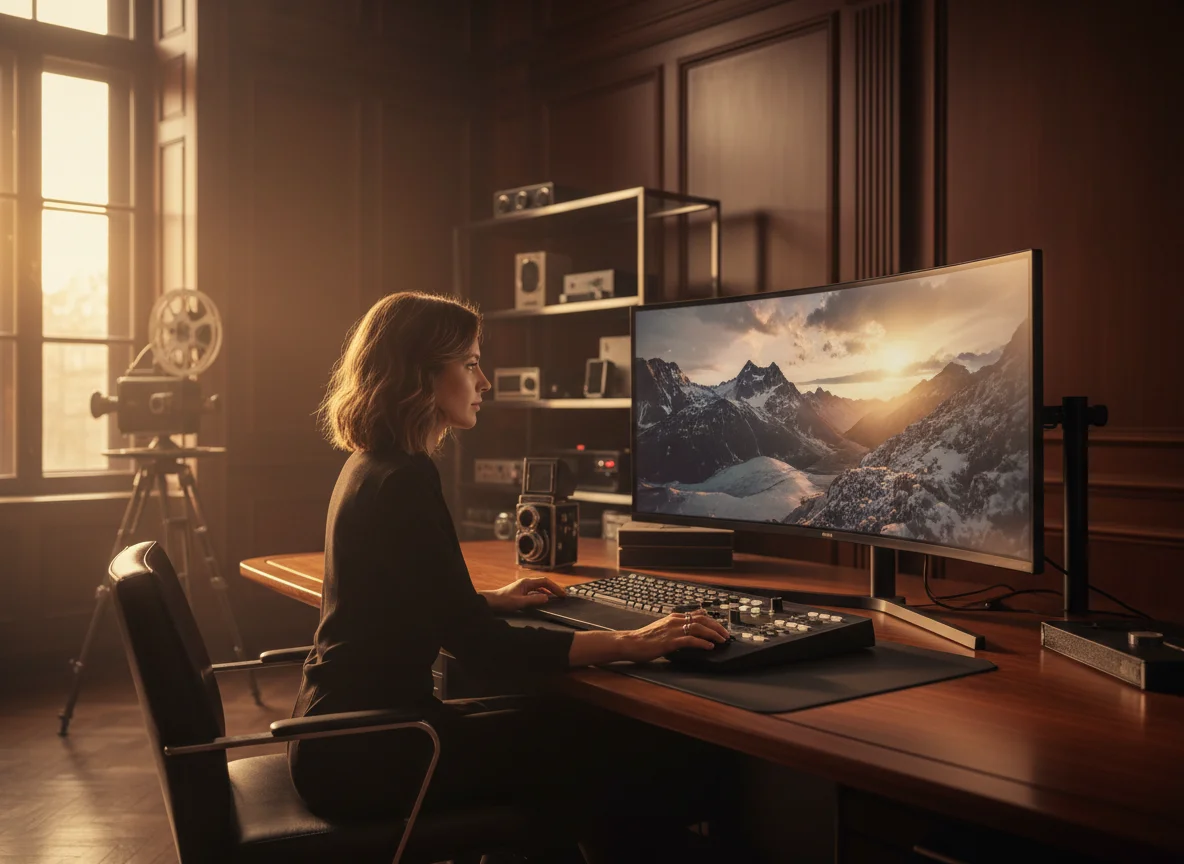
Download a clean MP4 sized for YouTube, TikTok, Reels, and Shorts, ready to post straight from BeatMV with no extra editing software needed.
Explore diverse use cases with BeatMV.
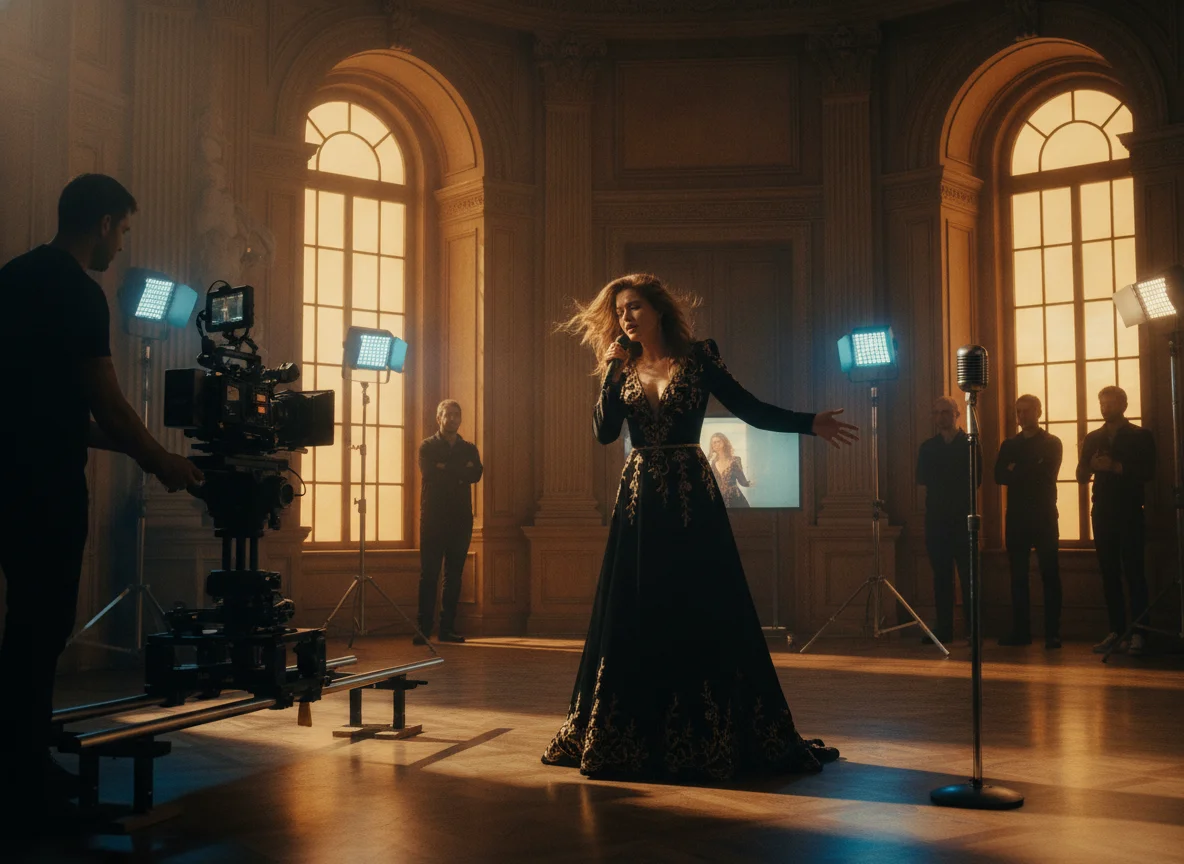
Lyric videos are one of the easiest ways to grow plays, but editing one by hand takes hours. With BeatMV you upload your MP3, pick a visual style, and get an MP4 where AI scenes move with the music and your words land on the beat. It is perfect for independent artists who want a polished lyric video for a new single without hiring an editor, so you can post to YouTube and socials the same day your track drops.
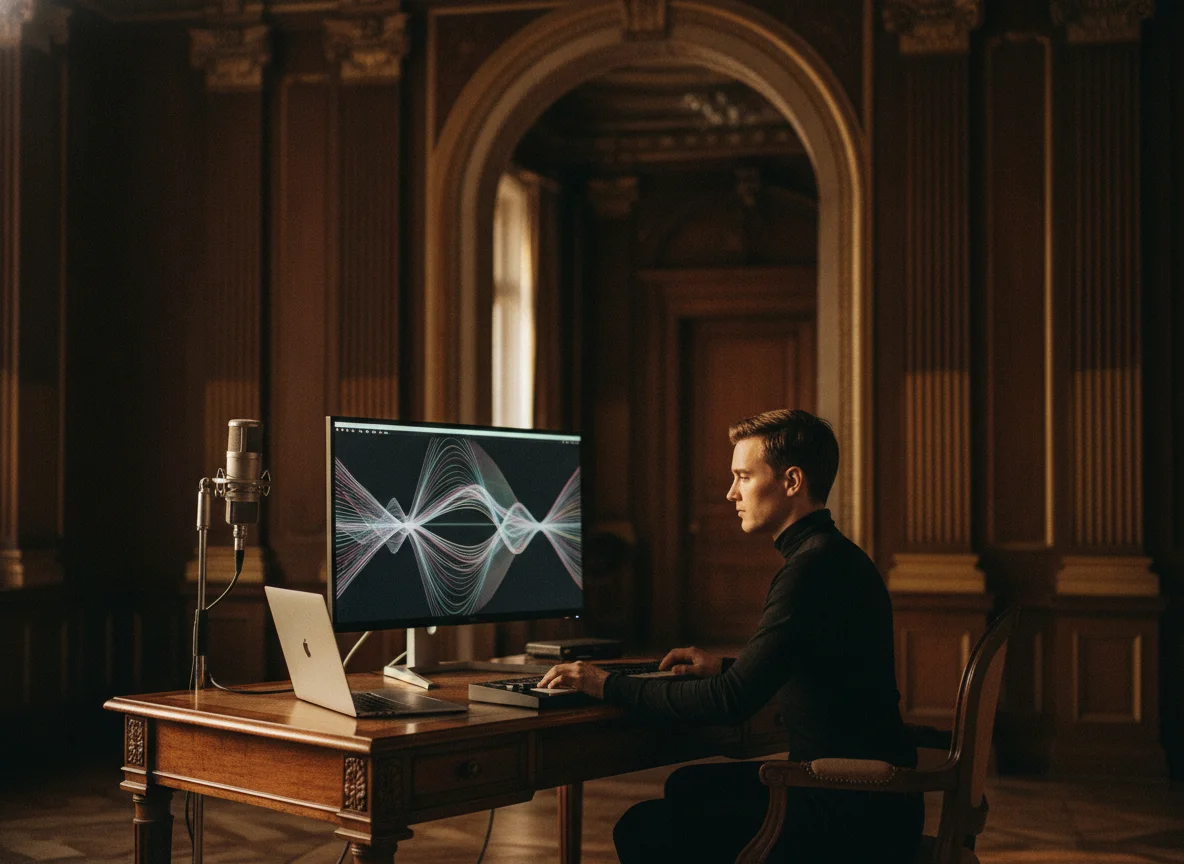
Audio lessons, language drills, and lecture recordings reach far more people once they are video. Educators and course creators use BeatMV to convert MP3 material into MP4 so it can live on YouTube, in an LMS, or inside a course module with visuals that hold attention. Upload the audio, choose a clean style, and export a shareable video in minutes. Your learners get a more engaging format, and you reuse content you already recorded without buying editing software.

Podcasts grow faster when episodes also exist as video. BeatMV turns a podcast MP3 into an MP4 with visuals so you can publish full episodes or short clips on YouTube, Reels, TikTok, and Shorts where new listeners discover shows. Upload the episode, pick a style that matches your brand, and download a ready-to-post video. It is an easy way for podcasters to repurpose audio they already have into the video formats every platform now rewards.
Social feeds prioritize video, so a plain audio file rarely travels far. BeatMV transforms your MP3 into eye-catching MP4 clips built for TikTok, Reels, Shorts, and Stories, with visuals timed to the music so they stop the scroll. Creators and marketers use it to spin one track into multiple shareable posts, promote a release, or keep a content calendar full. Upload, choose a vibe, and walk away with social-ready videos in minutes instead of hours.
Discover key advantages of BeatMV.
Experience the full capabilities of BeatMV with a free trial, allowing you to explore its features without any commitment.
With BeatMV, enjoy high-quality conversions that preserve the original audio fidelity and ensure stunning video results.
BeatMV's advanced technology ensures quick conversion times, so you can get your MP4 files fast without compromising quality.
BeatMV protects your data with top-notch security measures, ensuring your files remain private and secure throughout the conversion.
Real experiences from BeatMV users.
Using BeatMV's batch conversion feature, I streamlined my production process. Before, it took ages, but now I convert multiple files at once. It's efficient and saves me so much time. Highly recommend it for any music producer!

John Smith
Music Producer
BeatMV helped me turn my audio tracks into visually stunning MP4s. The customizable video backgrounds allowed me to match the aesthetics of my brand perfectly. My engagement rates have soared since I started using this tool.

Emily Johnson
Content Creator
Converting my podcast episodes to MP4 using BeatMV was a game changer. The visual element added to my content has significantly boosted listener engagement on video platforms. It's a must-have tool for podcasters!

Ryan Lee
Podcaster
Discover our full suite of AI-powered music creation and editing tools
Quick and easy conversion steps with BeatMV.
Start by uploading your MP3 files to the BeatMV platform. Simply drag and drop or click to upload from your device.
Choose or upload a background for your MP4 video. BeatMV allows you to select from a variety of options or add your own.
Once the conversion is complete, download your new MP4 file. BeatMV ensures fast processing so you can enjoy your video quickly.
Answers to common questions about BeatMV.
Experience seamless conversion with BeatMV. Convert your files effortlessly and enjoy high-quality results.
Try Mp3 To Mp4 Now