Loading...
Loading...
Drag in a low-res clip, pick a model and target resolution, and BeatMV turns it into a sharp 720p, 1080p, 2K, or 4K MP4. Pay only when you click upscale — failed jobs refund automatically.
Upscaled videos will appear here
Explore the standout features of BeatMV.
With BeatMV, adjust settings to match your needs. Choose resolution, aspect ratio, and more to ensure perfect output for every project.
BeatMV handles both real-time upscaling and batch processing efficiently. Perfect for live streams or bulk video enhancement tasks.
Our advanced AI algorithms outperform traditional methods, offering superior quality and detail in your upscaled videos.
Explore free and paid options with BeatMV. Choose a subscription that fits your needs, ensuring cost-effective video enhancement.
BeatMV supports various video formats, ensuring seamless integration with your existing editing software and workflows.
Minimize artifacts and noise with BeatMV's advanced settings, ensuring cleaner, more professional-looking video outputs.
Transform your video projects effortlessly.
Content creators can boost monetization by enhancing video quality. BeatMV allows you to upscale old content to HD or 4K, attracting a broader audience and increasing ad revenue.
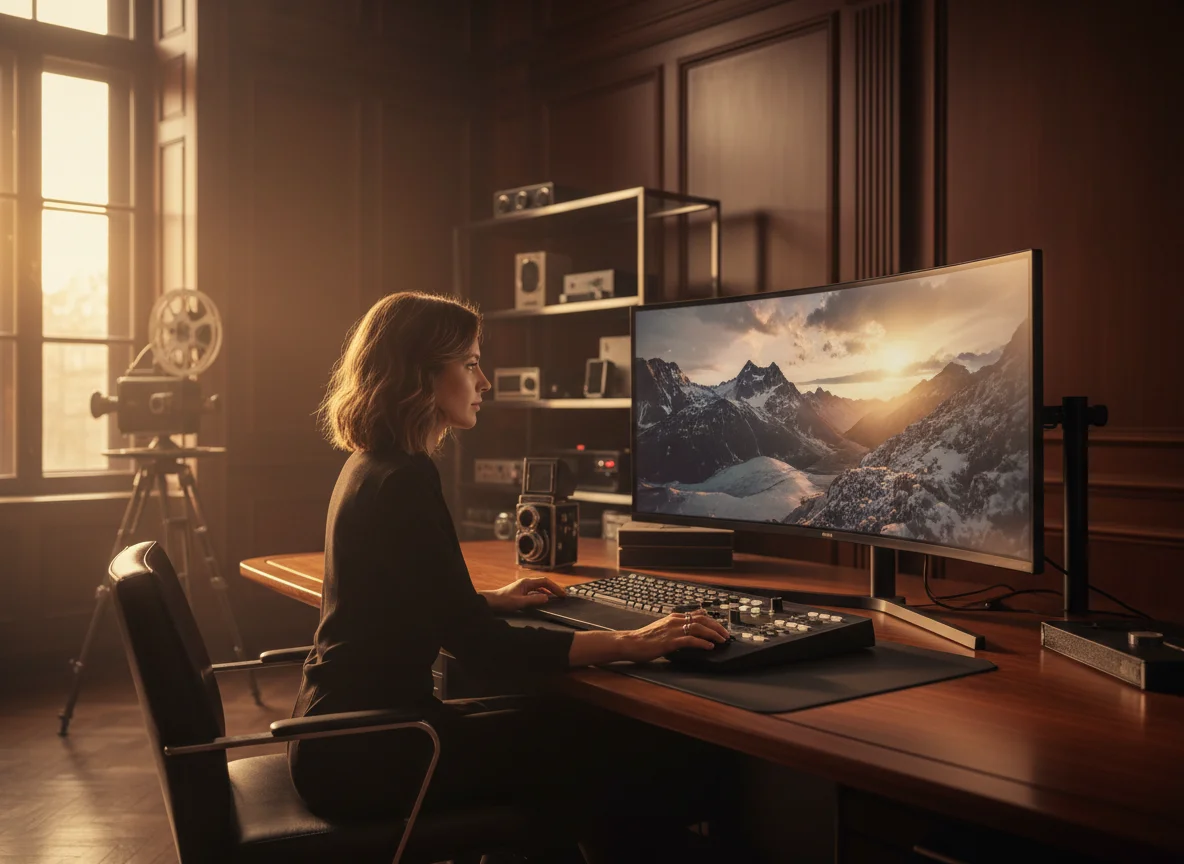
Gamers can use BeatMV to upscale classic game footage to modern resolutions, providing a sharper, more immersive experience for fans and stream viewers alike.
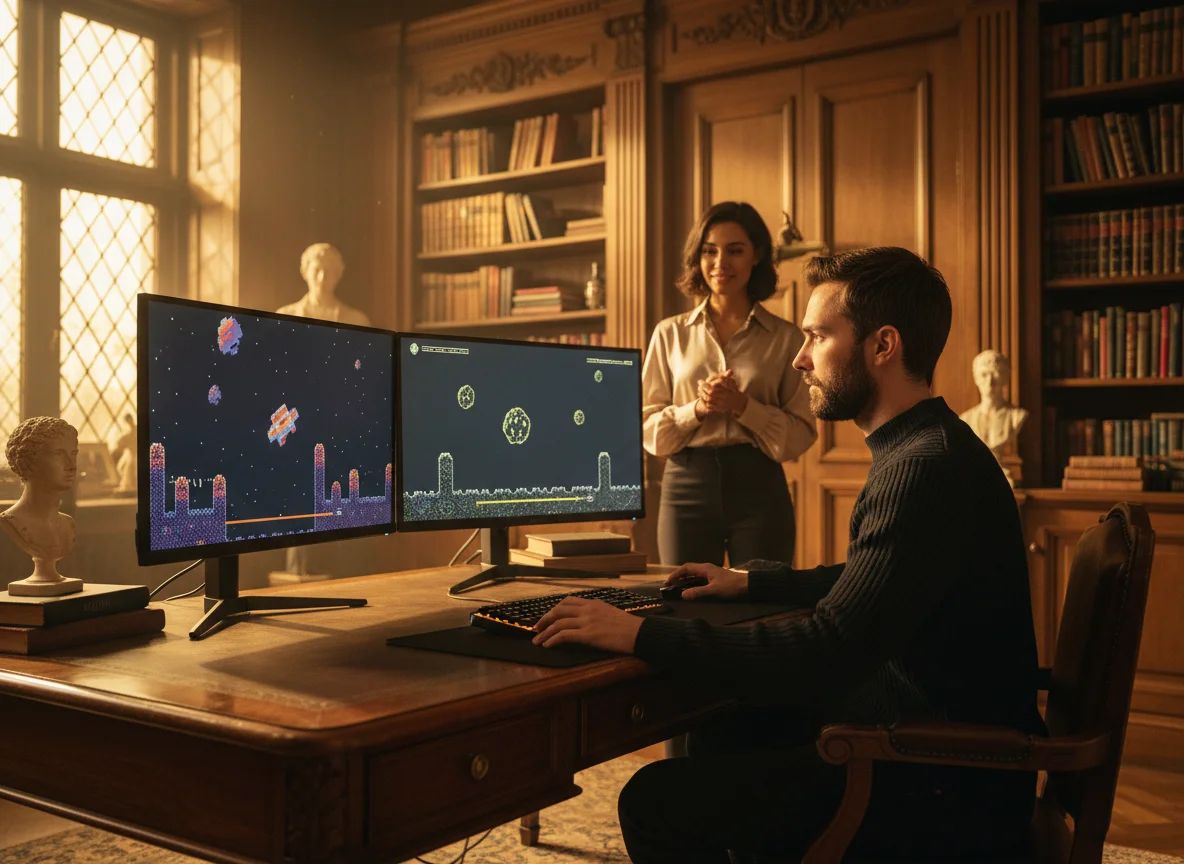
Educators can improve the quality of instructional videos, making content clearer and more engaging for students using BeatMV's upscaling capabilities.
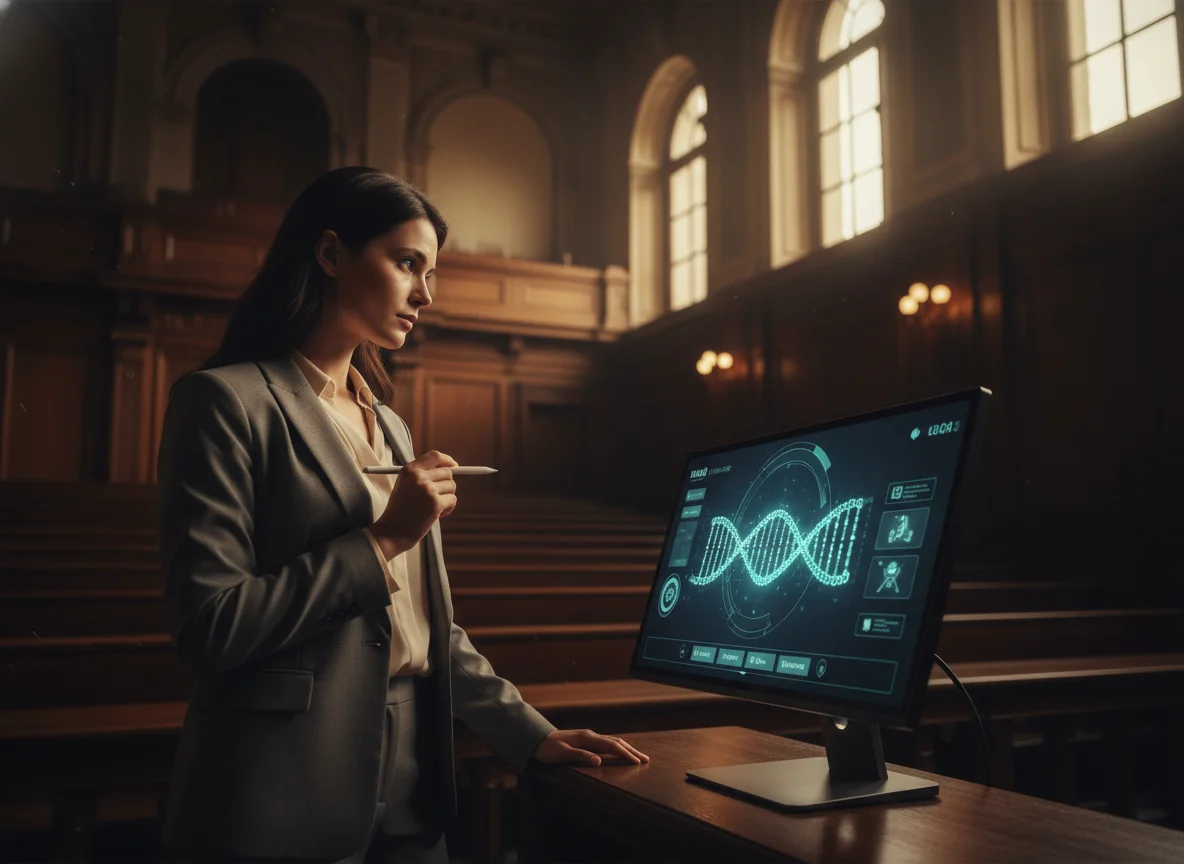
Archivists can preserve and enhance old film footage. BeatMV's advanced algorithms bring new life to vintage videos, maintaining their historical value while improving visual quality.
Explore our standout reasons.
BeatMV offers a free trial, allowing users to experience the quality and ease of our video upscaling before committing to a subscription.
With BeatMV, benefit from quick processing times, ensuring your videos are enhanced and ready for use without long waits.
BeatMV prioritizes your data's safety. All video processing is secure, ensuring that your projects remain confidential and protected.
BeatMV's user-friendly interface makes video upscaling accessible to everyone, regardless of technical expertise.
Hear from satisfied customers.
BeatMV's real-time processing transformed how I handle videos. Before, I struggled with low-quality outputs. Now, my videos are crisp, and my audience engagement has skyrocketed. BeatMV is a game-changer!

Emily Johnson
Content Creator
I used BeatMV's advanced noise reduction for old film restoration. The results are astonishing. BeatMV kept the vintage charm while enhancing clarity. My clients are thrilled with the results!

Michael Brown
Film Director
BeatMV's AI upscaling helped me improve trailer quality significantly. Before, the graphics were mediocre; now, they're breathtaking. BeatMV has elevated my game's presentation.

Sarah Wilson
Game Developer
Discover our full suite of AI-powered music creation and editing tools
Start with an editable music video workflow, generate and refine each scene, export the final cut, then return here when you are ready to upscale it.
Simple steps to upscale your videos.
Start by selecting and uploading your video file to the BeatMV platform. Ensure your file is in a supported format for seamless processing.
Set your desired resolution and other parameters. BeatMV allows you to customize settings to match your specific project requirements.
Once settings are configured, initiate the upscaling process. BeatMV quickly processes your video, ready for download in just a few moments.
Answers to common questions.
Experience the power of video upscaling. Try BeatMV now to enhance your video quality effortlessly.
Try Video Upscaler Now