Loading...
Loading...
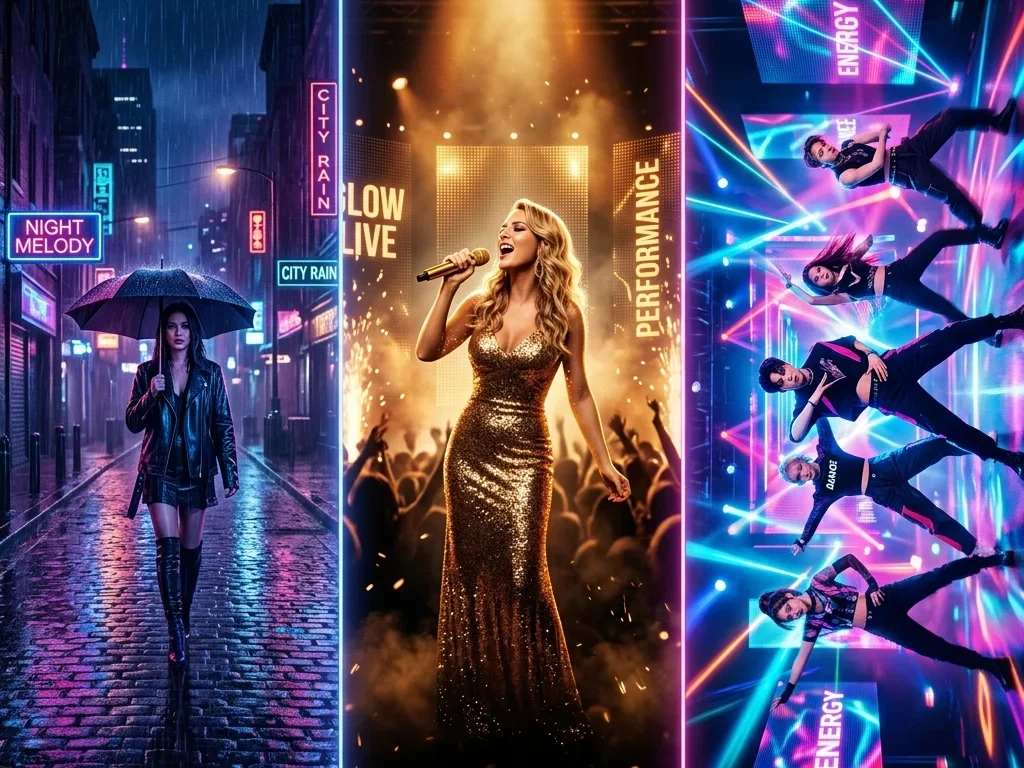
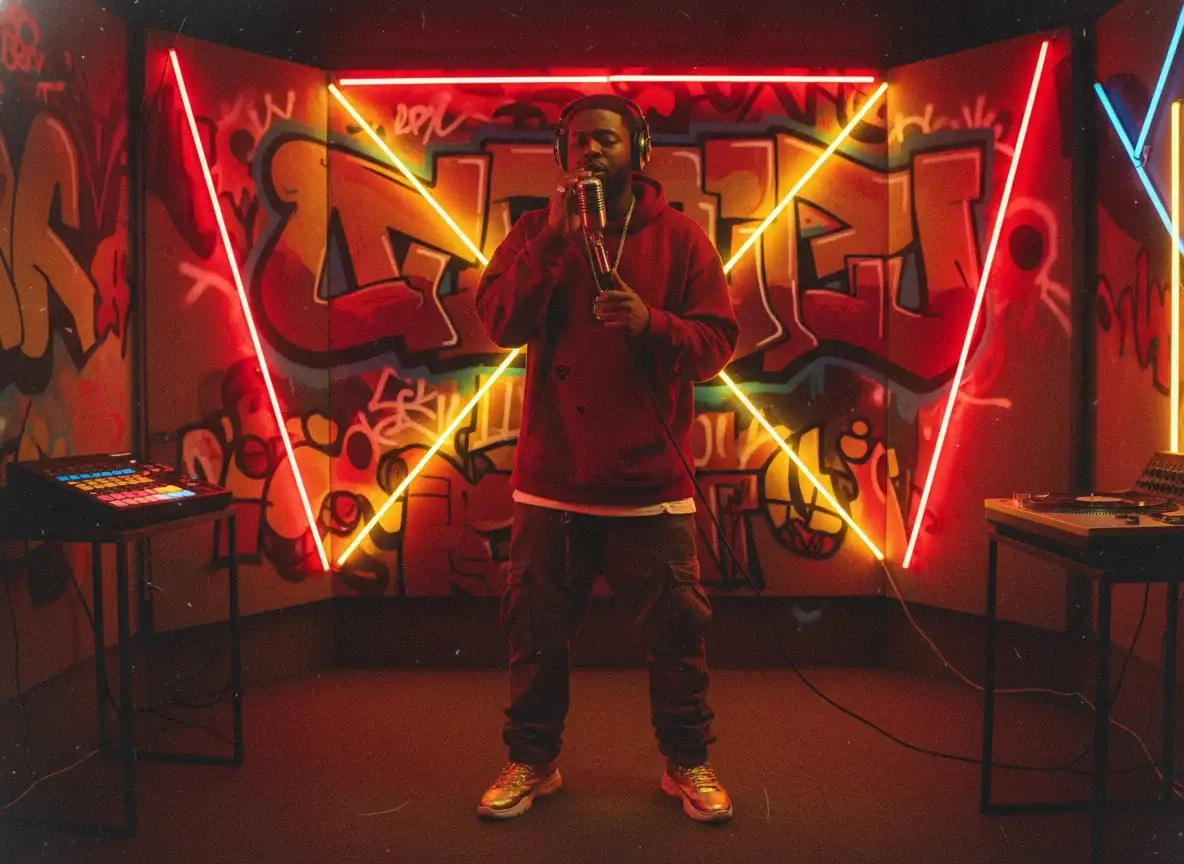
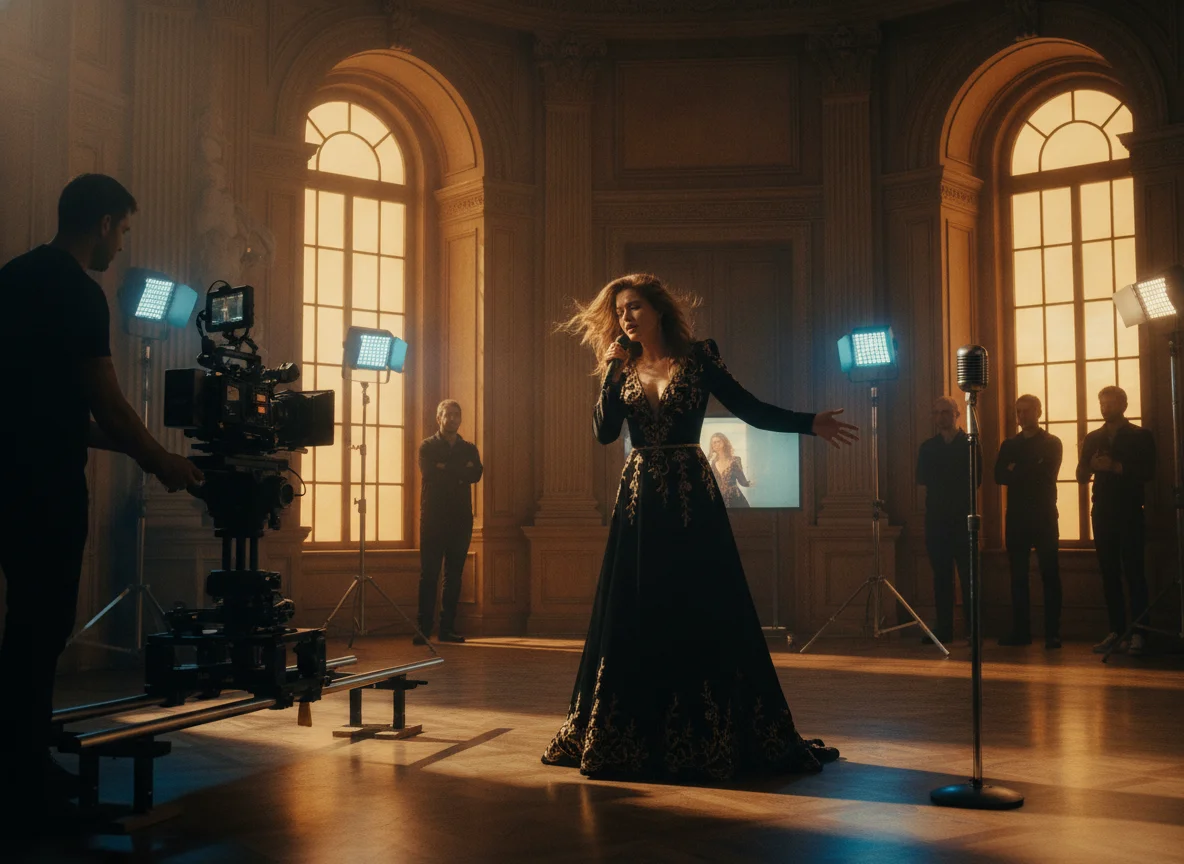
Upload a vocal track and get performance scenes synced to the singing, frame by frame. Comes preset for singing mode so lip movement and energy match. Export an MV-style MP4 for releases and promo.
Recommended song length: around 1 minute.
Discover the powerful features BeatMV offers.
With BeatMV's AI precision, synchronize audio and video seamlessly for professional-quality outputs, eliminating manual editing hassles and ensuring perfect timing every time.
Choose from a variety of templates to match your style. BeatMV allows you to fine-tune and personalize every aspect of your video for unique creations.
Experience fast, real-time video processing with BeatMV, allowing you to see and make changes instantly, boosting your productivity and creative workflow.
Easily integrate BeatMV with your favorite video editing software, streamlining your workflow and enhancing your production capabilities without switching platforms.
Support multiple languages and diverse voice options with BeatMV, broadening your audience reach and enhancing your content's inclusivity and appeal.
Your data is safe with BeatMV. We prioritize security and privacy, ensuring your projects are protected and confidential at all times.
Discover exciting use cases with BeatMV.
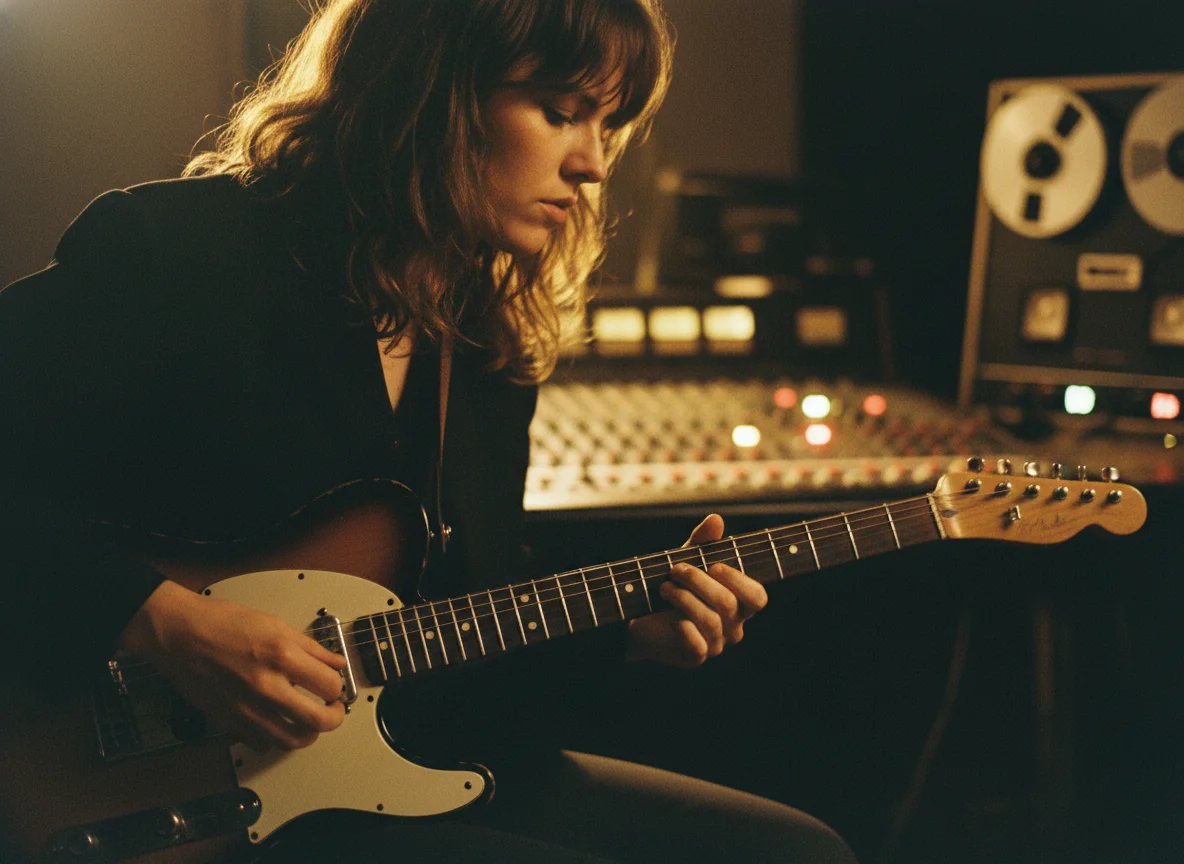
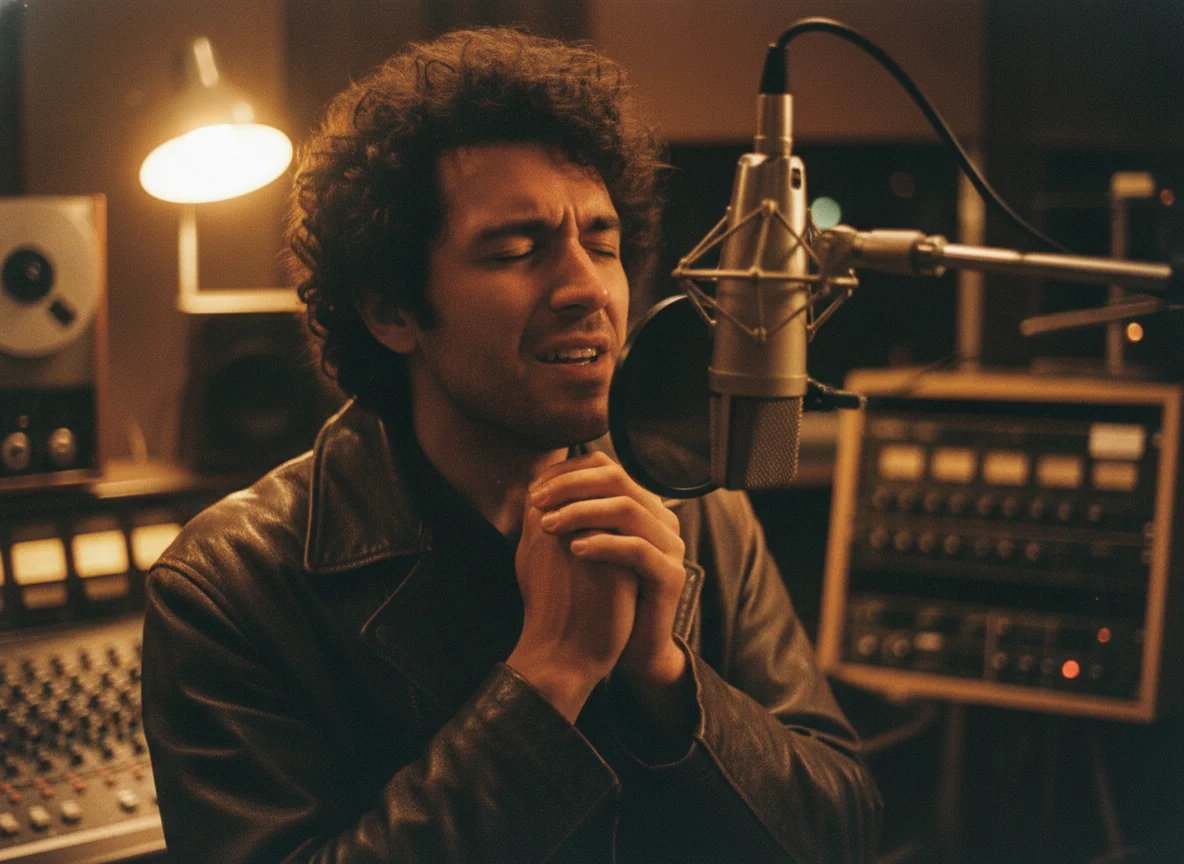
Singers and creators grow faster when their vocals come with a face and a performance, not just a waveform. Content creators use BeatMV to turn a vocal track into a singer-focused video that attracts views and ad revenue. Upload your vocals, pick a style, and BeatMV builds performance scenes synced to the voice. You get professional, captivating content for YouTube and socials in minutes, the kind of video that holds attention, earns watch time, and drives the monetization a plain audio upload never reaches.
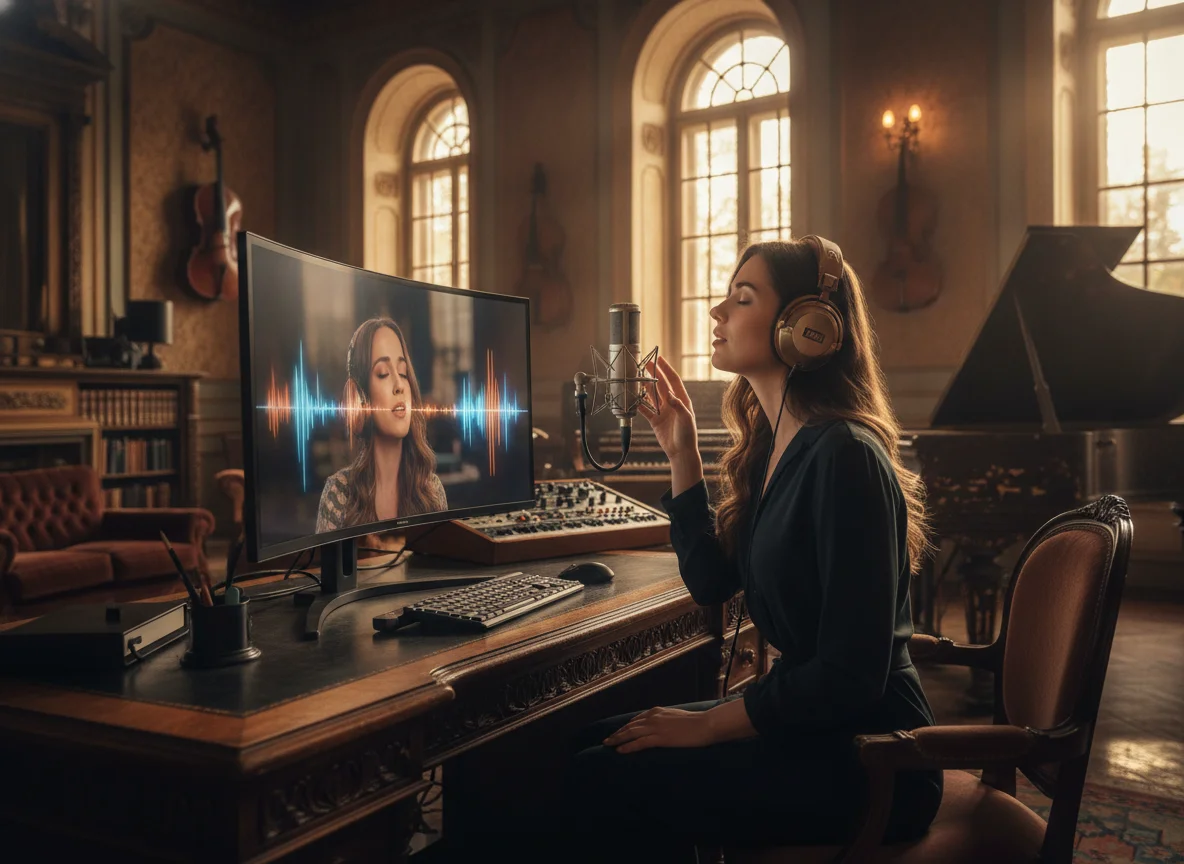
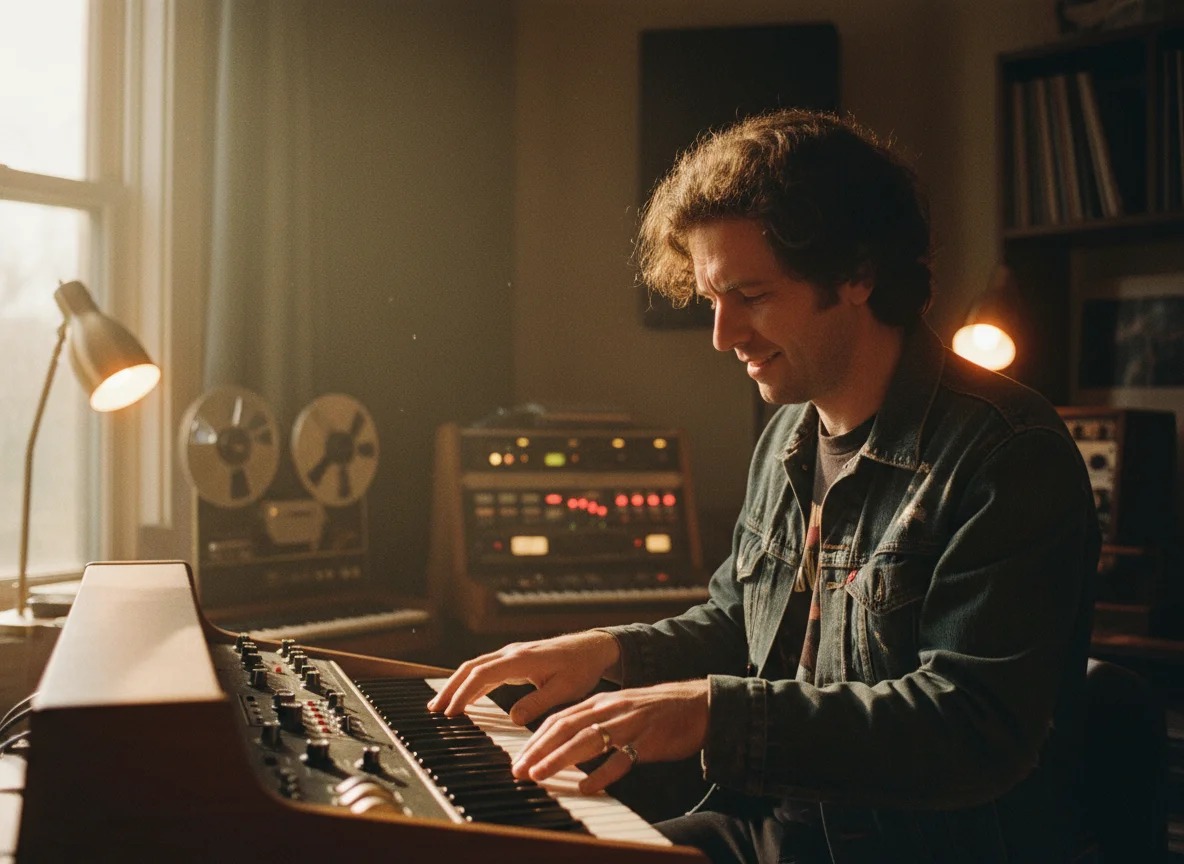
Talk shows, interviews, and vocal-led podcasts travel further as video. Podcasters use BeatMV to wrap spoken-word and vocal audio in synced visuals, turning episodes into compelling video you can post on YouTube, Reels, TikTok, and Shorts. Upload the audio, choose a style, and BeatMV generates scenes that move with the voice. Adding a visual layer makes episodes more dynamic and far more shareable, helping you reach listeners who discover shows through video and keeping your existing audience engaged across every platform.
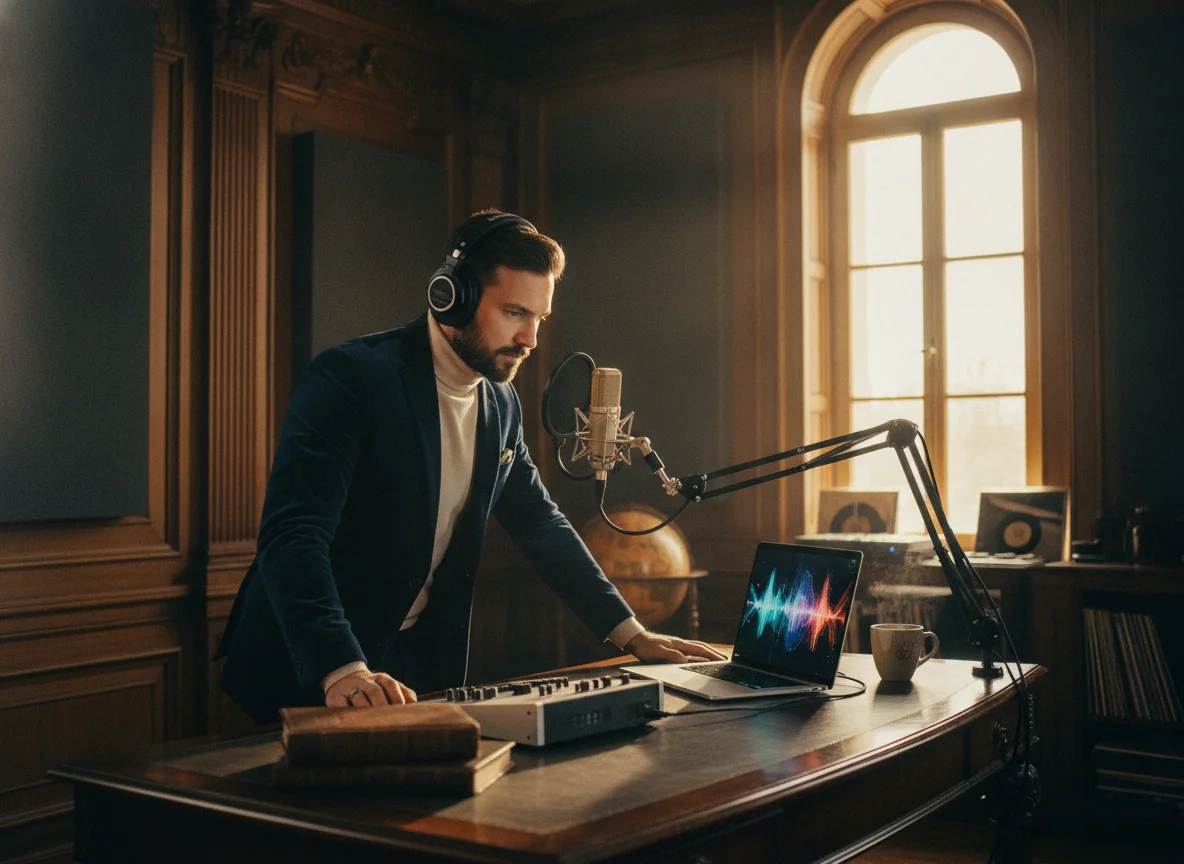
Character themes, vocal tracks, and in-game songs deserve real performance videos. Game developers and composers use BeatMV to turn a vocal recording into a singer-focused video for trailers, character reveals, and promo content. Upload the vocals, pick a style that matches your game's world, and BeatMV builds scenes synced to the voice. The finished MP4 adds storytelling and personality to your marketing, helps a track stand out on store pages and socials, and builds player anticipation far better than an audio clip on its own.
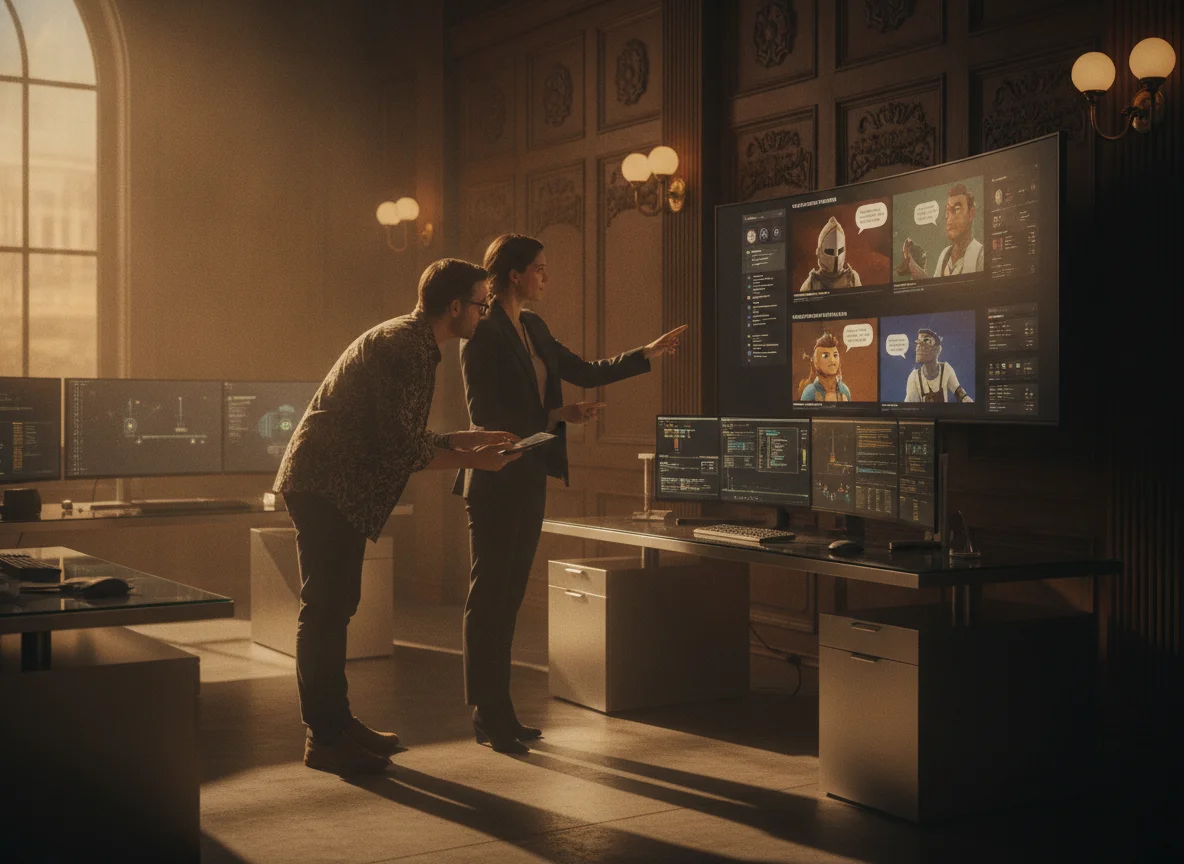
Jingles, brand anthems, and voiceover hooks land harder as video. Marketers use BeatMV to turn a vocal track into a striking performance video that grabs attention in feeds and ads. Upload the audio, choose an on-brand style, and BeatMV generates singer-focused scenes synced to the vocals. You can produce a campaign's worth of social-ready clips in an afternoon, distribute them across channels, and give your message a polished face that lifts brand visibility and engagement far more than static posts or audio alone.
Discover why BeatMV stands out.
Explore BeatMV with a risk-free trial, allowing you to experience the tool's full capabilities before committing. Start creating without any upfront costs.
BeatMV ensures high-quality outputs with advanced AI technology, providing professional-grade vocal videos that meet the highest creative standards.
Experience the efficiency of BeatMV with its fast processing speeds, enabling you to produce and edit videos swiftly without any delays.
BeatMV's user-friendly interface makes it accessible to everyone, regardless of technical expertise, allowing you to create stunning videos effortlessly.
Hear from our satisfied users.
With BeatMV's AI synchronization, I’ve cut down editing time dramatically. My projects are now completed in half the time without sacrificing quality. The tool’s precision is unmatched, and it’s become an indispensable part of my creative toolkit.

John Smith
Music Producer
Using BeatMV's customizable templates, I’ve been able to produce high-quality content that truly stands out. The ease of use and professional results have boosted my channel's engagement and viewership significantly.

Emily Johnson
Content Creator
BeatMV allowed me to add a visual dimension to my podcasts, enhancing listener experience. The integration with my existing tools was seamless, making the transition to video content straightforward and effective.

Michael Brown
Podcaster
Discover our full suite of AI-powered music creation and editing tools
Follow these steps to get started with BeatMV.
Start by uploading your audio file to the BeatMV platform. Ensure your file is in a supported format for seamless processing and accurate synchronization.
Choose from a variety of customizable video templates that suit your project's style. BeatMV offers a wide range of options to ensure your vision is brought to life.
Fine-tune your video by adjusting elements and adding effects. Once satisfied, export your high-quality video file, ready for distribution and sharing.
Find answers to common questions.
Unlock the full potential of BeatMV and elevate your video projects to new heights.
Try Vocal Video Generator Now