Loading...
Loading...
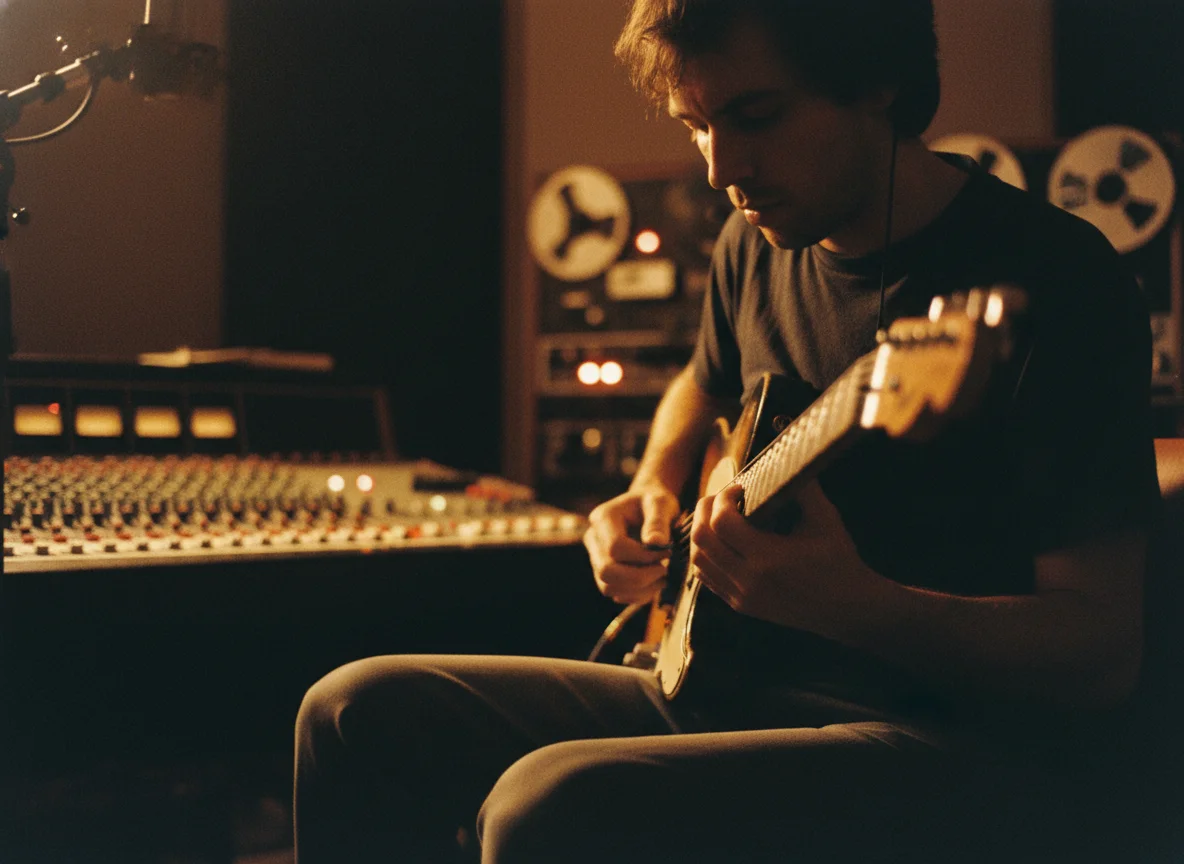
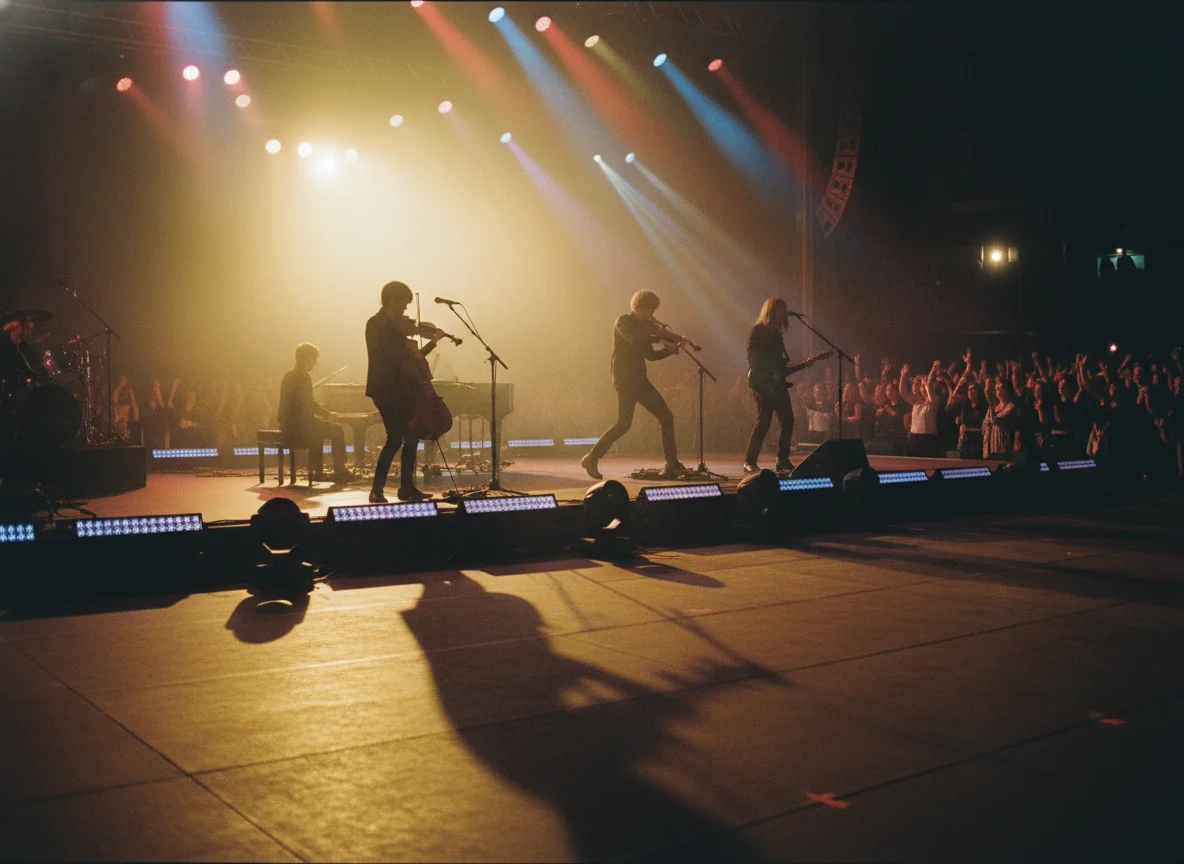
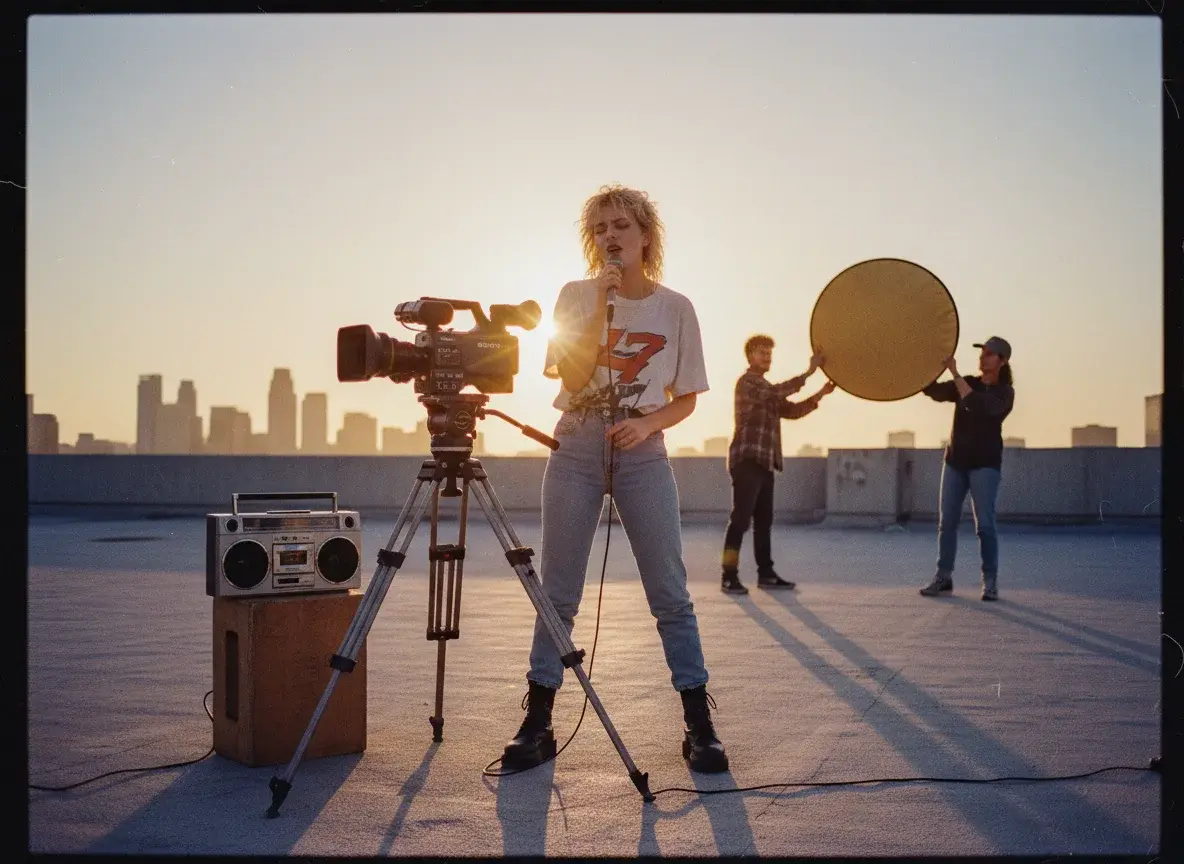
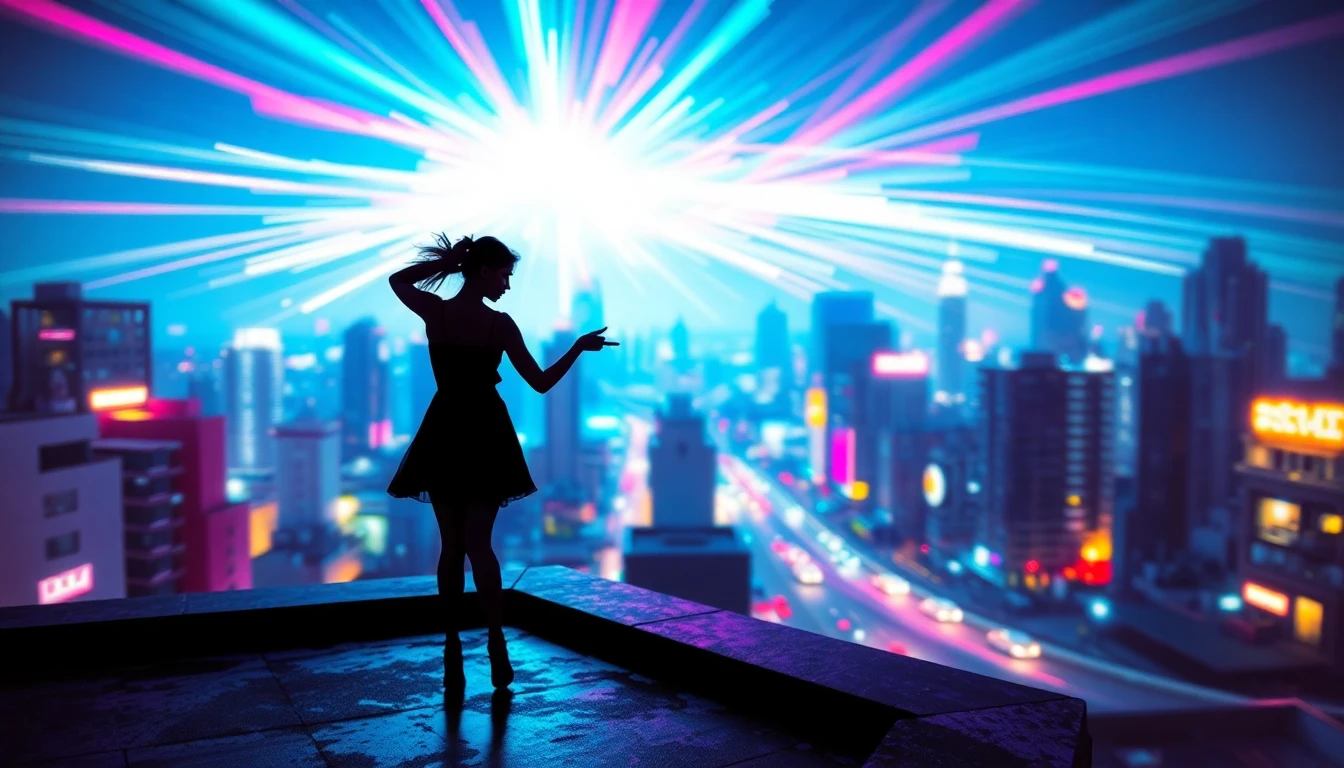
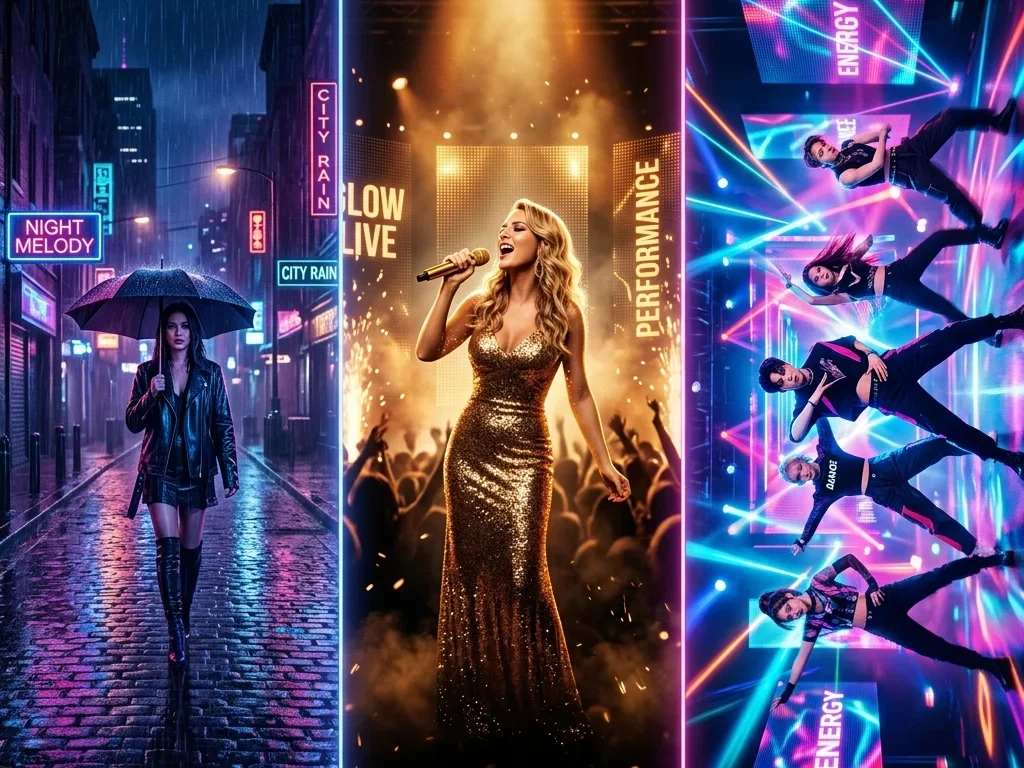
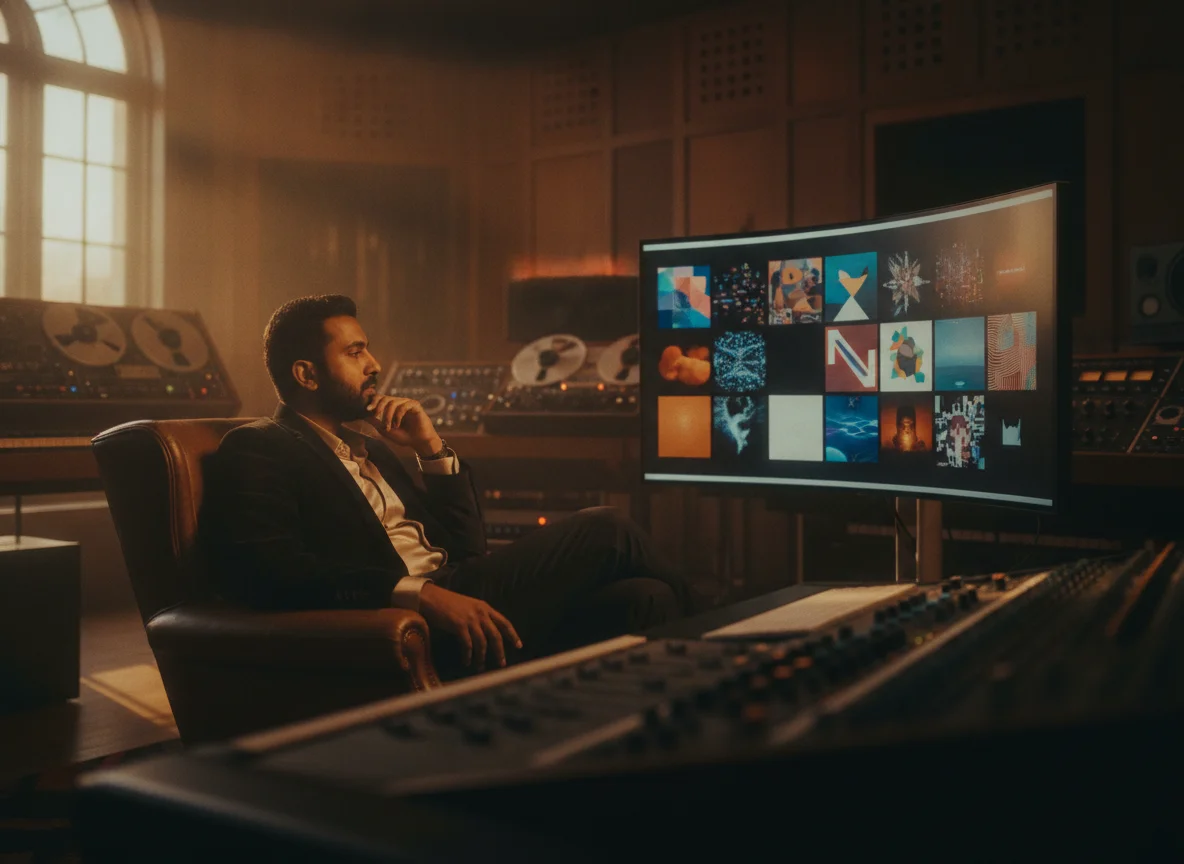
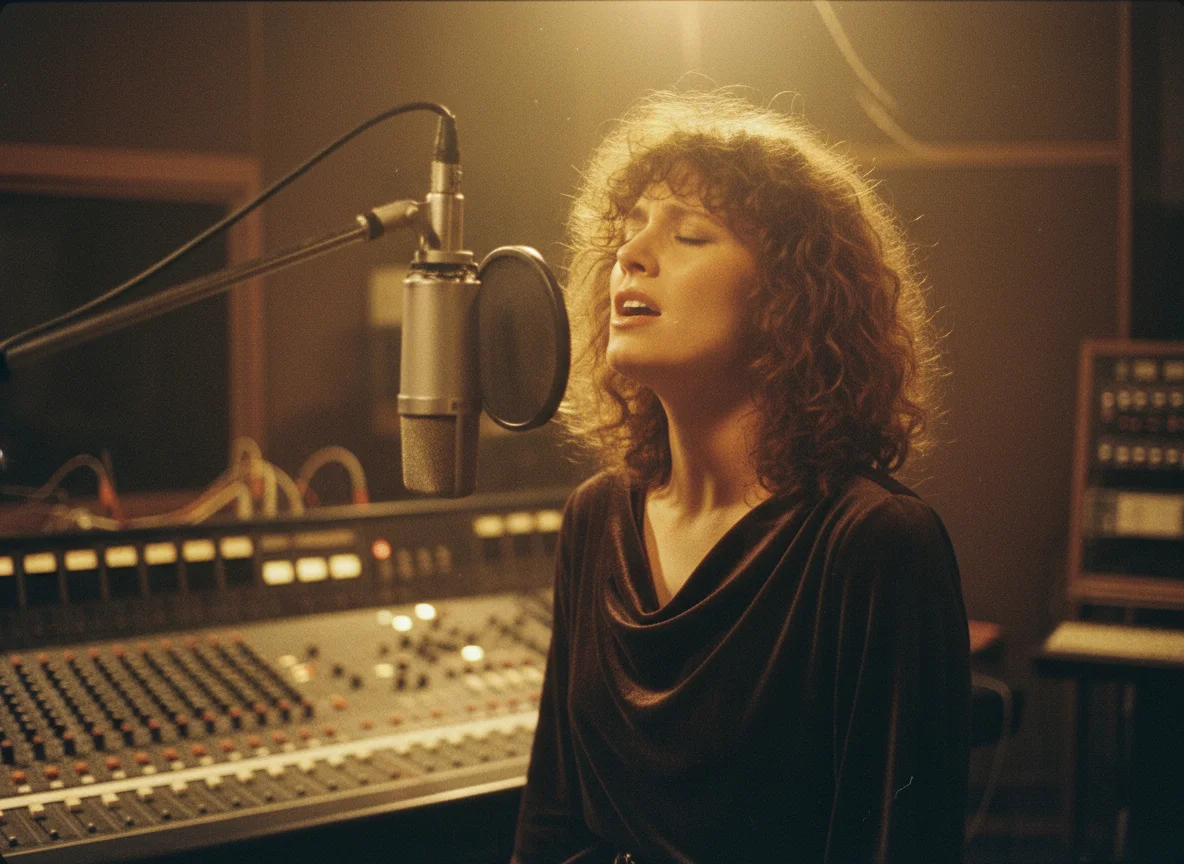
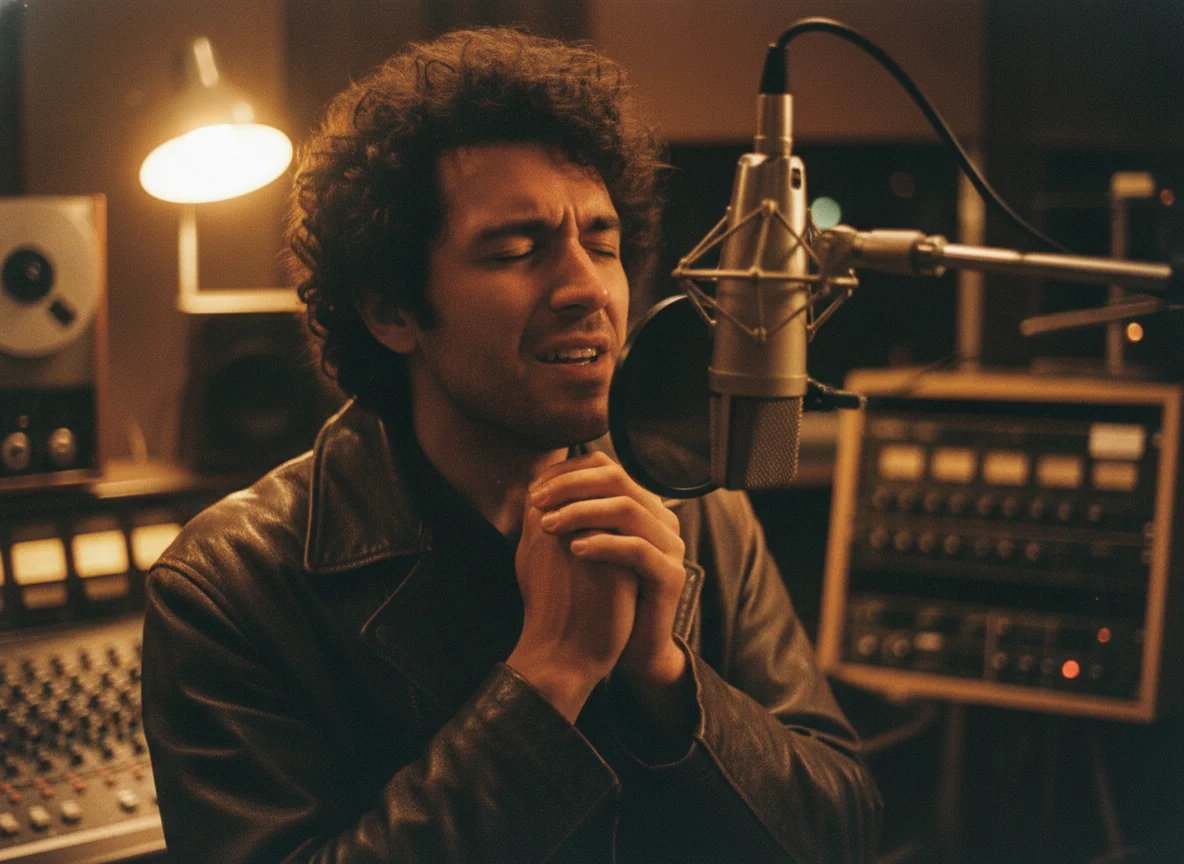
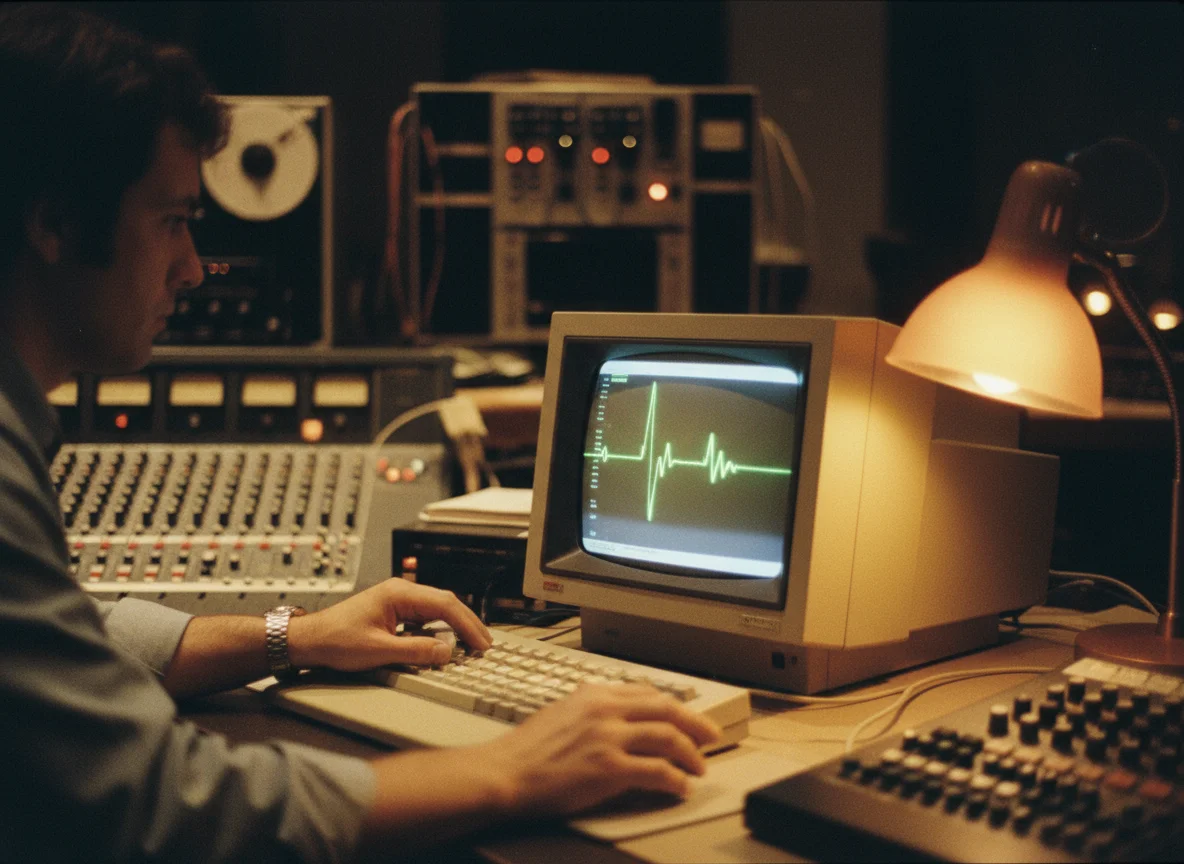
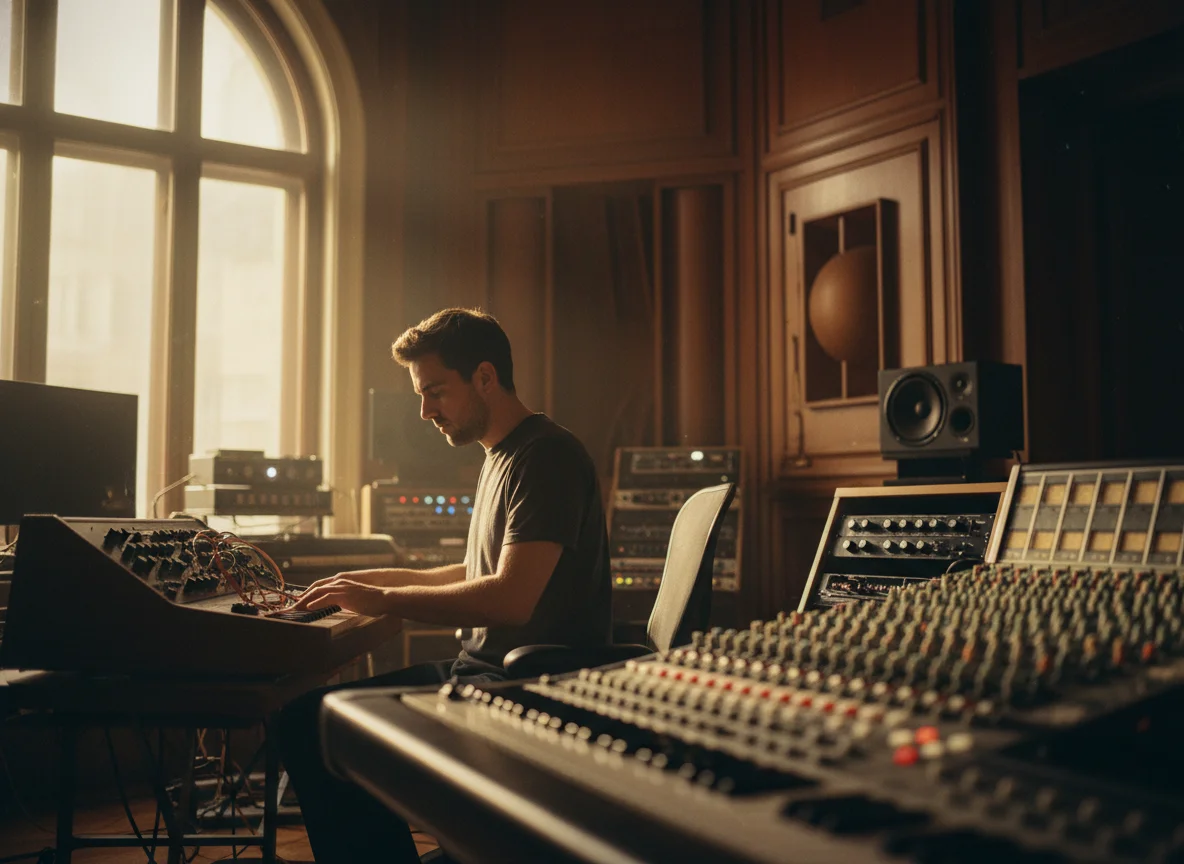
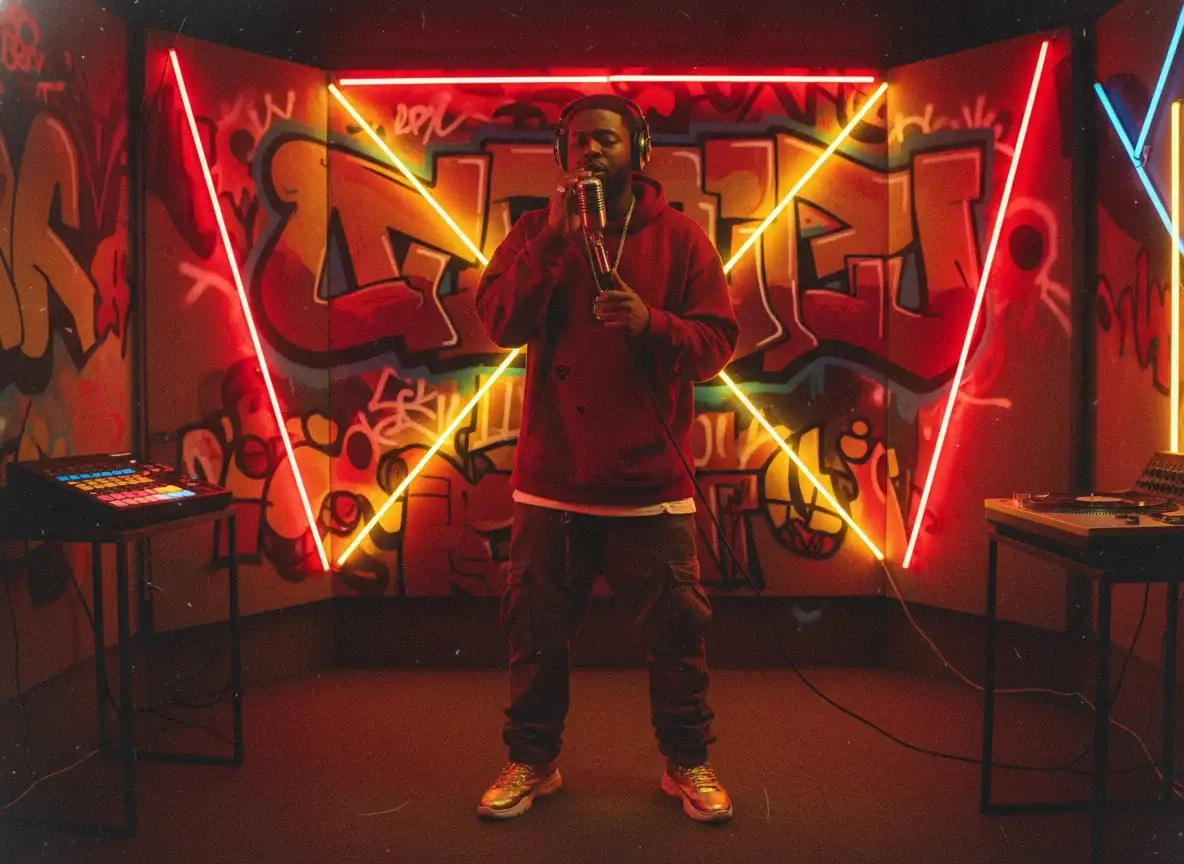
Pick a strong visual style, anime, cinematic, retro, or your own prompt, and the AI applies it consistently across every scene of the song. Export an art-directed MP4 with one cohesive look.
Recommended song length: around 1 minute.
Discover the powerful features of BeatMV tool.
BeatMV offers cutting-edge visual effects that transform ordinary footage into cinematic masterpieces, perfect for making your music videos stand out.
Utilize AI technology to create stunning animations that complement your music, enhancing the storytelling aspect of your video projects.
Choose from a variety of templates tailored to different music genres, ensuring your video aligns perfectly with your artistic vision.
BeatMV integrates smoothly into your existing workflow, saving time and ensuring a hassle-free production process.
Experience quick rendering speeds, allowing you to produce high-quality videos without long delays, keeping your projects on schedule.
Get guidance on music licensing and legal considerations, ensuring your video productions are both creative and compliant.
Unlock creative potential with BeatMV.
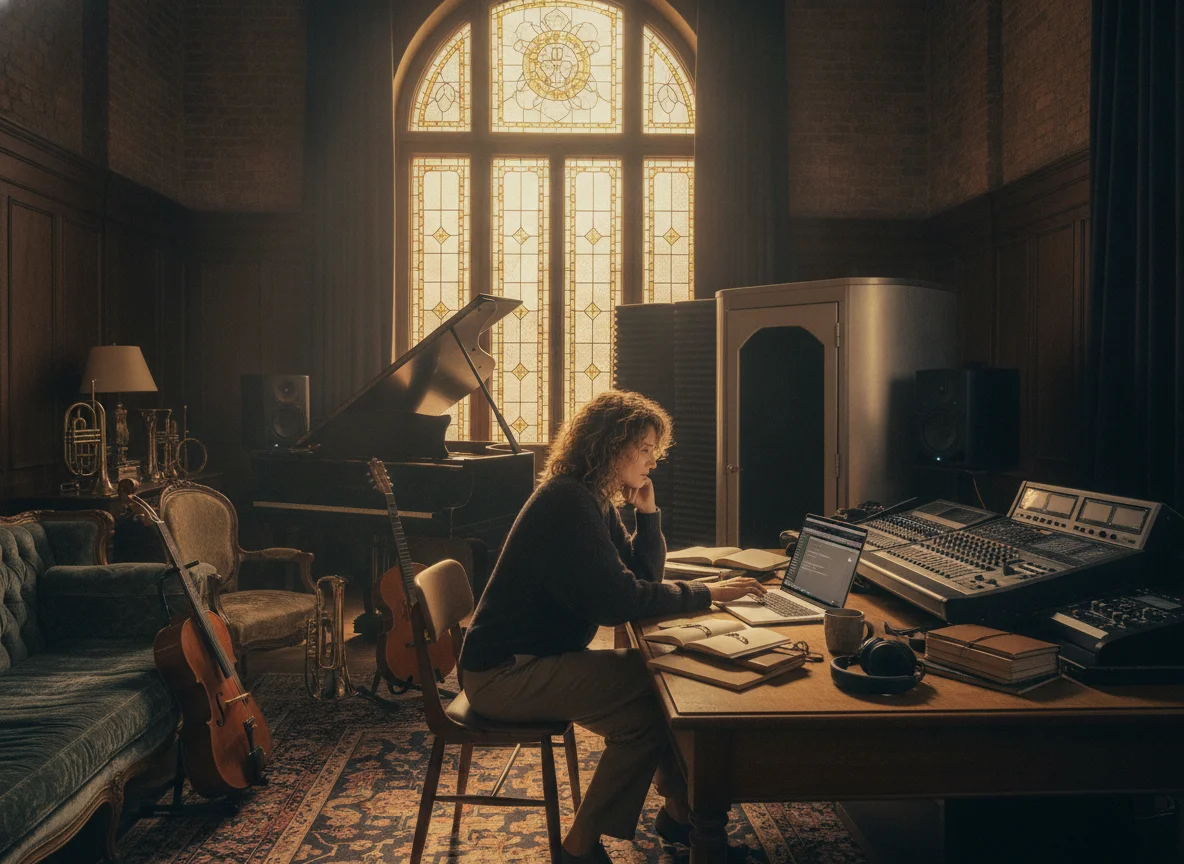
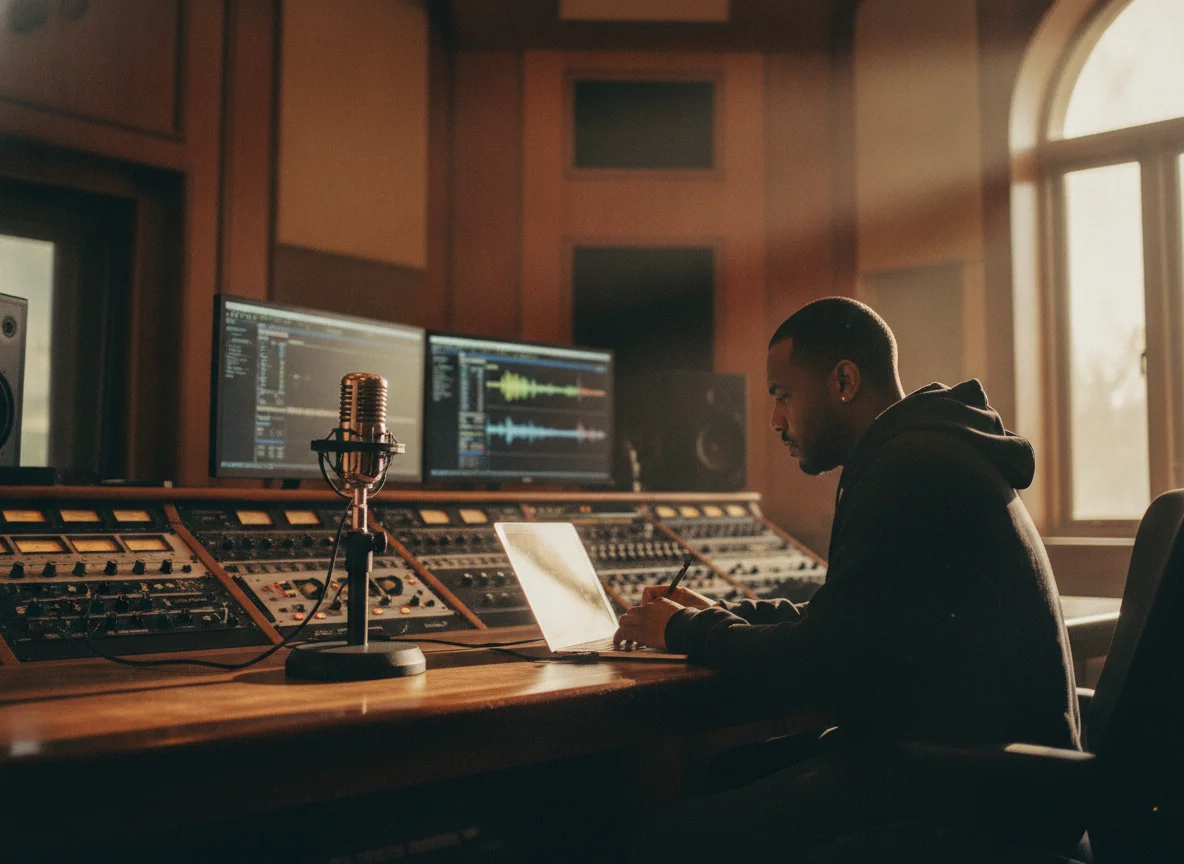
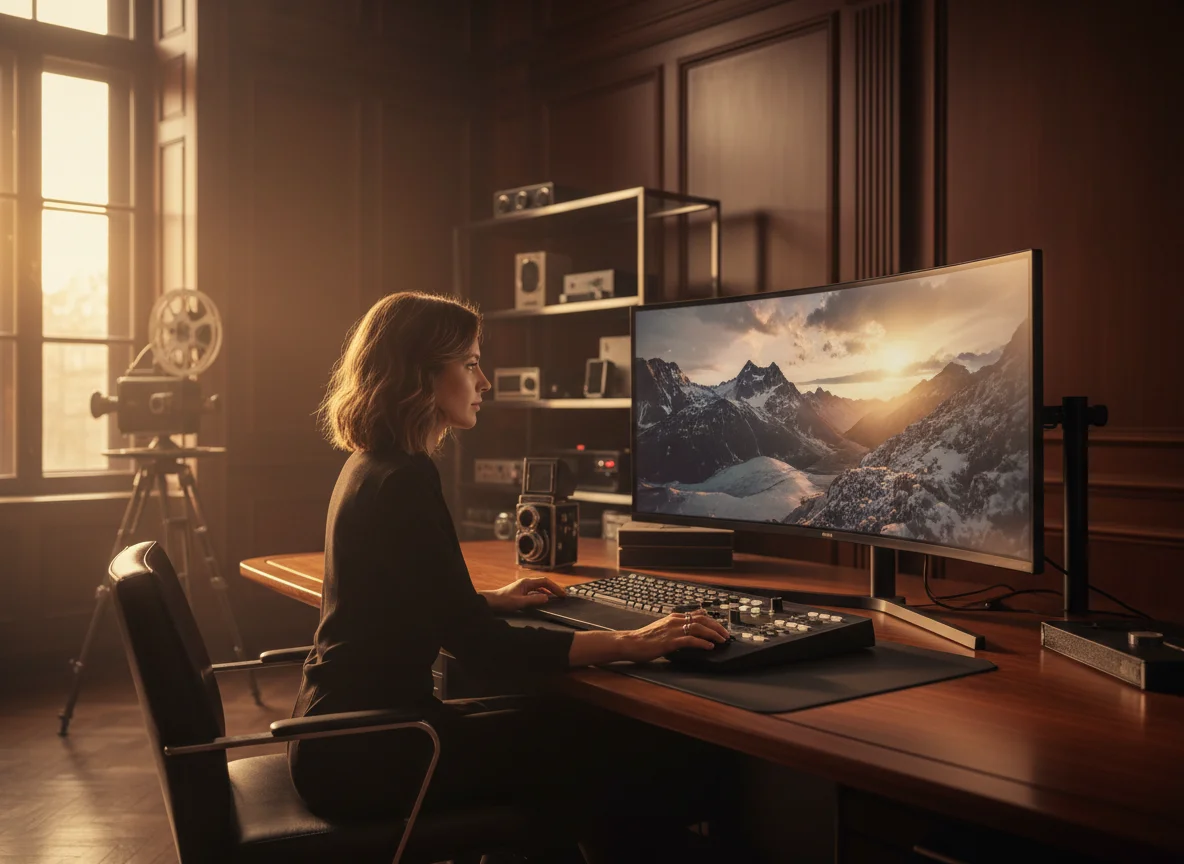
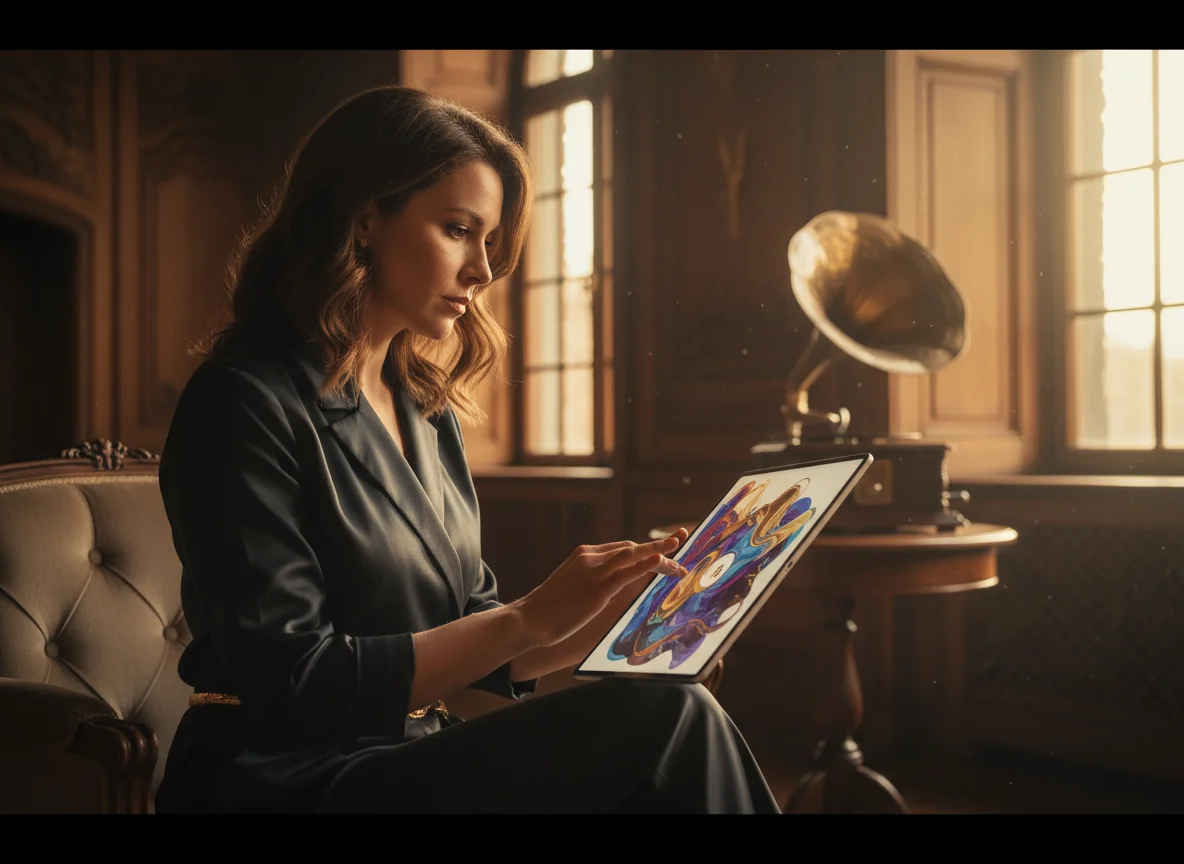
A bold visual style is what makes people stop, watch, and subscribe. Content creators use BeatMV to wrap their songs in a striking look like anime, cinematic, or retro, turning a plain track into a video worth sharing. Pick a style, generate scenes that hold that aesthetic across the whole song, and export an MP4 ready for YouTube and socials. Consistent, eye-catching videos grow watch time and open up more monetization from a bigger audience.
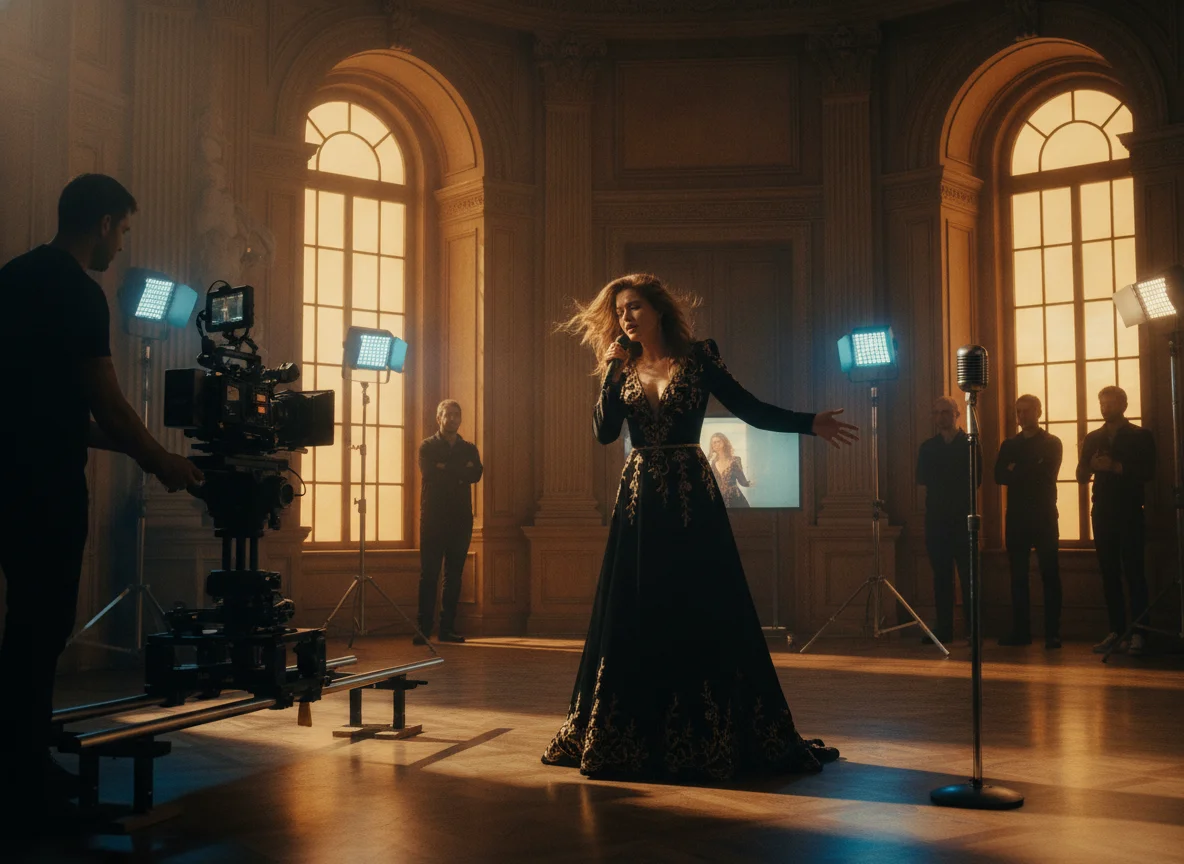
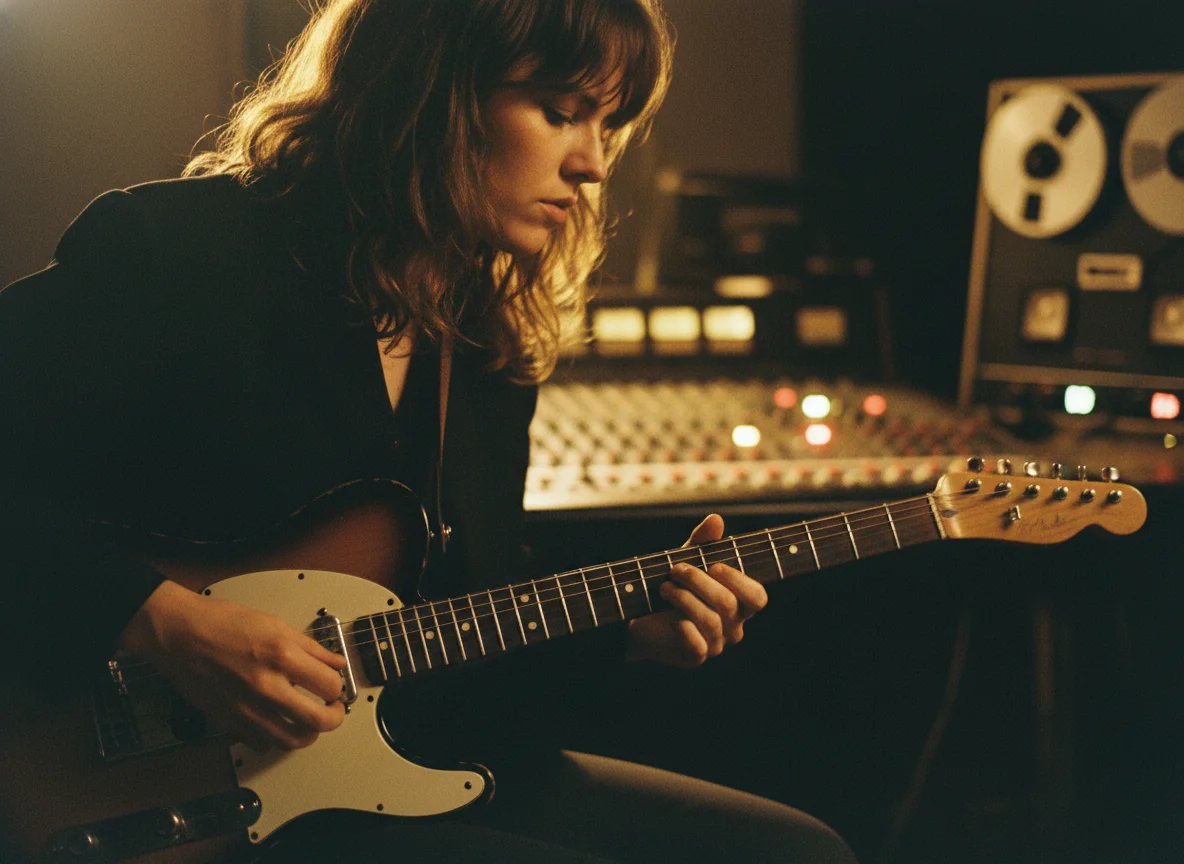
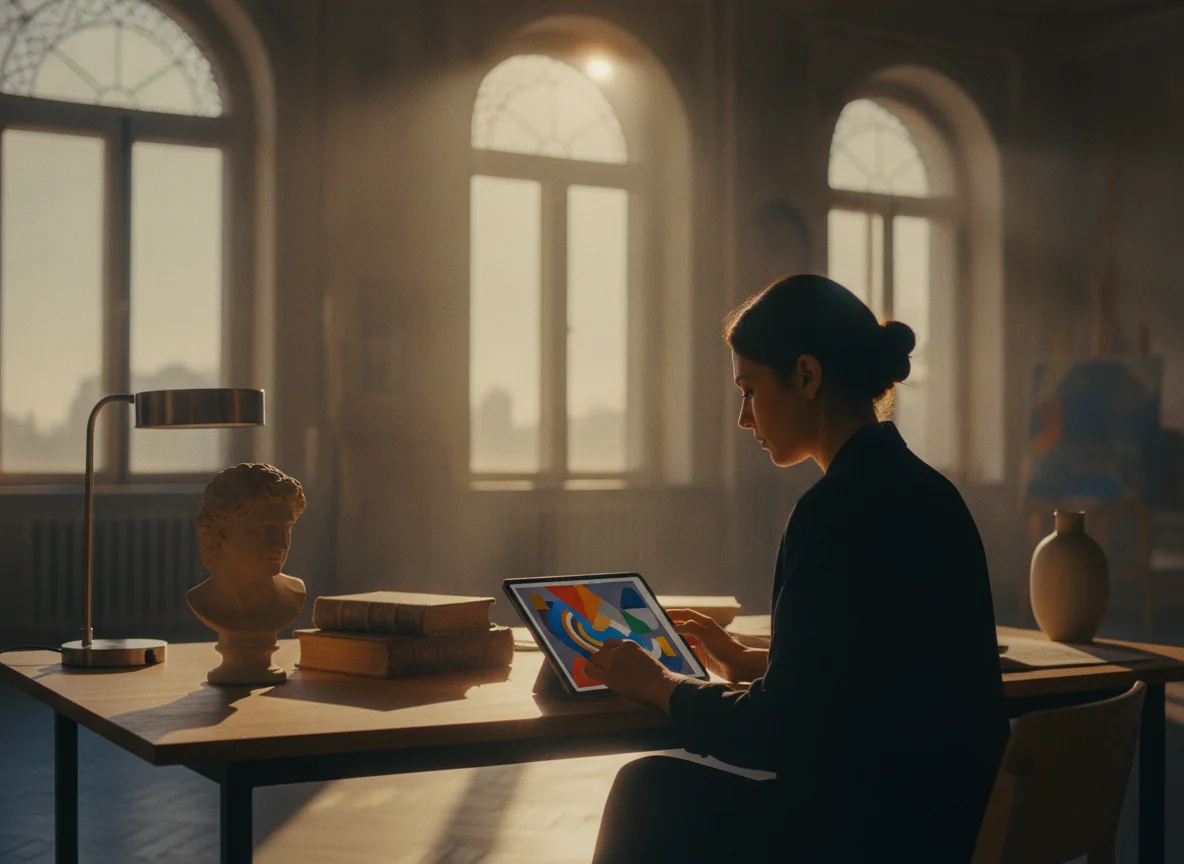
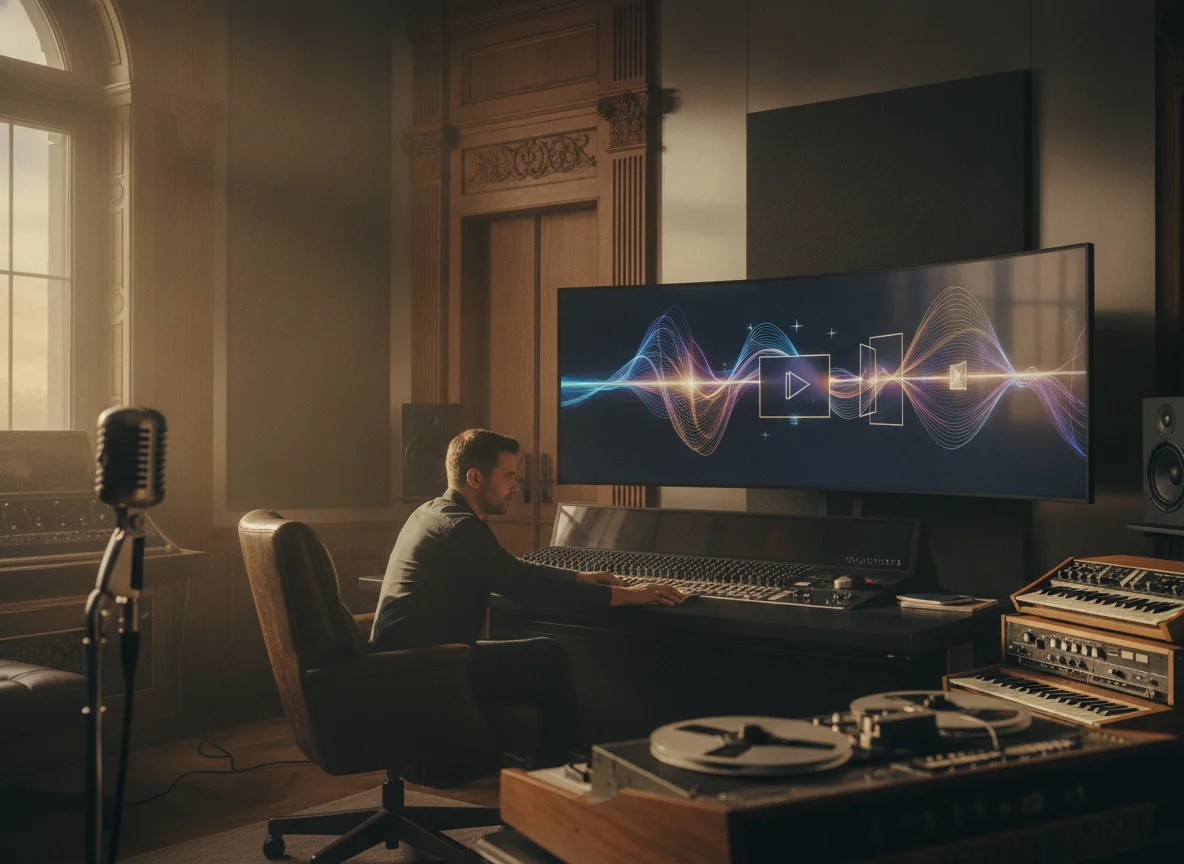
Reposting someone else's footage or pulling clips off the web is a copyright risk. Artists use BeatMV to generate fully original, stylized visuals for their music videos, so the whole video is theirs to publish and monetize without licensing headaches or takedowns. Describe the look you want, pick a style, and BeatMV creates the scenes from scratch. You get an art-directed, release-safe video you can post anywhere, with none of the worry that comes from borrowing visuals you do not own.
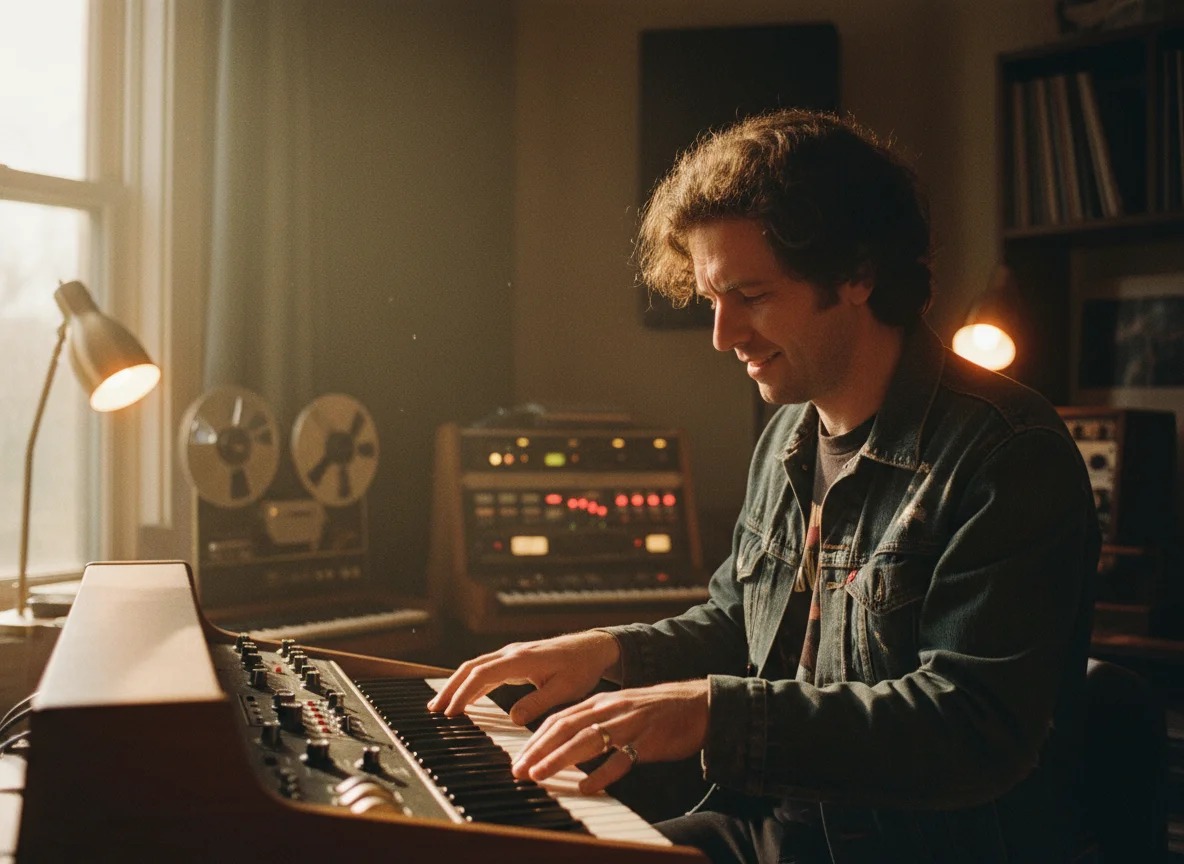
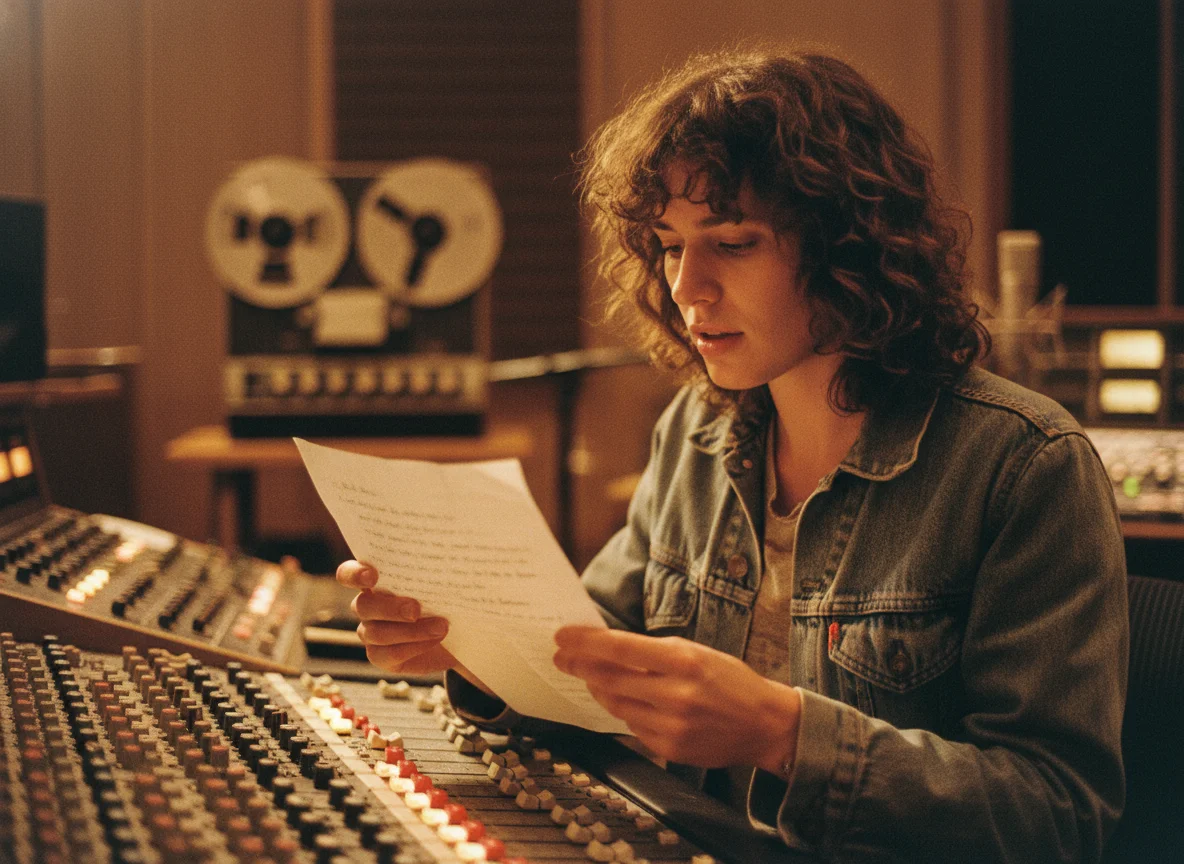
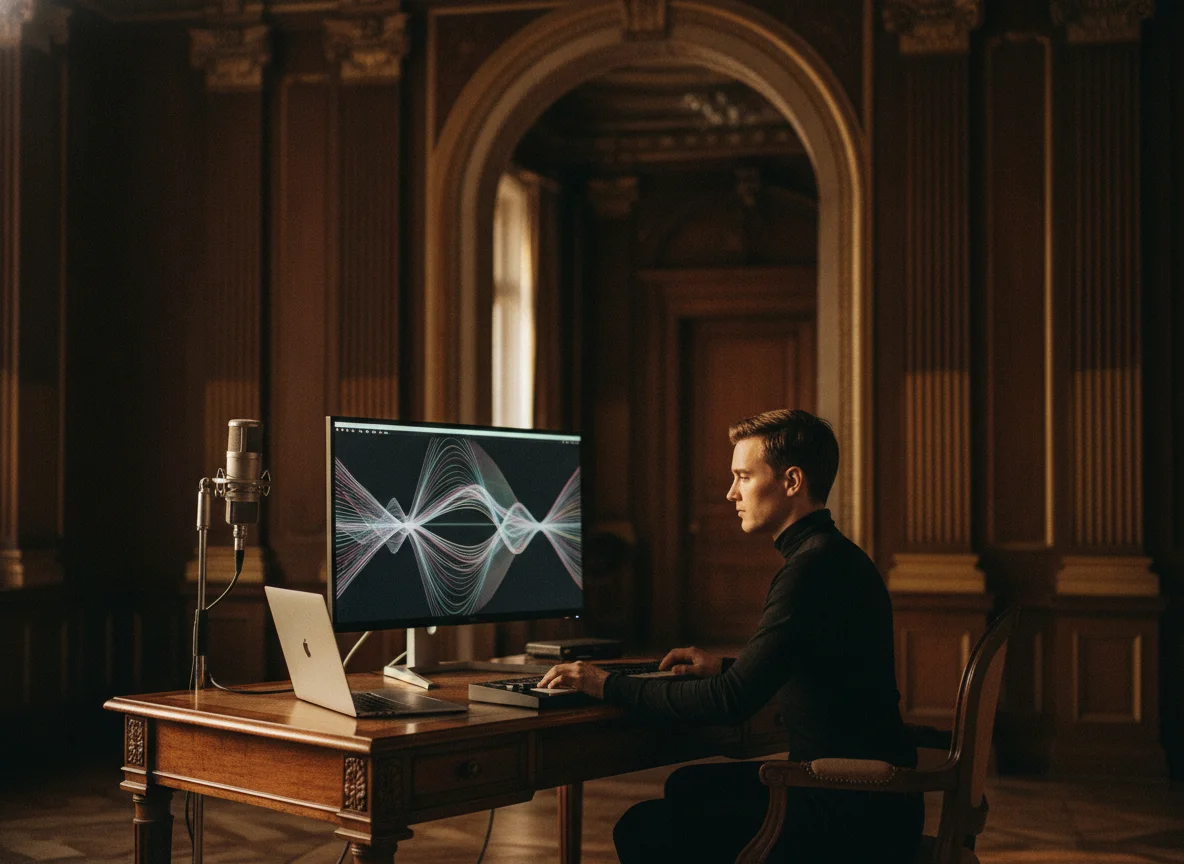
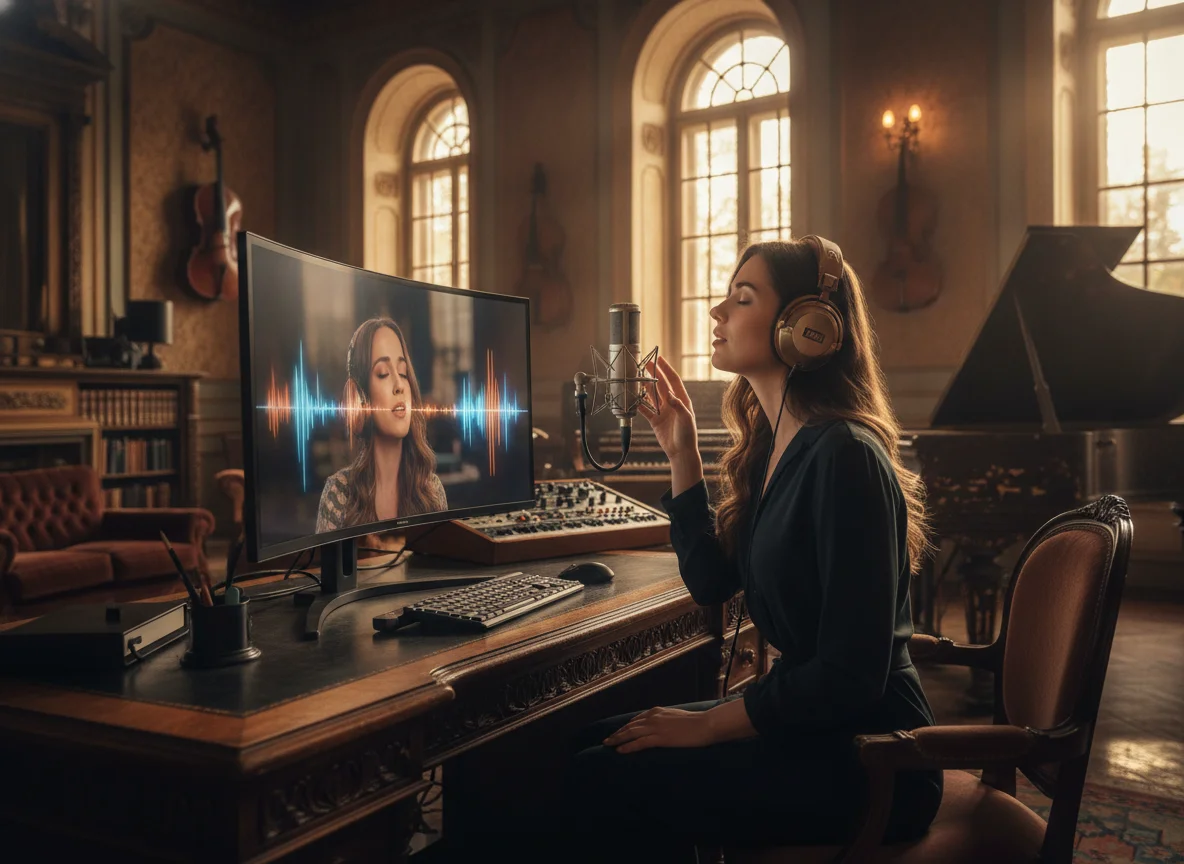
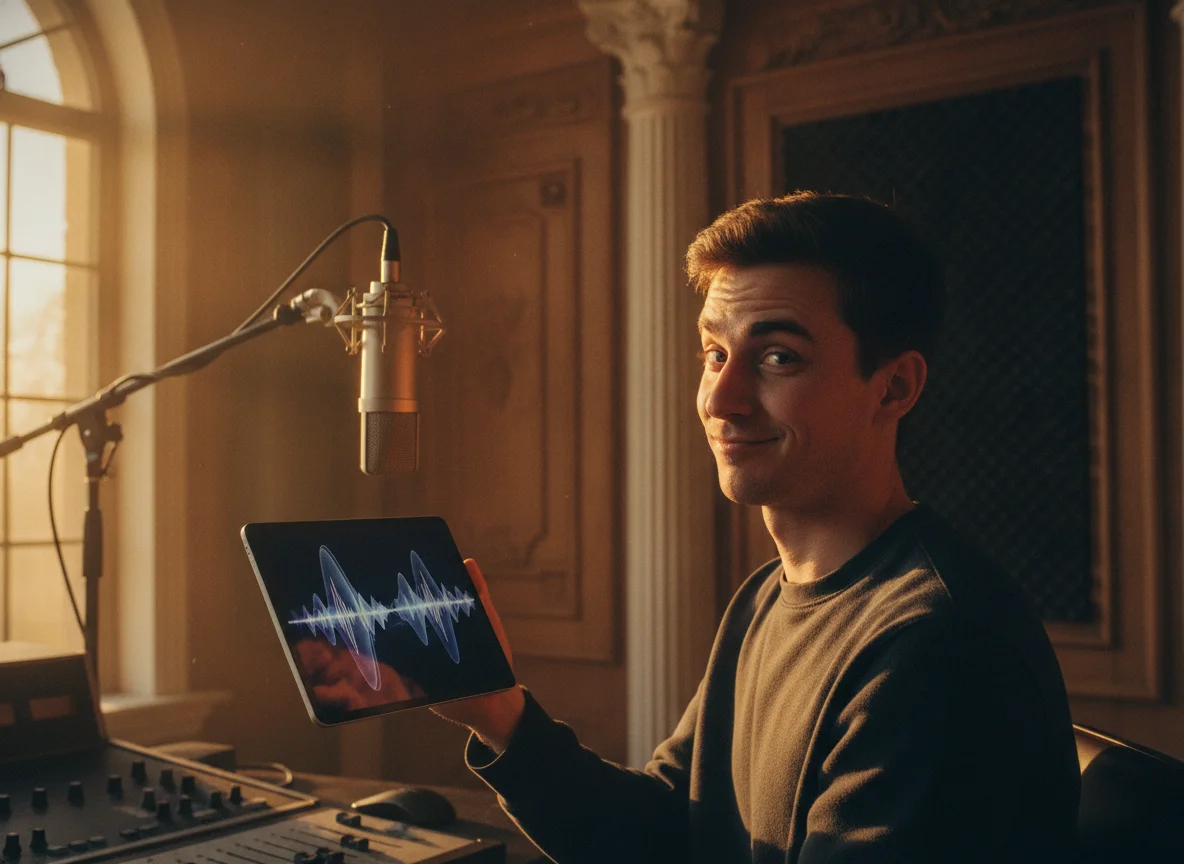
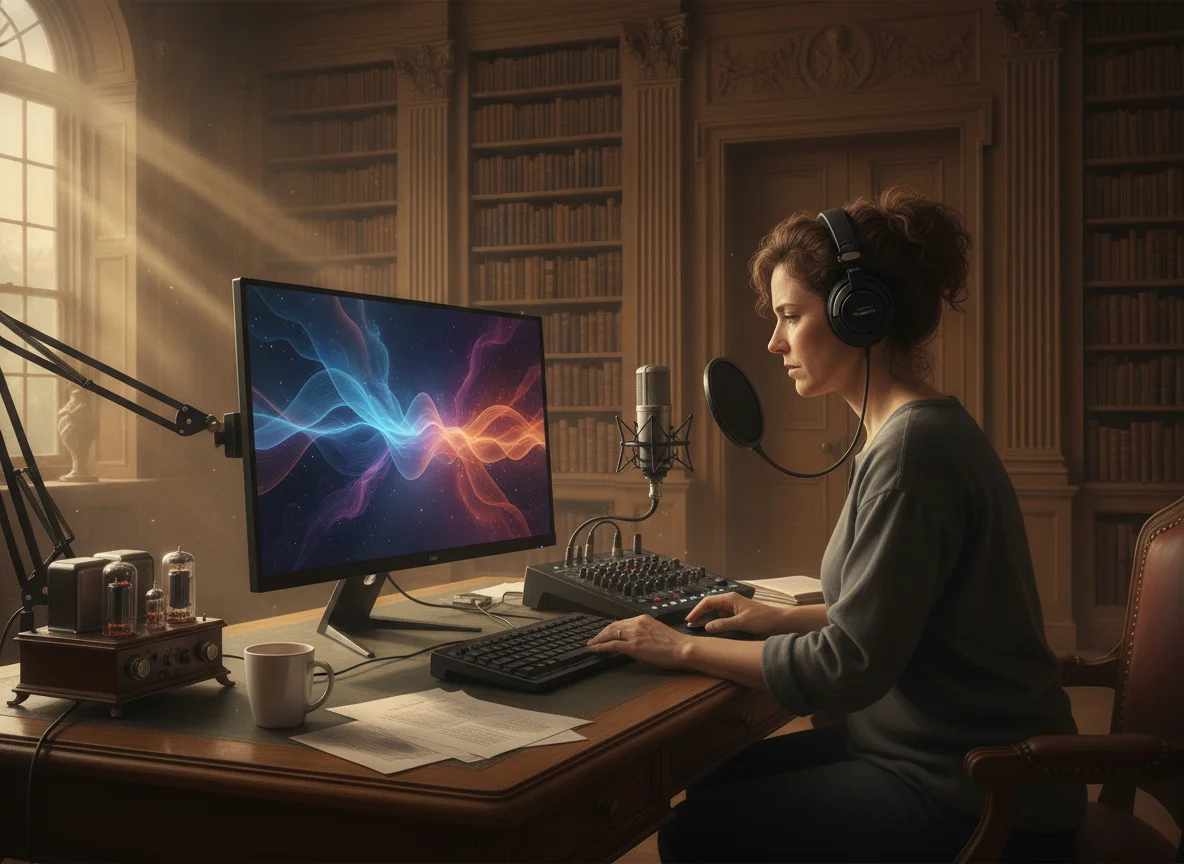
Podcasts grow faster as video, and a strong visual style makes episodes far more shareable. Podcasters use BeatMV to wrap audio in a consistent, stylized look, then post full episodes or clips on YouTube, Reels, TikTok, and Shorts where new listeners find shows. Choose a style that fits your brand, generate visuals timed to the audio, and download a ready-to-post MP4. It is an easy way to repurpose episodes you already recorded into eye-catching video that expands your reach.
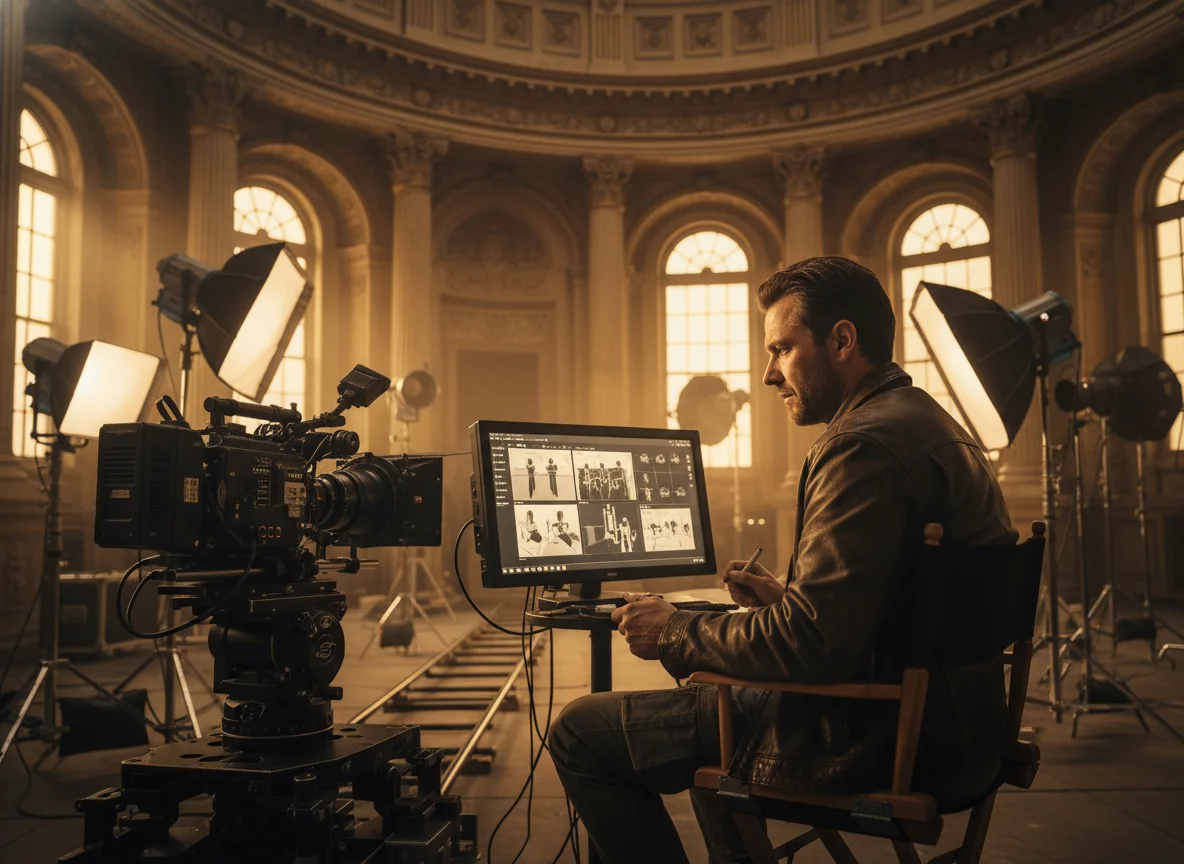
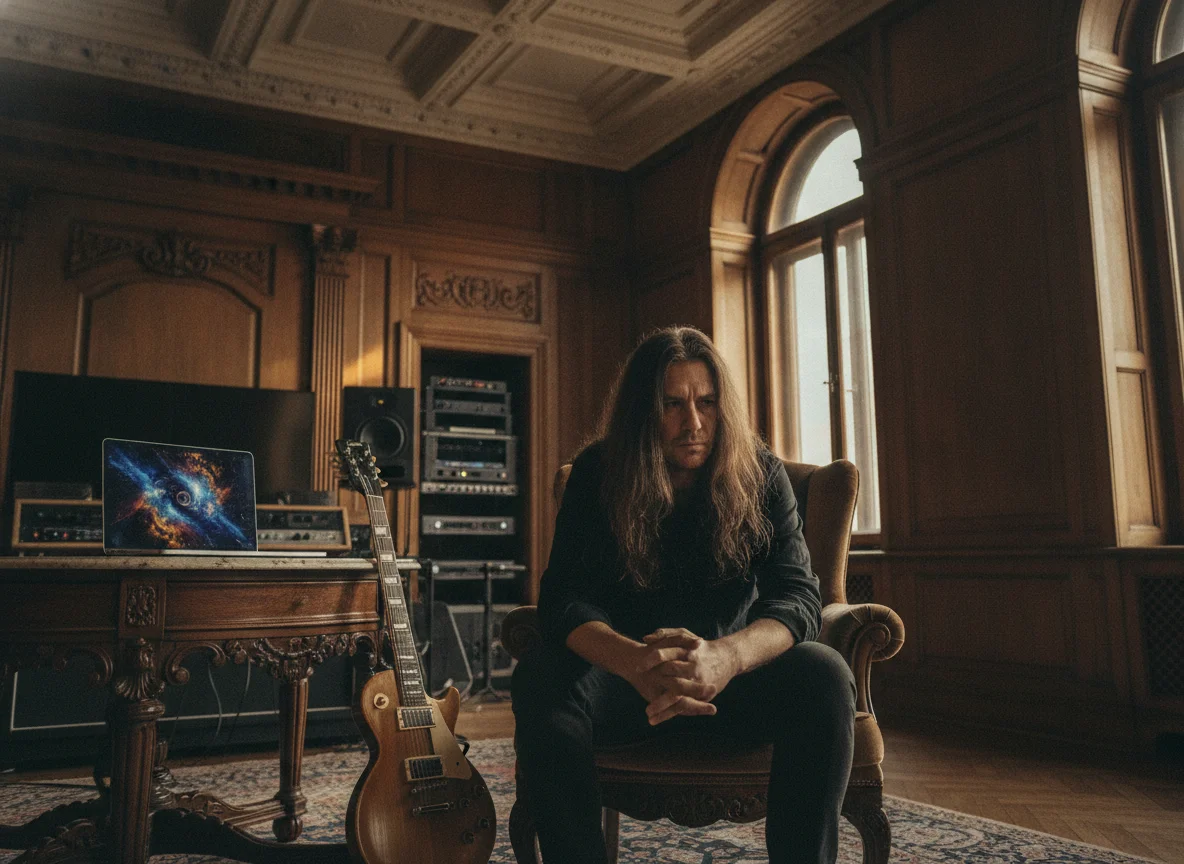
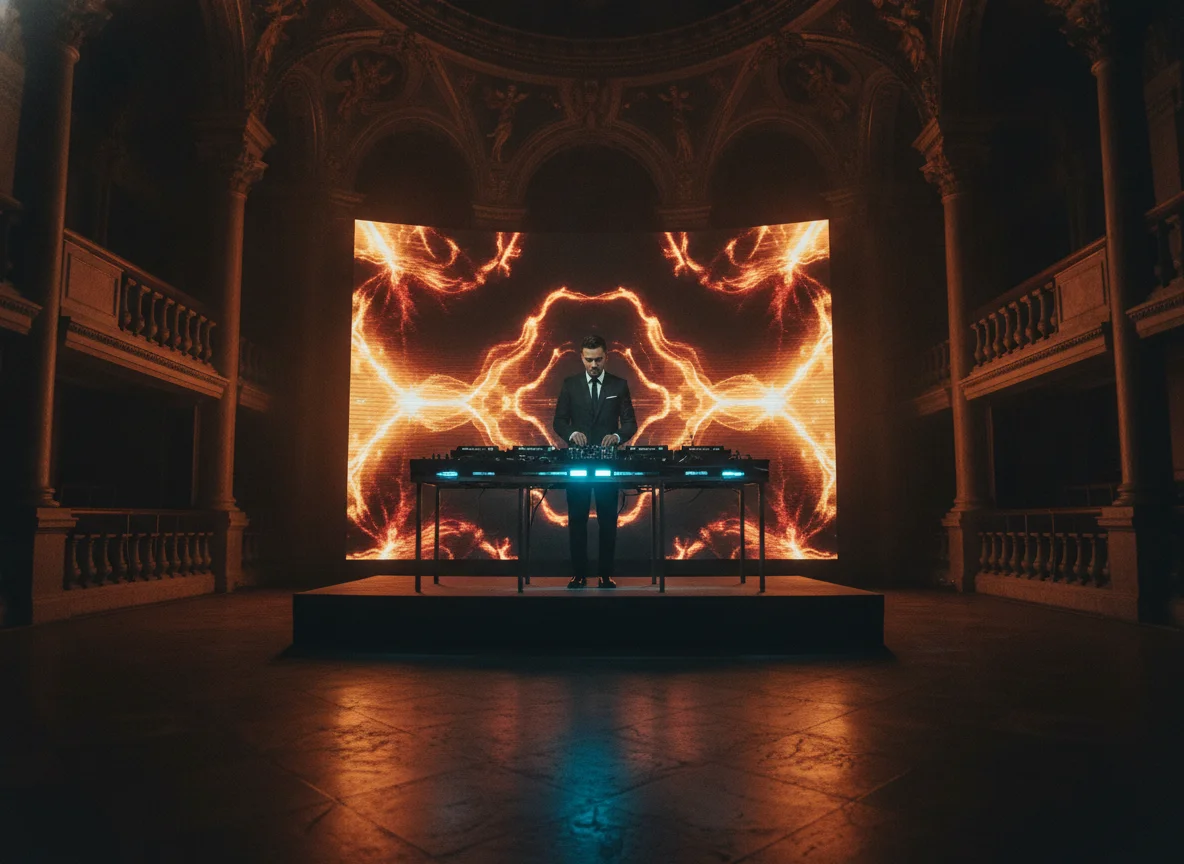
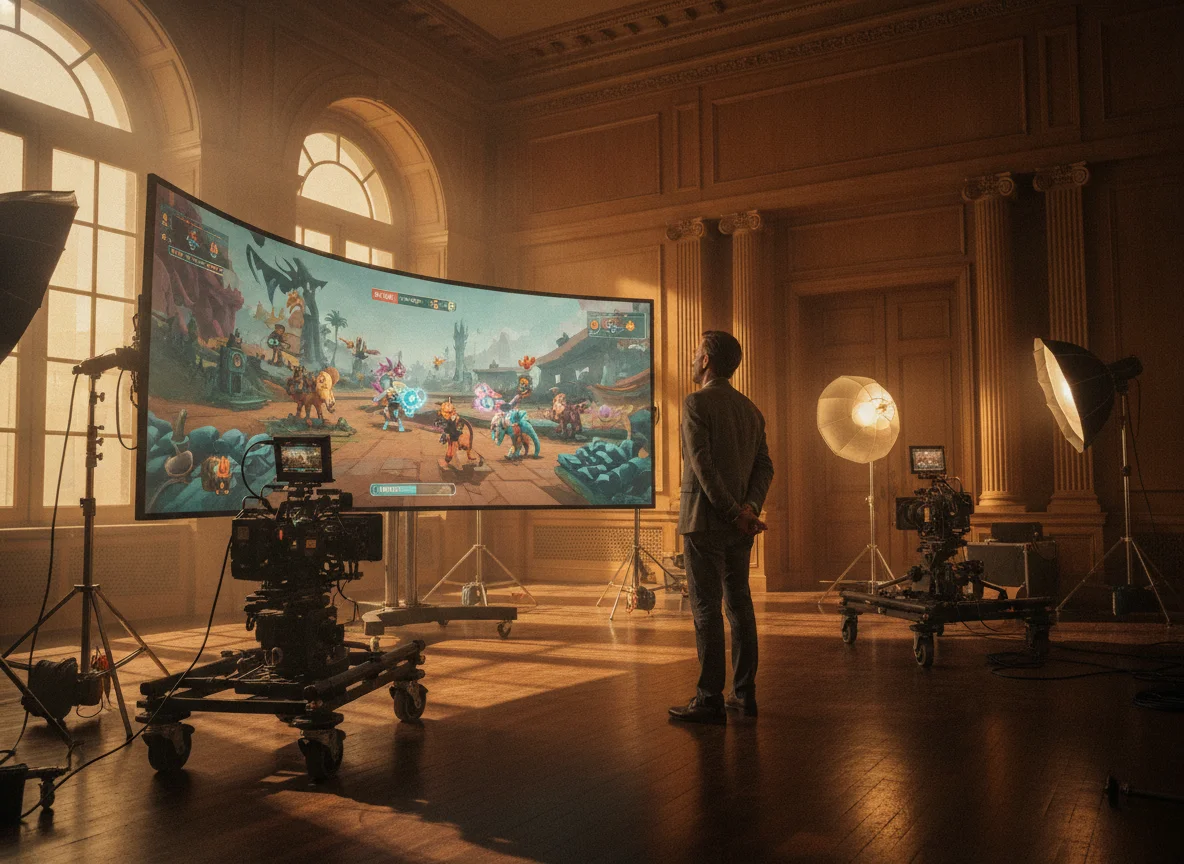
A game's trailer needs to look as distinctive as the game itself. Developers and composers use BeatMV to turn a soundtrack into a stylized promo video, matching the art direction of their world, whether that is anime, retro pixel, or dark cinematic. Describe the aesthetic, pick a style, and BeatMV builds scenes that hold that look across the clip. Use the finished MP4 for store pages, social teasers, and launch campaigns to build hype and showcase the vibe.
Discover the advantages of BeatMV.
Experience BeatMV's powerful features with a free trial, allowing you to explore all the creative possibilities without any initial cost.
BeatMV ensures fast processing times, so you can see your creative visions come to life without delays.
Achieve professional-grade video quality with BeatMV, perfect for artists aiming to impress their audience with stunning visuals.
BeatMV's intuitive interface makes it easy for anyone to create impressive music videos, even without prior technical skills.
Hear from satisfied BeatMV users.
Using BeatMV, I transformed my video production process. The seamless workflow integration and fast rendering have saved me countless hours, allowing me to focus more on creativity.

Emily Johnson
Content Creator
BeatMV's customizable templates helped me create a music video that perfectly matched my song's mood. The quality output impressed my audience and elevated my brand.

Michael Brown
Music Producer
With BeatMV, I added a visual element to my podcast episodes. The platform's ease of use made the process simple, and my audience loved the new format.

Sarah Williams
Podcaster
Discover our full suite of AI-powered music creation and editing tools
Follow these simple steps to use BeatMV.
Start by uploading your audio file to BeatMV's platform. The tool supports a wide range of audio formats for convenience.
Select from various templates and visual effects that best suit your music's style. BeatMV offers customizable options to fit your artistic vision.
Once you're satisfied with your video, render it quickly with BeatMV. Download the final product to share with your audience.
Find answers to common questions about BeatMV.
Unlock your creativity with BeatMV. Try it today and transform your music videos with stunning visuals.
Try Stylized Music Video Now