Loading...
Loading...
A mixing and production coach that answers one question at a time. Ask why a mix sounds muddy, upload a DAW screenshot, or ask to learn an effect — it turns your question into a small, verifiable step instead of a wall of text.
Ask a real question — "why does my mix sound muddy", "how do I use a compressor", attach a screenshot of your DAW session, or attach an audio file for objective measurements (not a listening judgment).
1 credit per message
Built around one rule: it can't hear your track, so it never pretends to. Every answer turns into something you can check yourself.
Instead of a long article, the coach gives you a single next action — open this, listen for that, reply with what you hear. It waits for your real answer before moving on, so you're never buried in theory you didn't ask for.
Describe a problem like "it got muddy after I added compression and reverb" and the coach doesn't guess. It walks you through comparing the original, one step in, and two steps in — at matched volume — so you find exactly where things went wrong.
Attach a screenshot of your DAW session and the coach tells you only what's actually visible — track names, button states, routing that's on screen. It asks for the next screenshot it needs instead of guessing at signal flow it can't see.
Ask to understand an effect or plugin and the coach builds a short, guided listening exercise: hear the untouched sound first, then hear an exaggerated version, describe the difference in your own words, then dial it back to a real setting.
The coach will never claim to have heard your track sound good or bad. When a question genuinely needs a trained ear, it says so plainly and helps you write down exactly what to ask a real engineer.
Answers draw from a licensed knowledge base of real mixing, arrangement, recording, and plugin questions — not generic AI guesses about audio engineering.
Real situations producers and home-studio musicians run into, and how the coach handles each one
You added a couple of processors and now something feels off, but you can't tell what changed. The coach won't guess a cause from your description alone. It sets up a fair A/B/C comparison — original, after step one, after step two, all at matched volume — and asks which stage introduced the problem. That answer tells both of you exactly where to look next, instead of chasing the wrong plugin.

You just installed an EQ, compressor, or reverb and the manual reads like theory with no context. Tell the coach what you're using and it teaches one core control at a time: mute the effect, listen to the dry sound, hear an exaggerated version of the setting, describe what changed, then dial it back into a setting that actually helps your track.

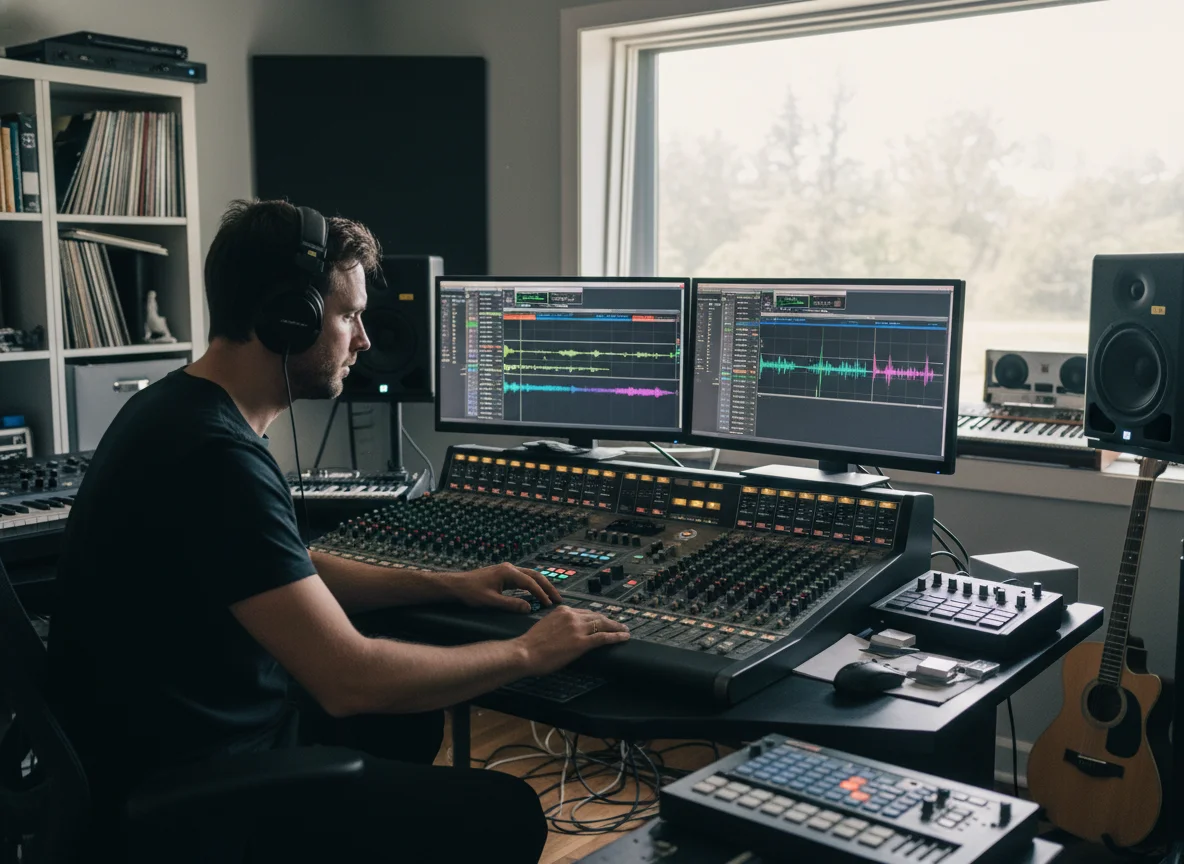
No sound coming out, a track won't play, or you're not sure why your interface is clipping. Attach a screenshot of your DAW session and describe what's happening. The coach reads only what's visible in the image and asks for the next screenshot it actually needs, instead of inventing a signal path it can't see.
You generated a song with an AI tool and it doesn't fit your project, or the arrangement feels off when you drop it into your session. The coach sorts the real problem — a runaway generation, a mismatched key, an unclear next edit — and gives you a concrete next step instead of a vague "try regenerating it".
Built to make you a better engineer, not to sound impressive
Most AI chat answers sound confident about audio they never heard. This coach is built around the opposite rule: if a judgment needs real ears, it tells you plainly instead of inventing a plausible-sounding answer.
No walls of text for a simple question. A clear small operation gets a one-line answer; a real diagnosis gets a step you can actually run in your DAW right now.
Follow-ups build on what you already told it — no repeating your setup, your DAW, or the problem you're chasing every single message.
It won't push courses, memberships, or a purchase in the middle of solving your problem. When a question truly needs a trained engineer, it says so and stops there.
Early feedback from people using the AI Mixing Coach to get unstuck
Instead of just saying 'try a de-esser', it made me A/B the actual step where things went wrong. Found the real problem in two messages.

Derek M.
Home studio producer
It walked me through hearing the difference before explaining the terminology. That order made way more sense than any plugin manual.

Priya S.
Bedroom pop artist
I appreciate that it's upfront when something needs a real ear instead of guessing. Saved me from chasing advice based on nothing.

Marcus T.
Hip-hop engineer
Keep building after you fix the mix
Three steps, no setup
Type what's actually happening — no need to know the correct terminology first. "It sounds muddy", "how do I use this plugin", and "why is there no sound" are all fine starting points.
The coach replies with a single action and something to listen or look for — never a full tutorial up front. Attach a DAW screenshot if it helps show the problem.
Tell it what you heard or found. It uses that real answer to narrow things down and give you the next step — until the actual problem is found.
What the AI Mixing Coach can and can't do
Ask a real question and get a real next step — no fake listening, no wall of text.
Ask the AI Mixing Coach