Loading...
Loading...
Turn your cover art, a text idea, or a shot from your BeatMV music video into a seamless looping Canvas. We check the file against the Spotify Canvas spec before you download it.
Seamless loop · under 8s · 608×1080 MP4 · no audio
Your looping Canvas will appear here
What the BeatMV Spotify Canvas Maker does for you
The clip plays forward, then backward, so the last frame flows straight back into the first. No visible jump when Spotify repeats it.
Every file is checked before download: 3–8 seconds, 9:16, 720–1080px tall, H.264 MP4 and no audio track. If something is off, you see exactly what.
Upload the artwork you already have and pick MiniMax H3, Grok Imagine or Seedance 2.0 Fast to bring it to life with gentle motion.
No artwork yet? Describe a scene, generate a vertical image first, then animate it into a Canvas.
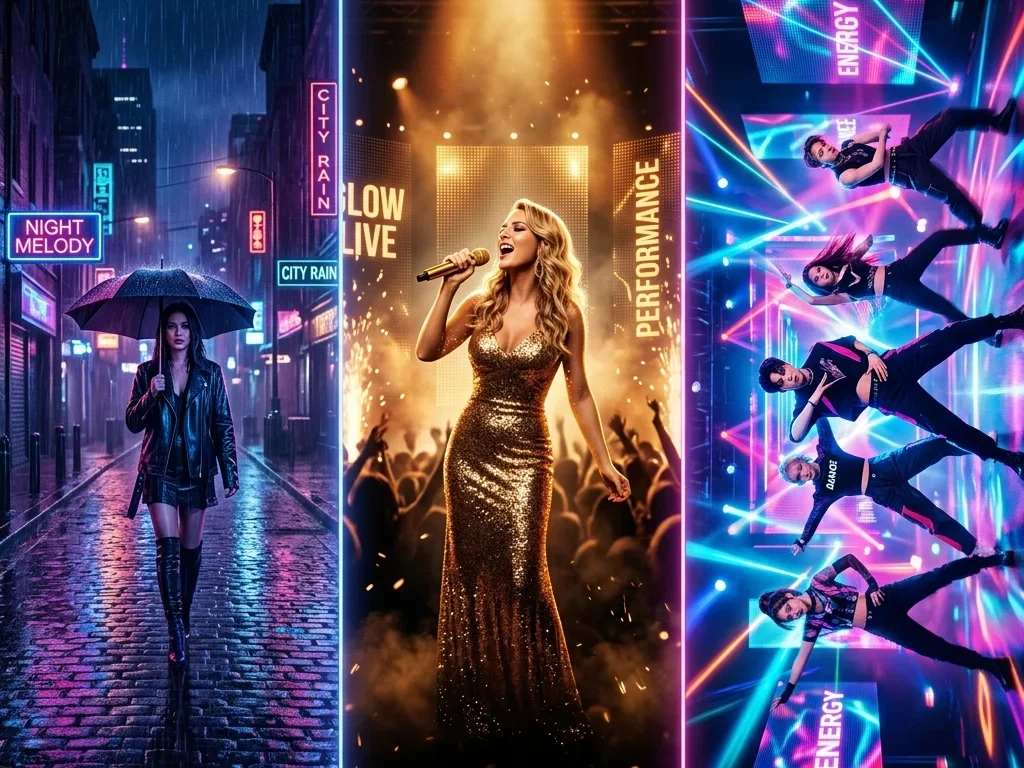
Already made a music video on BeatMV? Pick any shot and turn it into a Canvas for free. Wide shots are center-cropped to vertical.
Looping, cropping and encoding run on your device, so you get the finished file without waiting in another queue.
Artists and teams who want every track to move on Spotify
Give a new single a moving visual on release day without hiring a motion designer. Start from the cover you already designed and keep your look consistent across Spotify.
Instrumental releases rarely get a video. A short looping Canvas adds atmosphere to a beat tape and makes each track feel finished in the Spotify player.
Prepare Canvases for a whole album or a roster in one sitting. Every export follows the same spec, so uploads in Spotify for Artists go smoothly.
Reuse the strongest shot from your BeatMV music video as the Canvas, for free. The same visual on YouTube and Spotify ties the release together.
Built around what Spotify actually accepts
Length, size, codec and audio are fixed to the Canvas requirements and checked after export.
The forward-and-back loop hides the seam that makes many Canvases look cheap.
You see the credit cost on the button before you generate. Making a Canvas from your own music video shot costs nothing.
When one loop is not enough, the same artwork can become a full AI music video on BeatMV.
Keep creating with BeatMV
Turn the same song and artwork into a complete AI music video with scenes that follow the music.
Three steps from artwork to upload-ready file
Upload your cover art, describe an image to generate, or pick a shot from one of your BeatMV music videos.
Pick a video model and optional motion, then generate. BeatMV animates the image and builds a seamless vertical loop under 8 seconds.
Download the MP4, open Spotify for Artists, pick your song, choose Canvas and upload the file. Spotify reviews it before it goes live.
Common questions
Start from your cover art or a music video shot and download an upload-ready loop in minutes.
Open Spotify Canvas Maker