Loading...
Upload a music video and get three vertical clips cut from the song itself: the loudest stretch, where the music kicks in, and the middle. Free, no sign-up, and your video never leaves your browser.
No music video yet?
Turn your song into a full music video, then cut it into shorts here.
Create a music videoUpload a music video to get three vertical clips
9:16, 1:1 or 4:5 · 15, 30 or 60 seconds
Clip tools built for talking videos pick moments by speech. This one listens to the music.
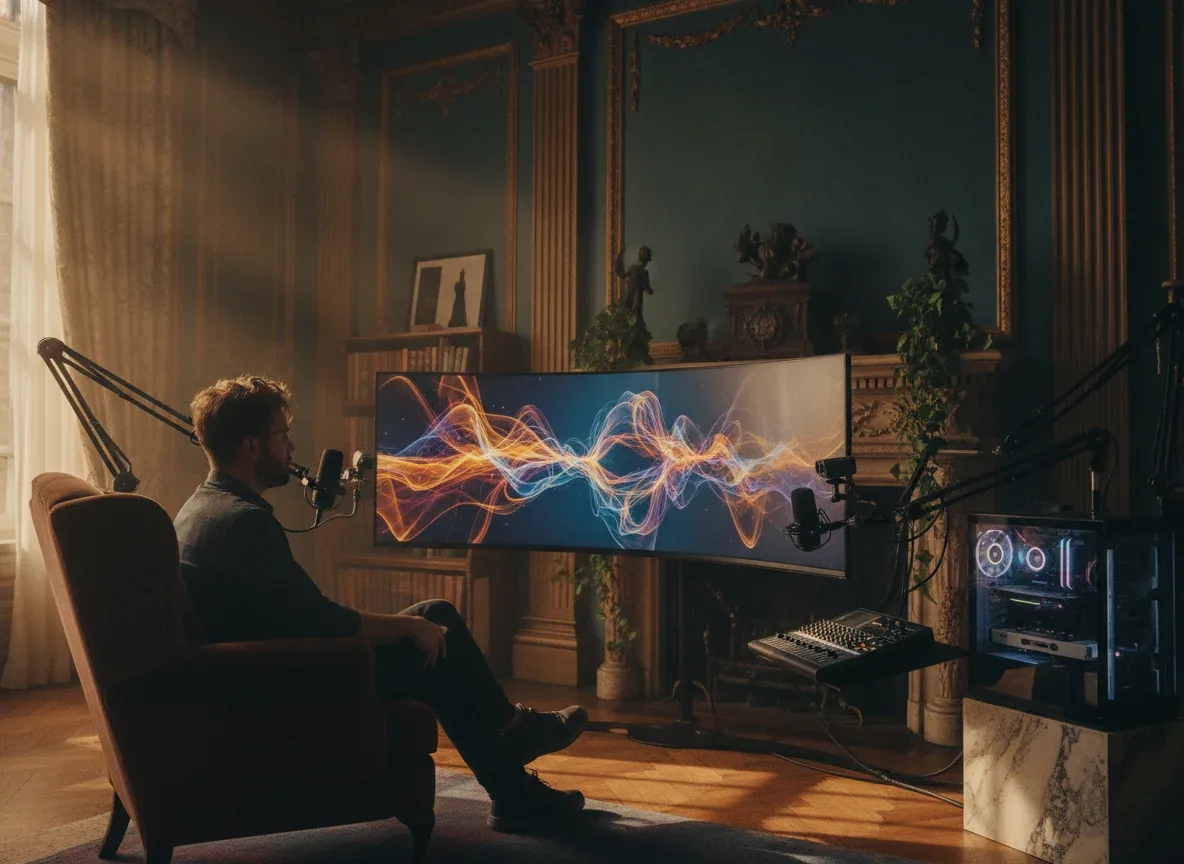
The tool measures how loud the song is second by second and finds the stretch where it hits hardest, instead of guessing from speech or faces.
Every video gives you three options: the peak, the opening where the music kicks in, and the middle. Each comes with a one-line reason so you know why it was picked.
Export vertical 9:16 for TikTok, Reels and YouTube Shorts, square 1:1, or 4:5 for the Instagram feed. Videos already in the right shape are not cropped.
A wide music video loses its sides in a vertical crop. Drag the frame over the singer or the shot you care about before you export.
Pick the length that fits the platform. Clips never run longer than the length you chose.
Cutting and reframing happen on your device. Nothing is uploaded to our servers, and there is no account or payment step.
One music video, several posts.
Post the strongest part of your new music video on release week, then follow up with the opening and a second clip, all cut from one upload.
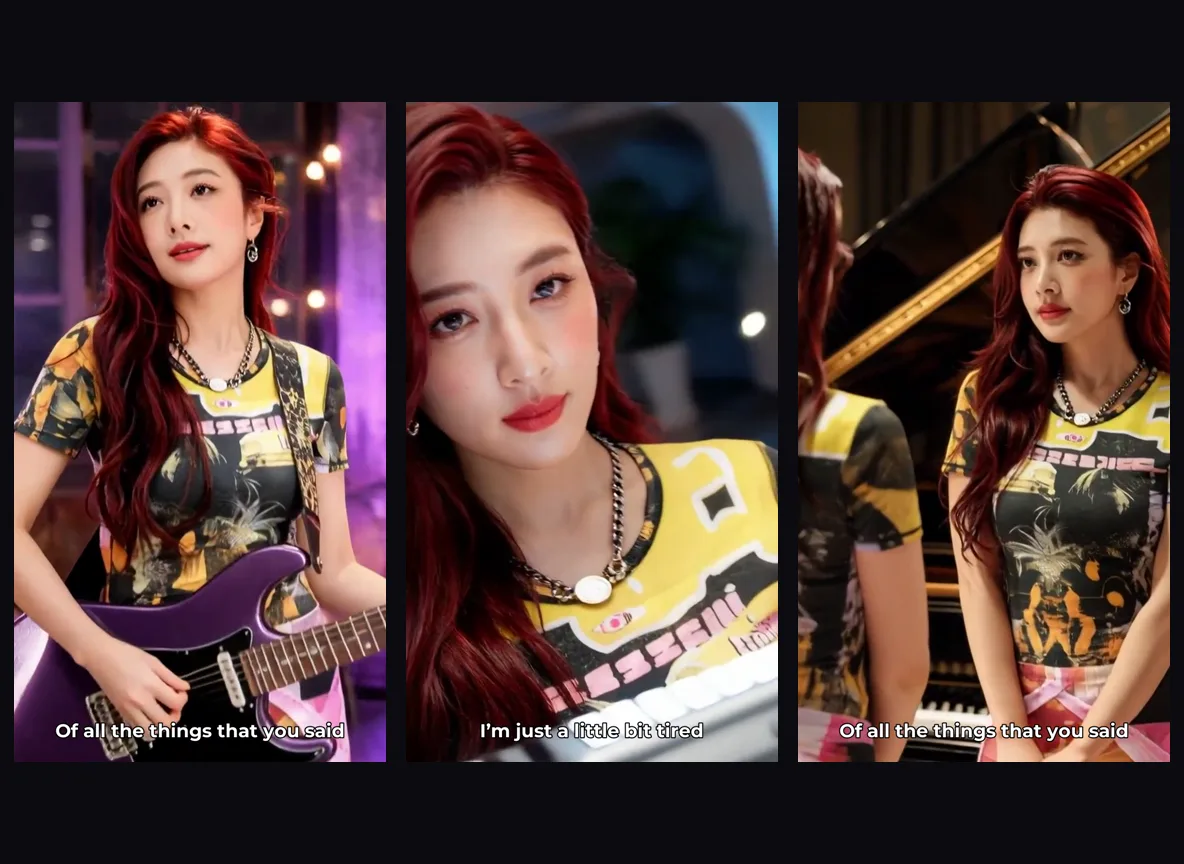
Export 4:5 for the feed or 1:1 for a square grid when a full vertical clip is not what the post needs.

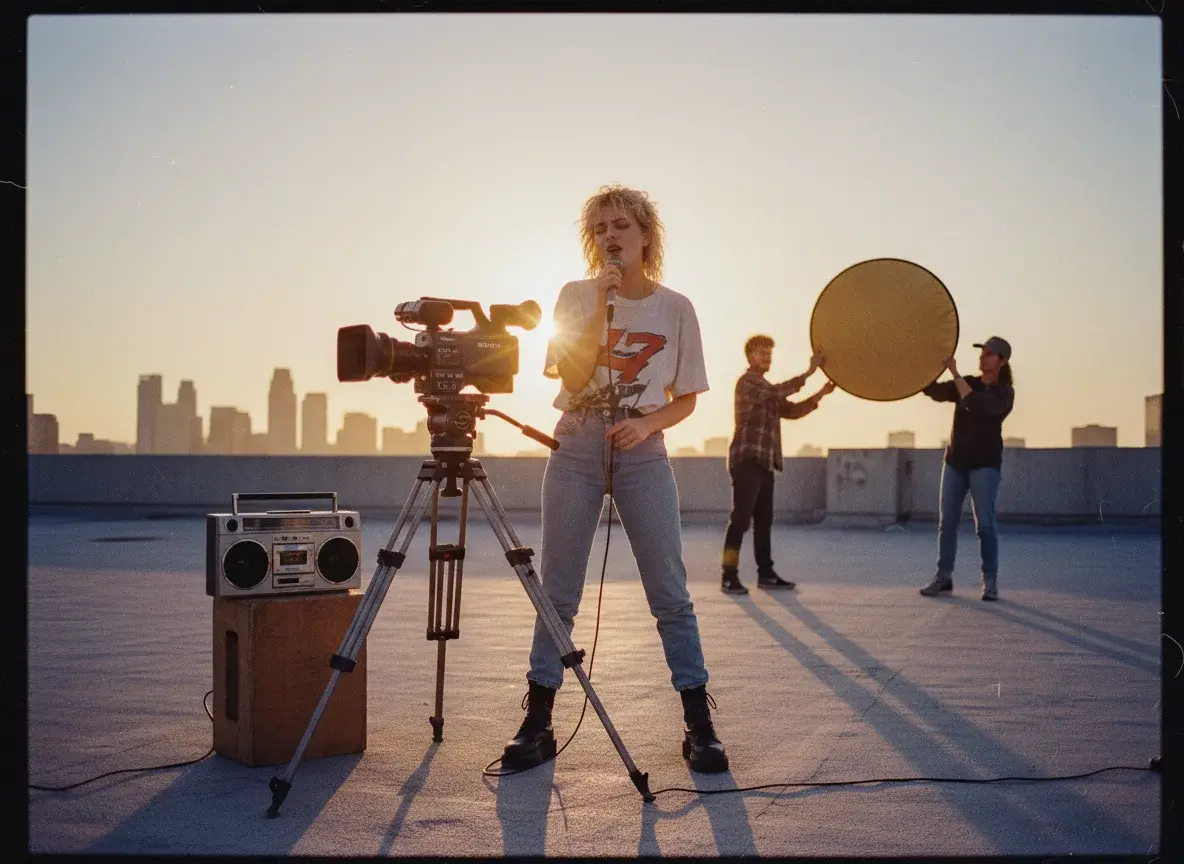
When the performer stands to one side of a 16:9 shot, a centered crop cuts them out. Move the frame onto them and export.

Music videos made in BeatMV already know their lyrics and song sections. Use Make Shorts after export to cut the chorus with lyrics that stay in sync.
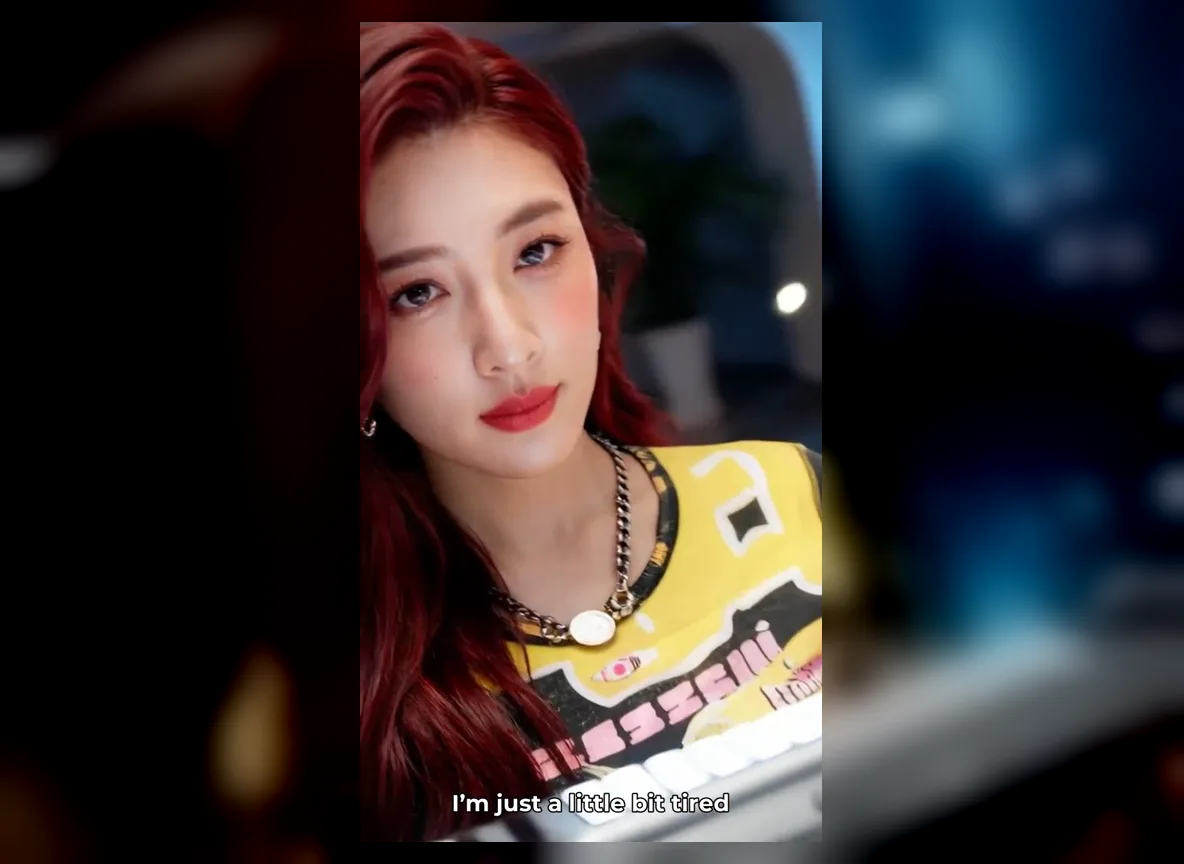
Made for songs, not podcasts.
Most clip tools rank moments by what someone says. A song has no script, so this tool ranks by how the music moves.
There are no credits to spend and nothing to install. Open the page, upload, and download your clips.
Your video is processed on your own device. We do not store it, publish it, or use it for anything else.
If you made the video in BeatMV, cut shorts straight from the editor with real song sections and synced lyrics.
Make the music video first, then cut it into shorts.
Turn your song into a full music video with BeatMV, then come back here or use Make Shorts in the editor to cut clips with synced lyrics.
Three steps, all in your browser.
Drop an MP4, MOV or WebM file up to 300MB and 10 minutes. The tool reads the audio and finds three moments.
Choose one of the three clips, a format (9:16, 1:1 or 4:5) and a length (15, 30 or 60 seconds). Drag the frame to reframe the shot.
Click Export short. The clip is cut and reframed in your browser and is ready to download as an MP4.
About cutting music videos into shorts.
Free, private and made for songs. Upload a music video and get three vertical clips in minutes.
Make Shorts Now