
Birthday Clip
Someone could upload a photo of a friend who agreed to it, choose the 10-second length, and send the dancing clip to a group chat on the big day. It costs 17 credits and takes only a few minutes.
Birthday Greeter
Example scenario
Loading...
Upload one clear photo and BeatMV makes it dance. Choose a template, pick 6, 10 or 15 seconds, and download an MP4 with music.
Only upload photos you have the right to use. Credits are refunded if generation fails.
Everything you need to make one photo dance, with the price shown before you start.
Upload one clear photo of yourself, a friend who agreed, your cat, or your dog. The photo becomes the first frame of the video, so the face, the outfit, and the background stay recognizable as the dance starts.
Pick 6, 10, or 15 seconds before you generate. The price is printed on each option and on the Generate button, so you always know what a video costs before any of your credits are used.
Start from a ready-made template instead of writing a prompt. Each template describes the moves, the camera, and the music style, and you can edit the prompt text whenever you want a different dance or mood.
Like an example? Press Generate This Video and BeatMV generates a new video from the same starting frame and prompt. No upload is needed, which makes it the quickest way to see what the tool can do.
The video model creates the soundtrack along with the picture, so there is no extra audio step. Uploading your own song is not available on this tool yet, so use the AI Dance Video Generator for that.
If a generation fails or takes too long, your credits go back automatically. Finished videos stay in My Videos, and you can leave the page while one is being made and come back to it later.
Four practical ways to use a photo dance video.
Upload a clear full-body photo of yourself and let photo dance AI turn it into a short dance clip. The photo is the first frame, so the video starts exactly where your picture does, then you move to an upbeat pop track with swaying hips, side steps, and a spin. Use the 6-second length for a quick test, then edit the prompt if you want different moves, and download the MP4 when you like the result.

Pets are the most shareable way to use a photo dance tool. Upload a photo of your cat or dog and the template asks the model to stand it on its hind legs and dance for the whole clip, keeping real paws and fur instead of human hands. A photo that shows the whole animal against a simple background gives the model the most to work with, and the same photo can be tried again with another length.

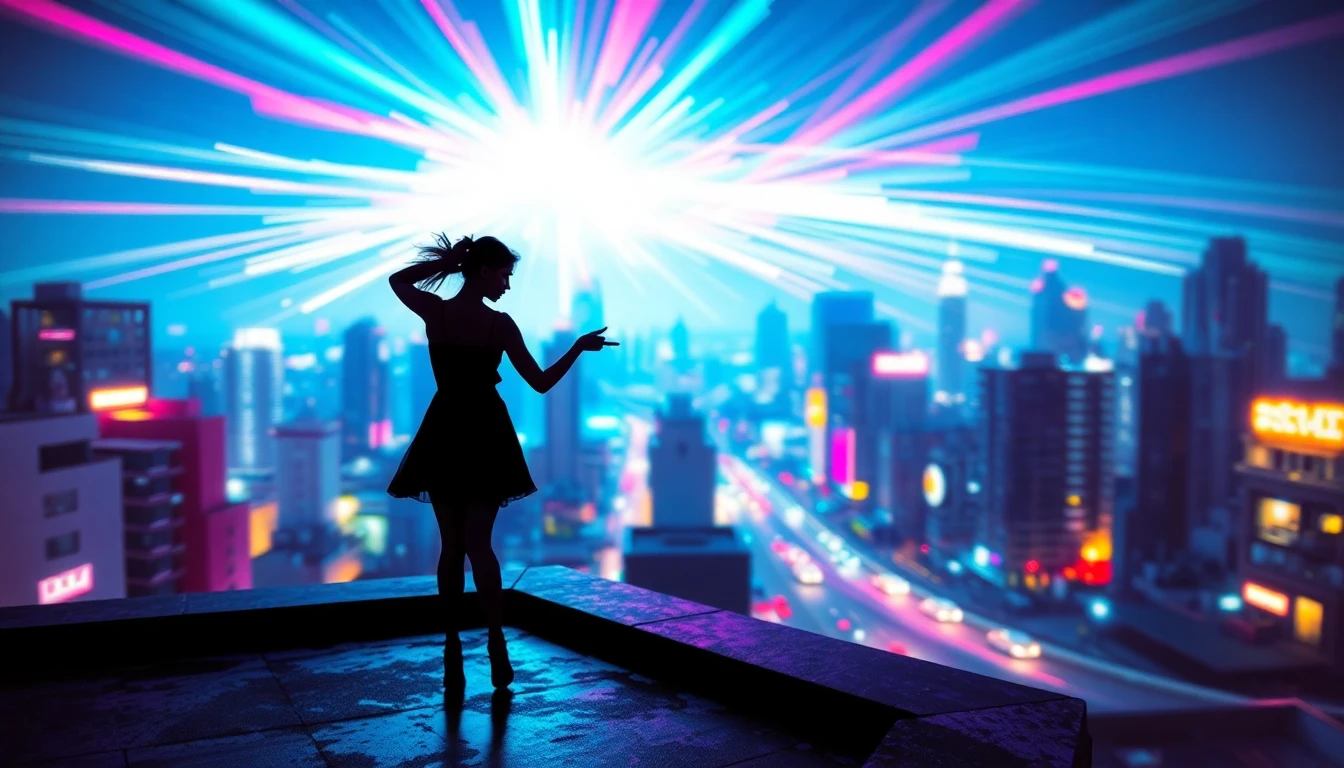
Some templates go further than animating your photo. BeatMV first places your pet into a finished scene, such as a neon disco dance floor, and then turns that picture into the dance video. This takes one extra image step, so these templates cost 5 credits more, and the price on the button already includes it. It is a fun way to get a result that looks nothing like the room your photo was taken in.

A dance clip works well as a birthday greeting, a group chat joke, or a quick post for TikTok, Reels, and Shorts. Download the MP4 and add your own caption in whichever app you post from. Templates come in vertical and horizontal versions, while videos made directly from your photo keep the shape of that photo, so crop your picture to vertical first if you want a vertical result.

Four reasons to make a photo dance on BeatMV.
A video costs 10 credits for 6 seconds, 17 credits for 10 seconds, or 25 credits for 15 seconds. Placing a pet into a scene adds 5 credits, and the total is always on the button.
New users get free credits when they sign up, so you can try a short video before deciding whether to buy more. Failed generations are refunded automatically, so a bad run does not cost you any credits at all.
There is no timeline to learn and no prompt is required. Choose a template, upload a photo if the template asks for one, and press Generate. Everything else happens on the page while you wait.
Video generation can take a few minutes. You can close the tab during that time, because the work continues on our servers and the finished video appears in My Videos the next time you return.
Example scenarios showing how different creators could use BeatMV.
Someone could upload a photo of a friend who agreed to it, choose the 10-second length, and send the dancing clip to a group chat on the big day. It costs 17 credits and takes only a few minutes.
Birthday Greeter
Example scenario
The owner of a pet account could upload a fresh photo each week, use the same dance template, and keep the series consistent. Short 6-second clips at 10 credits make it easy to test which photos work best.
Pet Account Owner
Example scenario
A cafe with a resident cat could turn the cat photo into a dancing clip for a seasonal post. Because the clip starts from a real photo of the cat, regular customers would recognize it right away.
Small Business Owner
Example scenario
Keep creating with related BeatMV tools.
Use the AI Dance Video Generator to plan a longer dance music video around your own track, scene by scene.
Three simple steps from one template or photo to a downloadable MP4.
Browse the examples with the arrows or the small thumbnails. Press Generate This Video to copy one in one click, or choose Use My Photo and adjust the prompt if you want different moves in your video.
Upload one clear JPG, PNG, or WebP image up to 10MB. A full-body picture with a simple background works best. Only upload photos you have the right to use, and each one passes a safety check first.
Choose 6, 10, or 15 seconds and press Generate. Your video appears in My Videos when it is ready, and you can leave the page while you wait. Then download the MP4 and share it anywhere you like.
Answers to common questions about photo dance AI.
Upload one photo, choose a template and a length, and download a dance video with music in a few minutes.
Try Photo Dance AI Now